

Turn 1099 Chaos into Filing Confidence — Automatically
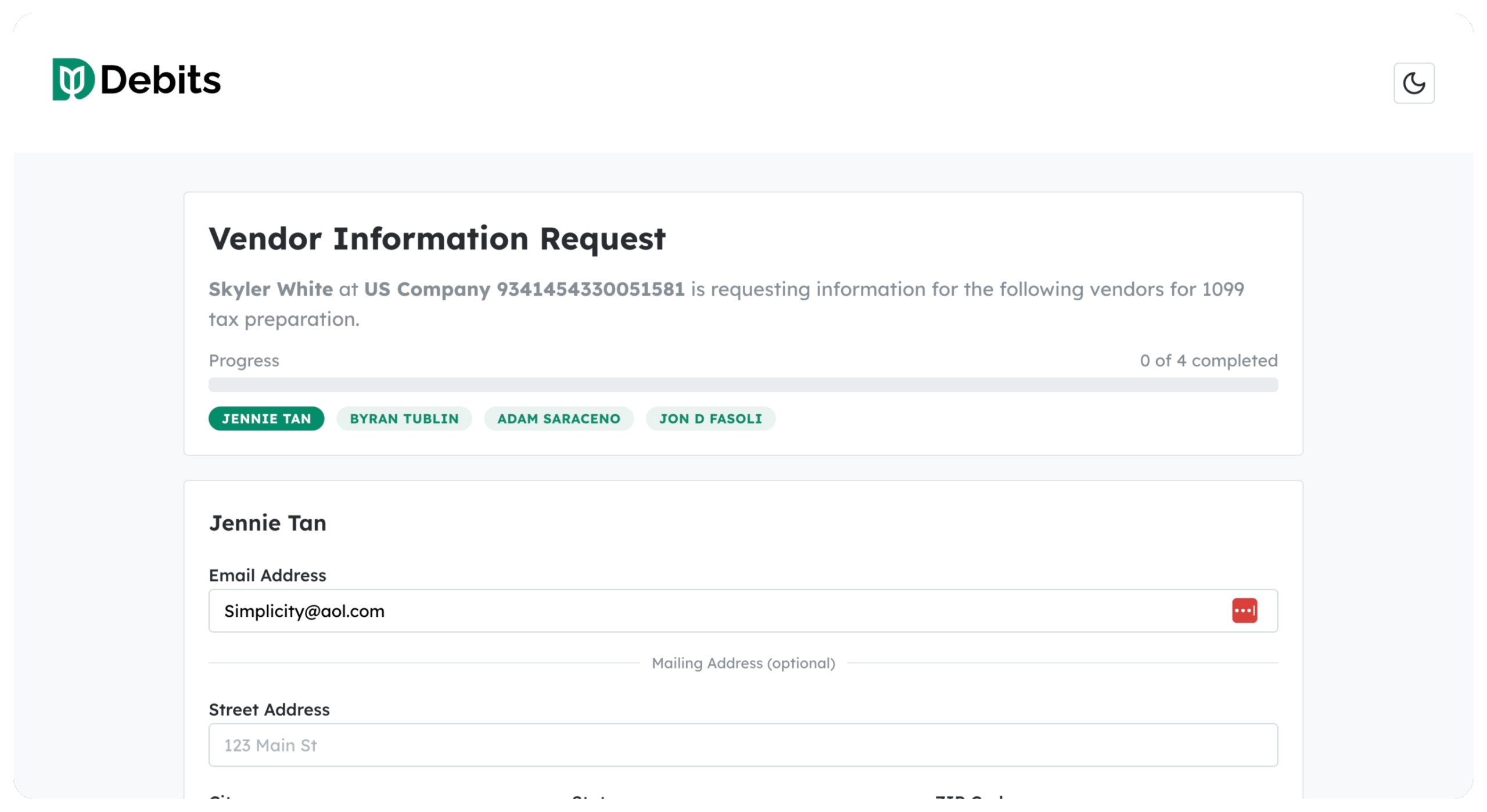
Stop chasing vendors for W-9s. Debits automates the entire 1099 preparation workflow — from W-9 collection to export-ready data.
Frequently asked questions:
-
Does Debits file 1099s directly with the IRS?
No, Debits is a preparation tool — not a filing service. We help you collect W-9s, organize vendor information, and export your data in formats ready for filing. When you're ready to submit, export your data to your preferred filing service like Track1099 or Tax1099. This gives you full control over the filing process and lets you use the service that works best for your firm.
-
What if a vendor doesn't respond to my W-9 request?
You have several options:
- Resend the request — Click the three-dot menu on any vendor row and select "Resend W-9 Request" to send a reminder email
- 2. Track pending requests — Filter your vendor list by "W-9 Requested" status to see everyone who hasn't responded
- 3. Contact directly — Use the phone number or email in the vendor's details to follow up personally
- 4. Backup withholding — If a vendor refuses to provide a W-9, you may need to apply 24% backup withholding per IRS rules
We recommend starting W-9 collection early in Q4 to allow time for follow-ups before the January 31 filing deadline. -
Can I handle foreign vendors who need W-8BEN forms?
Yes. Simply mark a vendor as "Foreign" in their 1099 Info tab and select their country of residence.
Once marked:- The vendor displays a Foreign badge for easy identification
- W-9 request options automatically change to Request W-8BEN (for individuals) or W-8BEN-E (for entities)
- The vendor is automatically excluded from 1099 filing since foreign vendors require different tax treatment (Form 1042-S)
Keep W-8BEN forms on file for documentation and consult with a tax professional about withholding requirements for foreign payments. -
Does this work with QuickBooks Desktop?
Currently, Debits integrates exclusively with QuickBooks Online. All vendor information, payment totals, and updates sync directly with your connected QBO company. QuickBooks Desktop is not supported at this time. If you're considering migrating from Desktop to Online, our team can help ensure a smooth transition for your 1099 workflow.
-
Which vendors need a 1099?
Generally, you must file a 1099-NEC for any unincorporated vendor (individual, partnership, or LLC taxed as a sole proprietor/partnership) who received $600 or more in payments for services during the tax year. Common exclusions:
- C Corporations and S Corporations (with some exceptions)
- Payments for merchandise or inventory
- Payments made via credit card or payment processor (reported on 1099-K instead)
- Employee wages (reported on W-2)
- Foreign vendors (reported on Form 1042-S)
Debits helps you track these distinctions with status badges and the ability to exclude vendors with documented reasons. -
Can I edit vendor information that came from QuickBooks?
Yes. While Debits pulls vendor data from QuickBooks Online, you can edit tax-related fields directly in the Vendor Details modal:
Tax Classification- TIN Type (SSN/EIN)
- 1099 Form Type (NEC/MISC)
- Excluded Amount
- Foreign Vendor status
Changes save back to QuickBooks when you click "Save to QuickBooks," keeping both systems in sync. -
How do I handle a vendor who was already filed but needs a correction?
If you've already submitted a 1099 to the IRS and need to make a correction:
- In Debits, click "Unmark as Filed" to return the vendor to "Ready" status
- Update the vendor's information as needed
- Export the corrected data
- File a corrected 1099 through your filing service (check Type 1 for dollar amount corrections or Type 2 for information corrections)
-
Is vendor W-9 data secure?
Yes. Debits takes security seriously:
- Encrypted transmission — All W-9 requests and submissions use HTTPS encryption
- Masked TINs — Tax identification numbers are masked in the interface (showing only last 4 digits)
- Intuit certified — Debits has passed Intuit's rigorous security review for QuickBooks integrations
- Secure vendor portal — Vendors complete W-9 forms through a secure, authenticated link
Your clients' sensitive tax information is protected at every step. -
Can multiple team members work on 1099 preparation?
Yes. Debits supports team collaboration with role-based access:
- Firm owners can manage all client companies
- Staff members can be assigned to specific clients
- All team members see real-time status updates as W-9s are received and vendors are processed
There's no need to pass spreadsheets back and forth — everyone works from the same up-to-date vendor list.