

Use this process when you want to send a reminder email to a client who has not yet started, completed, or returned their tax organizer.
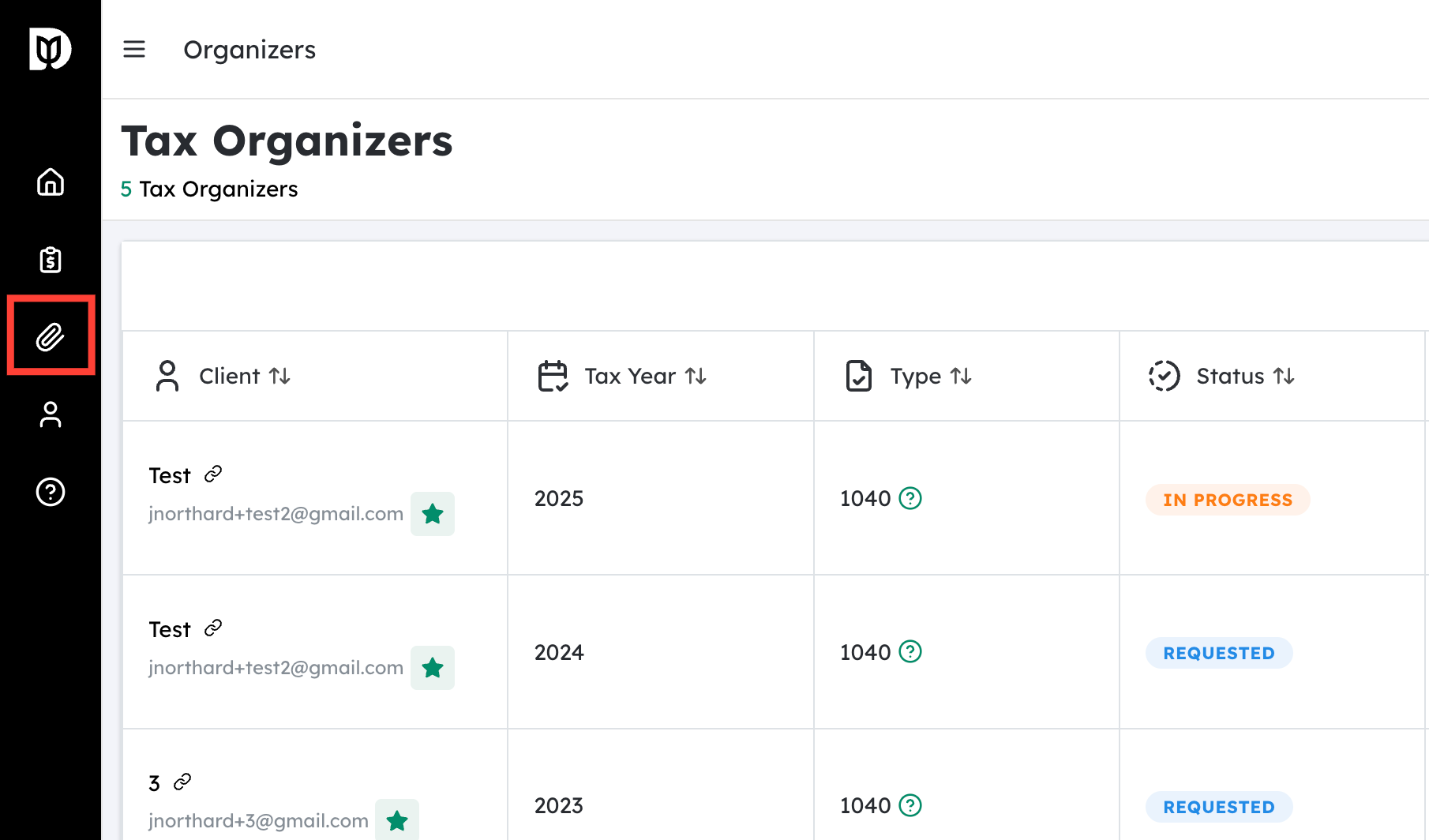
Navigate to Tax Organizers #
- From the main dashboard/home screen, locate the Tax Organizers section.
- Click Tax Organizers.
- This will open a list of all clients for the selected tax year, along with the status of their organizers (e.g., Not Started, In Progress, Completed, Sent, etc.).
- (Optional) Use filters or the search bar to narrow the list:
- Filter by Tax Year.
- Filter by Status (for example, “Not Started” or “In Progress”).
- Search by Client Name.
You should now see the specific client whose organizer reminder you want to send.
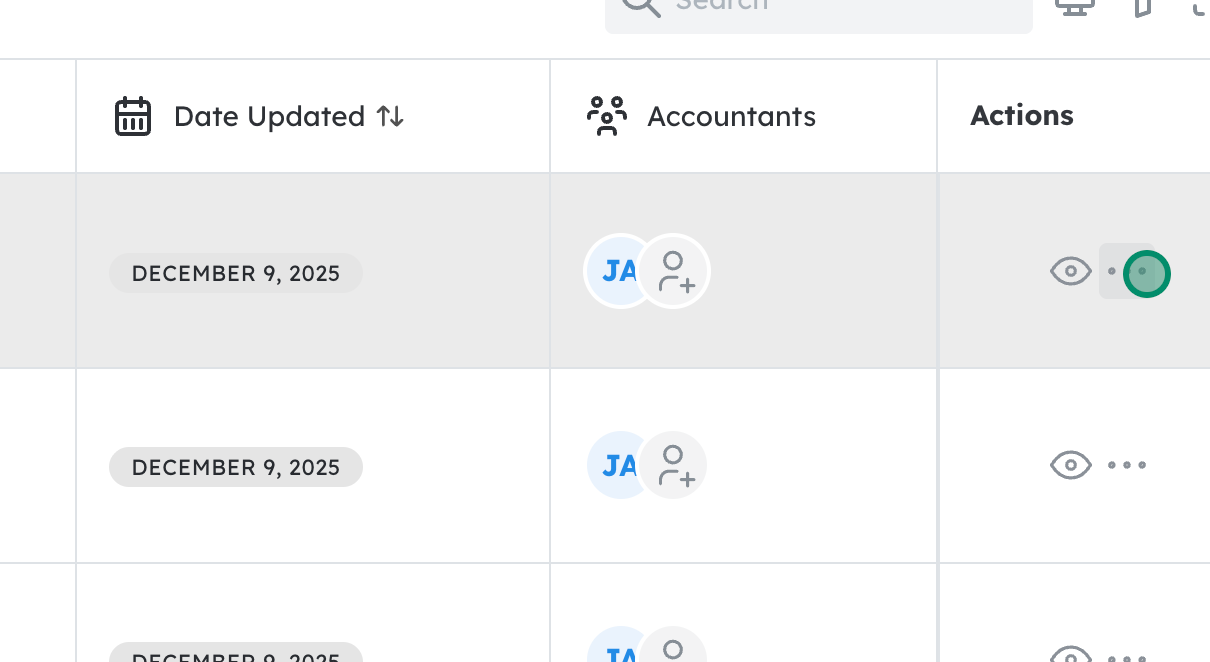
Click on the Highlighted Organizer / Client Row #
- In the Tax Organizers list, locate the client or organizer that needs a reminder.
- Confirm you have the correct client by checking:
- Client name
- Tax year
- Organizer status

Click on Email Reminder #
- Expand the actions menu for the organizer you wish to send.
- Click Email Reminder.
- A email reminder will be sent directly to the assigned client.


