#

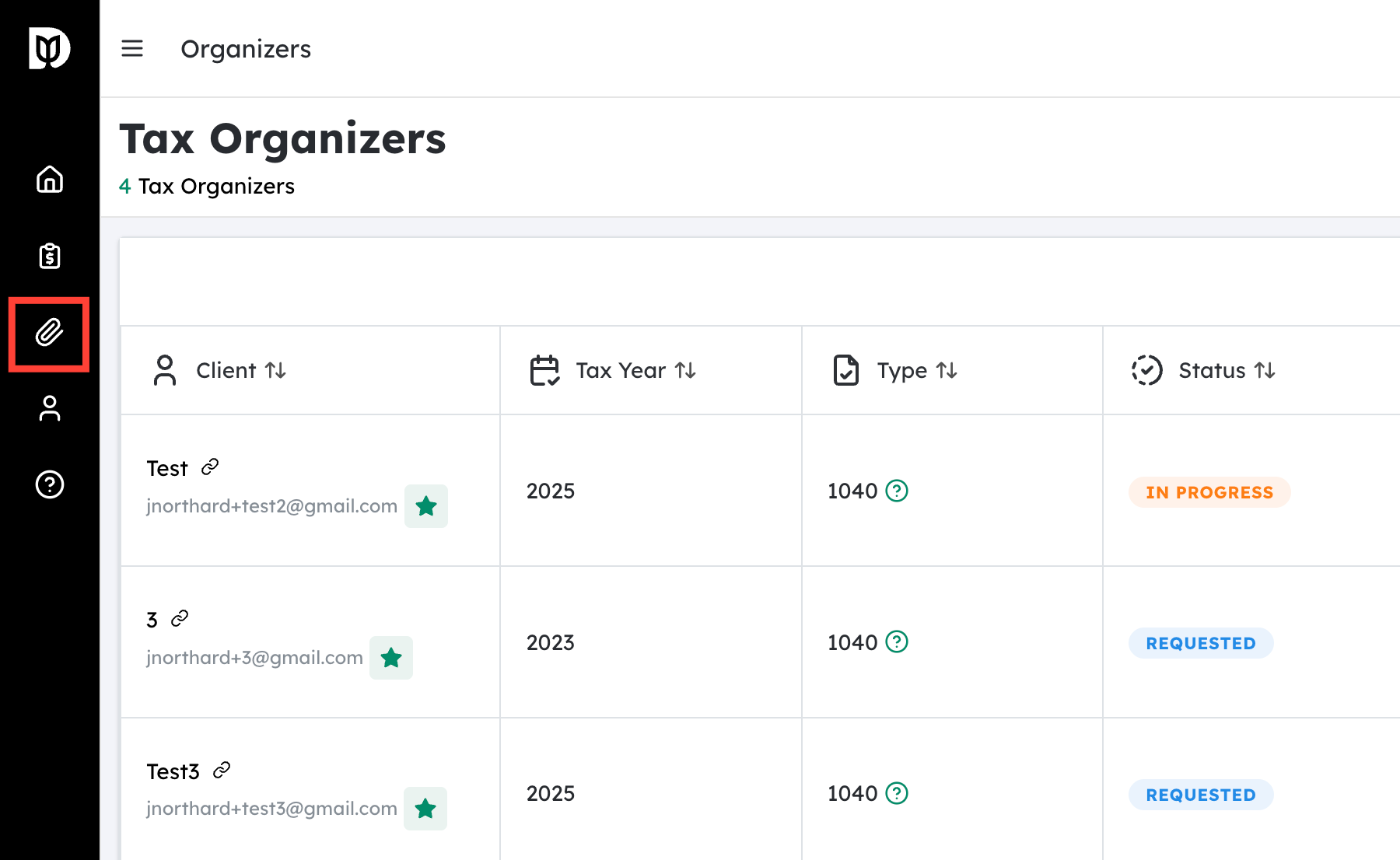
Navigate to the Tax Organizers section #
- From your main dashboard or home screen, locate the menu or navigation bar.
- Look for the label “Tax Organizers”.
- Click this option to open the Tax Organizers page, where you can view different organizer formats and tools.

Open the demo organizers #
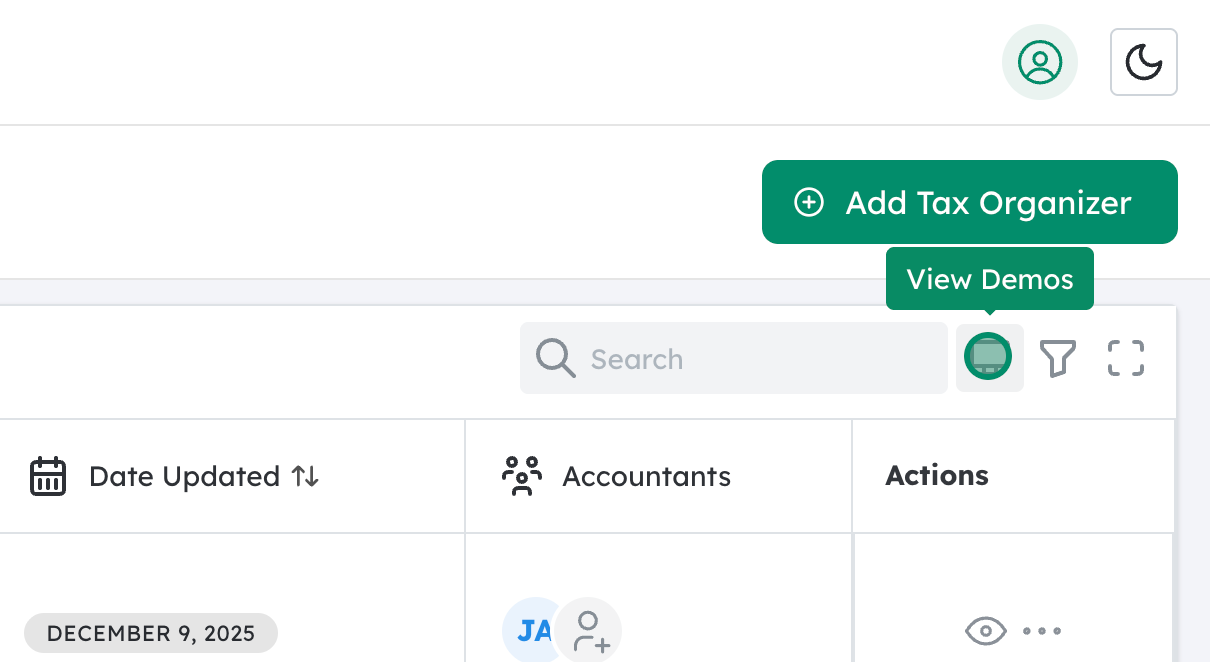
- On the Tax Organizers page, find the “View Demos” icon or button.
- This is typically used to preview how each organizer type looks and functions before you start using it with clients.
- Click “View Demos” to see a list or gallery of available organizer demos.

Select the desired organizer type #
- In the demo list, you should see options for different return types, commonly including:
- 1040 Organizer – for individual income tax returns
- 1120S Organizer – for S corporation returns
- 1065 Organizer – for partnership returns
- Click on the organizer type you want to review.
- The system will open a sample (demo) organizer so you can scroll through, test navigation, and confirm it meets your needs before deploying it to clients.