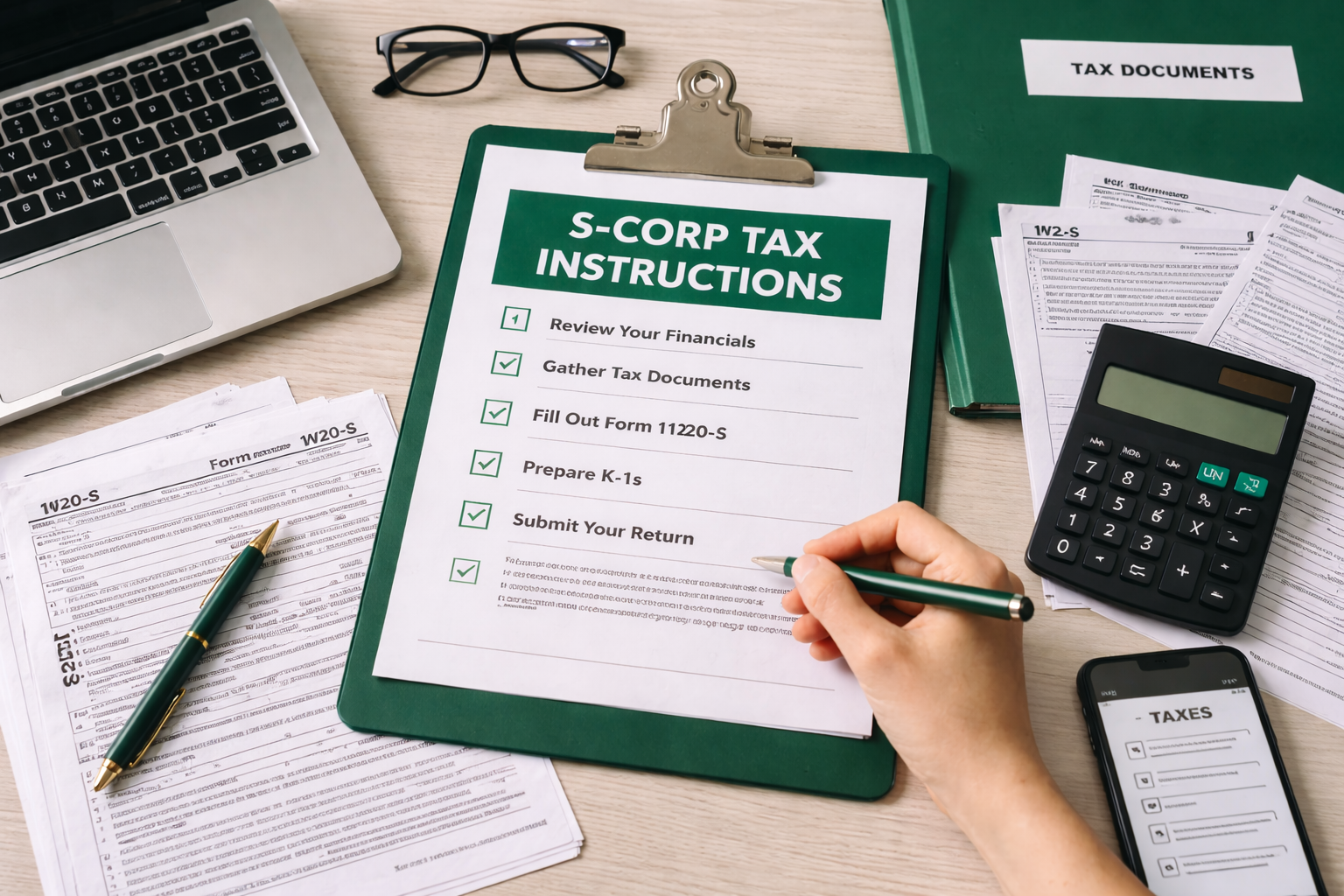
Tax Delivery Instructions Sheet for S-Corp Owners: What to Do Next (Template)
As an S-corp owner, receiving your completed tax return is only the beginning. You still need to review, sign, pay, and store everything correctly. A clear tax delivery instructions for S-corp owners document ensures nothing falls through the cracks.
Below is a guide to what should be included in a tax delivery sheet, plus a ready-to-use template you can adapt for your business or firm.
Why S-Corp Owners Need Clear Delivery Instructions
S-corp owners juggle both corporate and personal tax responsibilities. Once your CPA finishes the return, you need to know:
- Where to access your returns
- Which documents to sign
- How and when to pay taxes or estimates
- What to expect after filing
A well-organized client instructions tax return delivery sheet removes guesswork and reduces errors, penalties, and last‑minute stress.
Key Sections to Include in Your Tax Delivery Instructions
1. Cover Summary
Start with a brief summary of what’s included and what you must do.
Include:
- Which returns are included (e.g., Federal Form 1120-S, state S-corp returns, local filings)
- The tax year covered
- A clear “Action Required” list (sign, pay, upload, etc.)
- Important due dates (filing, payments, estimates)
This helps S-corp owners see at a glance what is urgent.
2. Tax Portal Instructions
Most firms now deliver returns electronically. Your tax portal instructions should explain:
- How to log into the portal (URL, username format, password reset link)
- Where to find:
- S-corp returns
- E-file authorization forms
- Invoices
- Prior-year returns (if applicable)
- How to securely upload any missing documents or signed forms
- Who to contact if there are access issues
Keep this section very step-by-step so even non-technical users can follow it.
3. Signature and Payment Instructions
This is often the most critical part of your tax delivery instructions for S-corp owners.
Break it into two subsections:
a. Signature Instructions
Spell out:
- Which forms need signatures (e.g., Form 8879-S, state e-file authorization forms)
- Who must sign (officer title, majority shareholder, etc.)
- How to sign:
- Electronic signature via the portal
- Download, wet sign, and re-upload
- Deadlines for signing (so your preparer can file on time)
b. Payment Instructions
Provide clear signature and payment instructions for each tax authority:
- Federal
- Amount due (or refund)
- How to pay (IRS Direct Pay, EFTPS, check, or automatic debit if applicable)
- Due date
- State and Local
- Amount due by jurisdiction
- Links or instructions to pay online
- Mailing addresses for checks, if needed
- Any special forms or vouchers required
Also include:
- Any estimated tax payments due for the shareholder(s)
- Which checks or online payments are for the S-corp vs. for the individual owners
4. Filing Confirmations and What Happens After Filing
Clients often wonder what happens after filing. Include a section that explains:
- How you will confirm their return was e-filed and accepted (e.g., PDF of e-file acceptance notice in the portal)
- Typical timelines for IRS and state processing
- What to do if:
- They receive a notice or letter
- A refund is delayed
- A payment doesn’t appear to clear
- When they should contact your office and what documents to forward
This reassures S-corp owners and reduces panicked emails later.
5. Recordkeeping and Next-Year Planning
Finally, tell them what to keep and for how long:
- Recommended retention period (usually at least 7 years)
- Which documents to store:
- Signed returns
- E-file authorizations
- Proof of payments
- Notices received
- Where to store (portal, secure drive, printed files)
You can also briefly outline next steps:
- Mid-year or year-end tax planning meetings
- Deadlines for S-corp payroll and reasonable compensation reviews
- Estimated tax deadlines for shareholders
Sample Tax Delivery Instructions Sheet (Template)
You can adapt the following template to your firm or business. Replace bracketed items with your specific details.
[Firm Name]
Tax Delivery Instructions for S-Corp Owners
Tax Year: [YYYY]
1. What’s Included
We have completed the following returns:
- Federal S-Corporation Return (Form 1120-S)
- State S-Corporation Return(s): [List states]
- Local/City Return(s): [If applicable]
Your Action Items (Summary):
- Log into the tax portal and review your returns.
- Sign all required e-file authorization forms.
- Make any tax payments listed below by the due dates.
- Save copies of your returns and confirmations for your records.
2. Tax Portal Instructions
- Go to: [Portal URL]
- Log in with:
- Username: [Instructions]
- Password: [Instructions or reset link]
- In the folder labeled [Tax Year – S-Corp Return], you will find:
- Draft tax returns for review
- E-file authorization forms
- Our invoice
- To upload signed forms:
- Click Upload
- Select your file(s)
- Choose folder [Signed Documents – YYYY]
For portal issues, contact: [Name, phone, email].
3. Signature and Payment Instructions
Signature Instructions
Please complete the following by [Date]:
- Sign Form 8879-S (and any state e-file authorizations) as [Title].
- Sign electronically in the portal, or print, sign, and upload.
Payment Instructions
Below are your tax payments. You are responsible for submitting payments by the due dates.
Federal:
- Amount due: $[Amount]
- Due date: [Date]
- Pay via:
- IRS Direct Pay: [Link]
- OR EFTPS: [Link and brief instructions]
State [Name]:
- Amount due: $[Amount]
- Due date: [Date]
- Pay via: [Online portal link or mailing instructions]
If shareholder estimated tax payments are required, see the attached schedule titled “Owner Estimated Tax Payments.”
4. What Happens After Filing
Once we receive your signed authorizations and payment confirmation (if applicable), we will:
- E-file your returns.
- Upload e-file acceptance confirmations to your portal.
- Notify you if any return is rejected and requires correction.
If you receive any IRS or state notice:
- Upload a copy to the portal under Notices – YYYY.
- Email us at [Email] to let us know a notice was received.
Do not respond to tax notices yourself without speaking with us.
Simplify This With Debits
Debits helps accounting firms handle exactly what this article covers. No spreadsheets, no chasing clients, no guesswork.
- Tax Delivery — $5/return
- Reasonable Compensation — $50/report