

To automatically notify client users by email when there are transactions requiring their response, you can enable and schedule notification emails inside Debits. These emails will be sent at the selected frequency (daily, weekly, or monthly) and will contain a secure Magic Link, allowing clients to access their Debits Dashboard with a single click—no password entry required.
Here’s how to set it up:
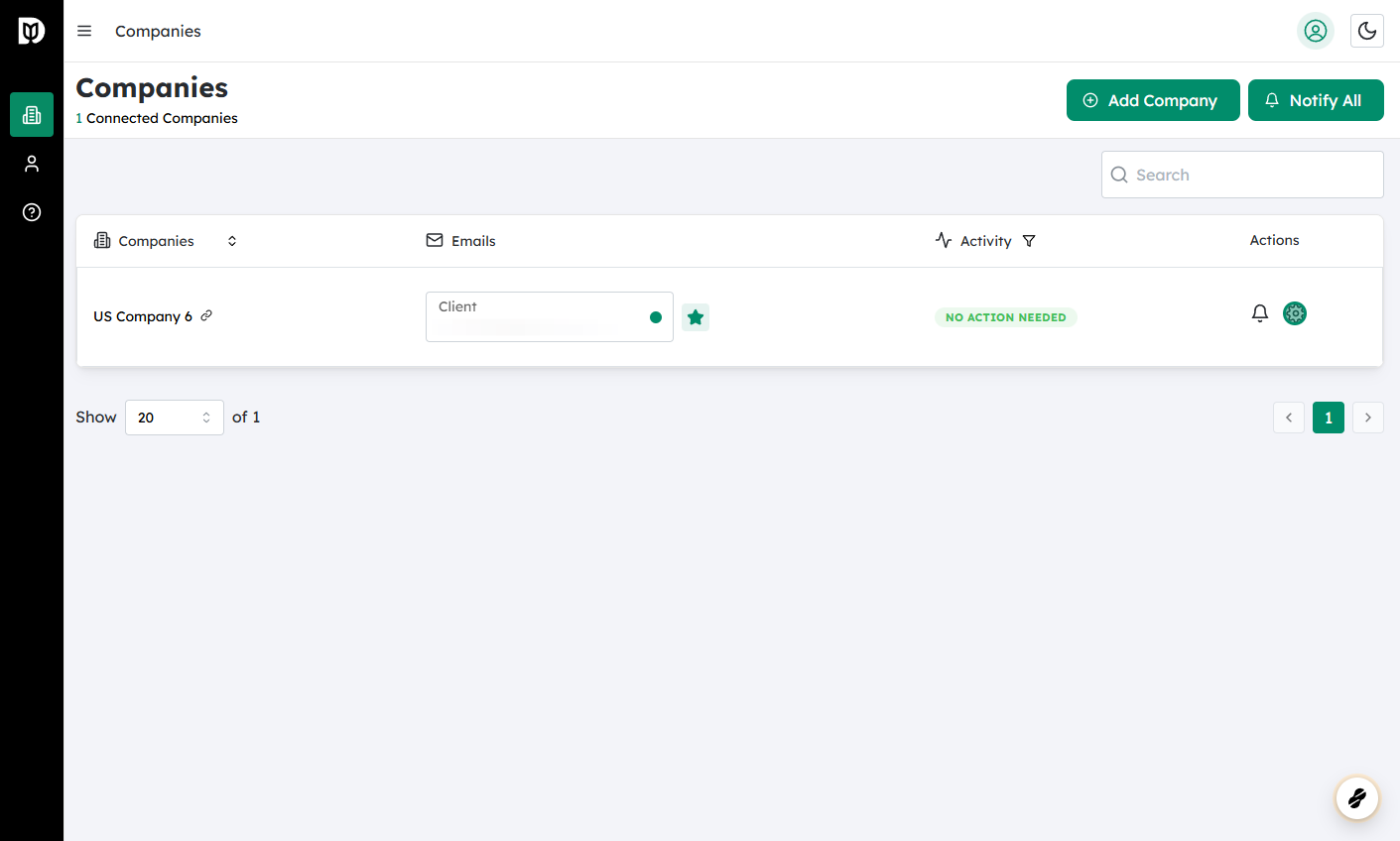
Log in to Debits and go to Companies
- Sign in to your Debits account.
- From the main navigation, select Companies to view the list of companies you manage.
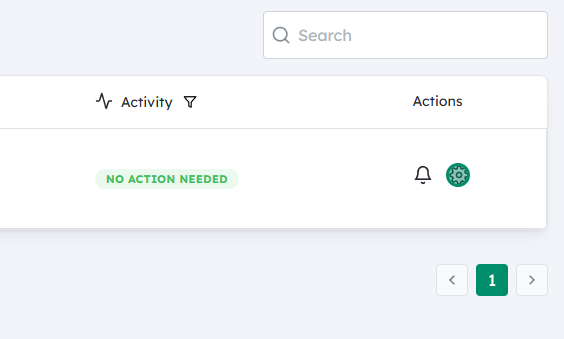
Open the company’s Settings
- Locate the company for which you want to configure notifications.
- Click on the Settings (gear) icon next to that company’s name.
- This opens the configuration options specific to that company.
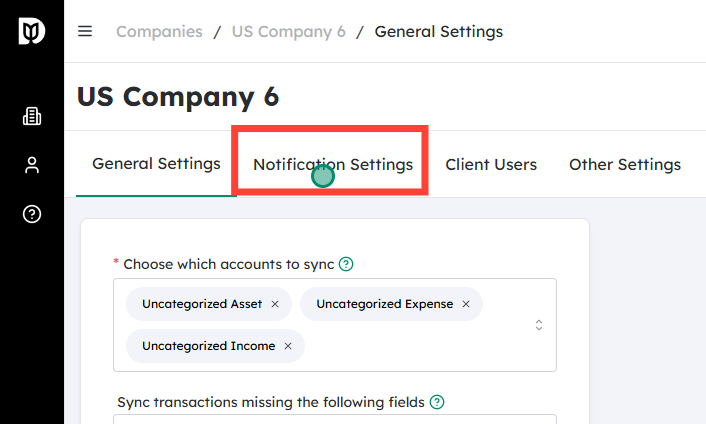
Go to Notification Settings
- Within the company’s settings, find and click on Notification Settings.
- This section controls when and how the system sends email alerts to your client users.
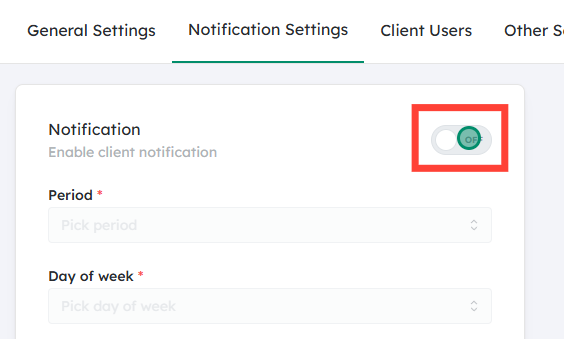
Turn on notifications
- Look for the Notification toggle.
- Switch the toggle On to enable automatic emails for that company’s users.
- When enabled, Debits will check for any transactions that need client attention (e.g., approvals, confirmations, or additional information).
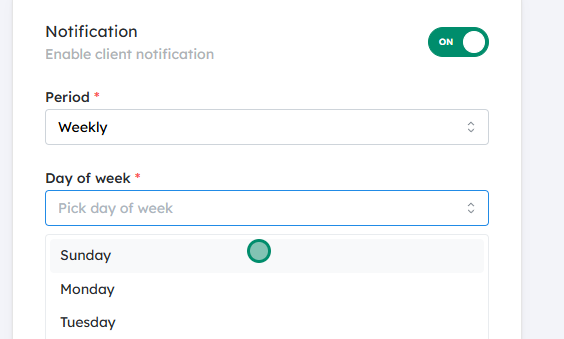
Choose the notification frequency
- Under the schedule options, select how often your client users should be notified:
- Daily – Sends a summary every day, useful for high-volume or time-sensitive workflows.
- Weekly – Sends one email per week, suitable for moderate activity.
- Monthly – Sends one email per month, ideal for low-volume or less time-critical approvals.
- Pick the option that best matches your clients’ workflow and the urgency of their required actions.
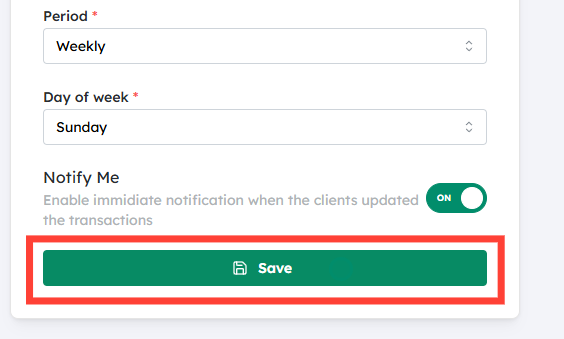
Save your changes
- Click Save to apply the new notification settings.
- Once saved, Debits will start sending scheduled emails to the relevant client users whenever there are pending transactions that require their response.
What the client receives
- At each scheduled interval, if there are transactions needing attention, the client user receives an email summarizing those items.
- The email includes a Magic Link:
- This is a secure, one-click sign-in link that takes the user directly to their Debits Dashboard, specifically to the area where they can review and respond to pending transactions.
- This reduces friction for clients, helping them complete approvals or actions more quickly and consistently.
By configuring these settings, you ensure that clients are regularly and automatically reminded of outstanding items, improving response times and keeping your transaction workflow moving smoothly.


