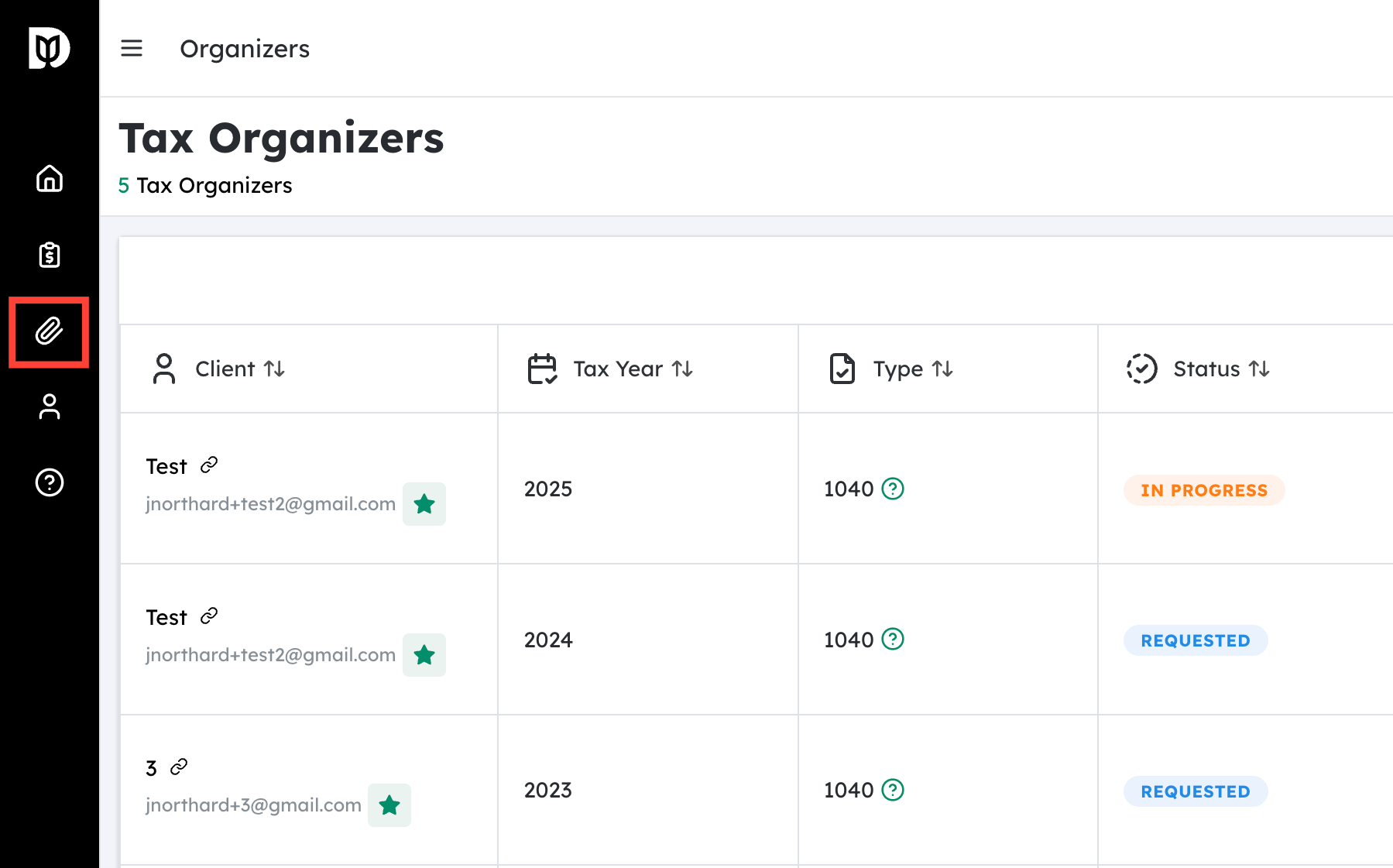
Navigate to “Tax Organizers” #
- Log in to your account/portal.
- From the main dashboard or top navigation bar, locate the Tax Organizers section or tab.
- Click on Tax Organizers to open the list of available organizers for your tax year(s).
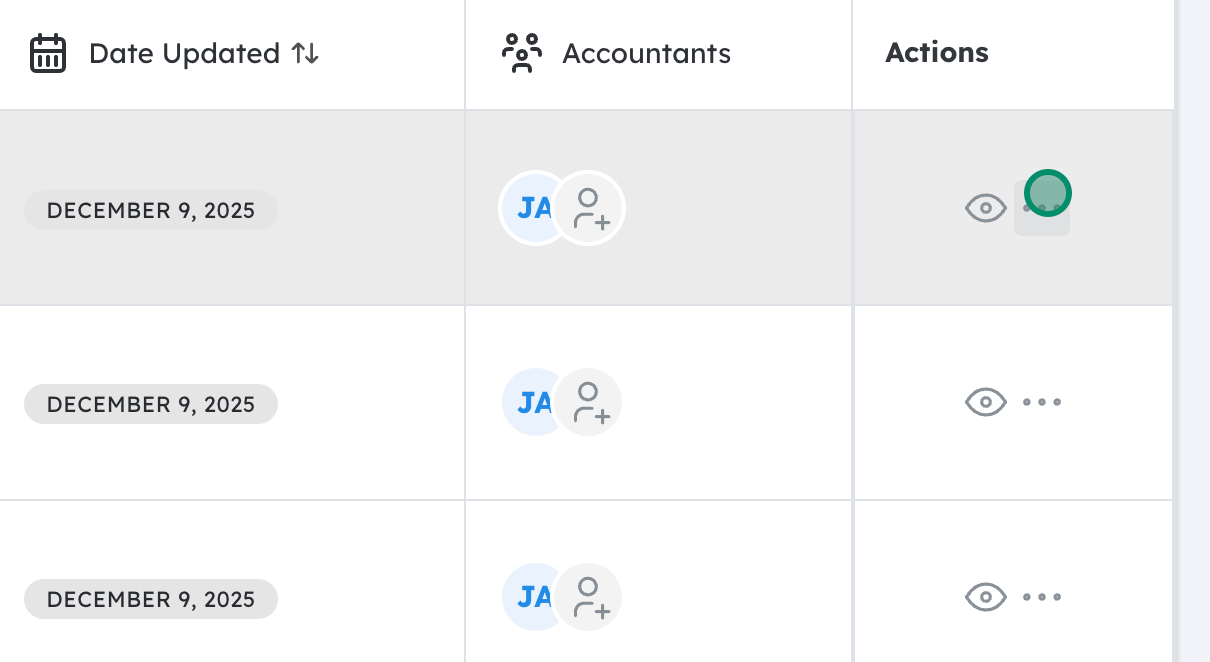
Open the Actions menu for the desired organizer #
- In the Tax Organizers list, find the specific organizer you want to download (for example, “2024 Individual Tax Organizer”).
- Look for an Actions button or icon (often shown as three dots
⋯, a gear icon, or a dropdown arrow) next to that organizer.
- Click this Actions menu to see the available options.

Download the organizer as a PDF #
- In the Actions menu, select Download PDF.
- Your browser should begin downloading the file automatically.
- Once downloaded, you can open the PDF using any PDF reader, save it to your computer, or print it for your records.
Updated on December 15, 2025




