View Categories

View Demos of Tax Organizers

#

View Demos of Tax Organizers

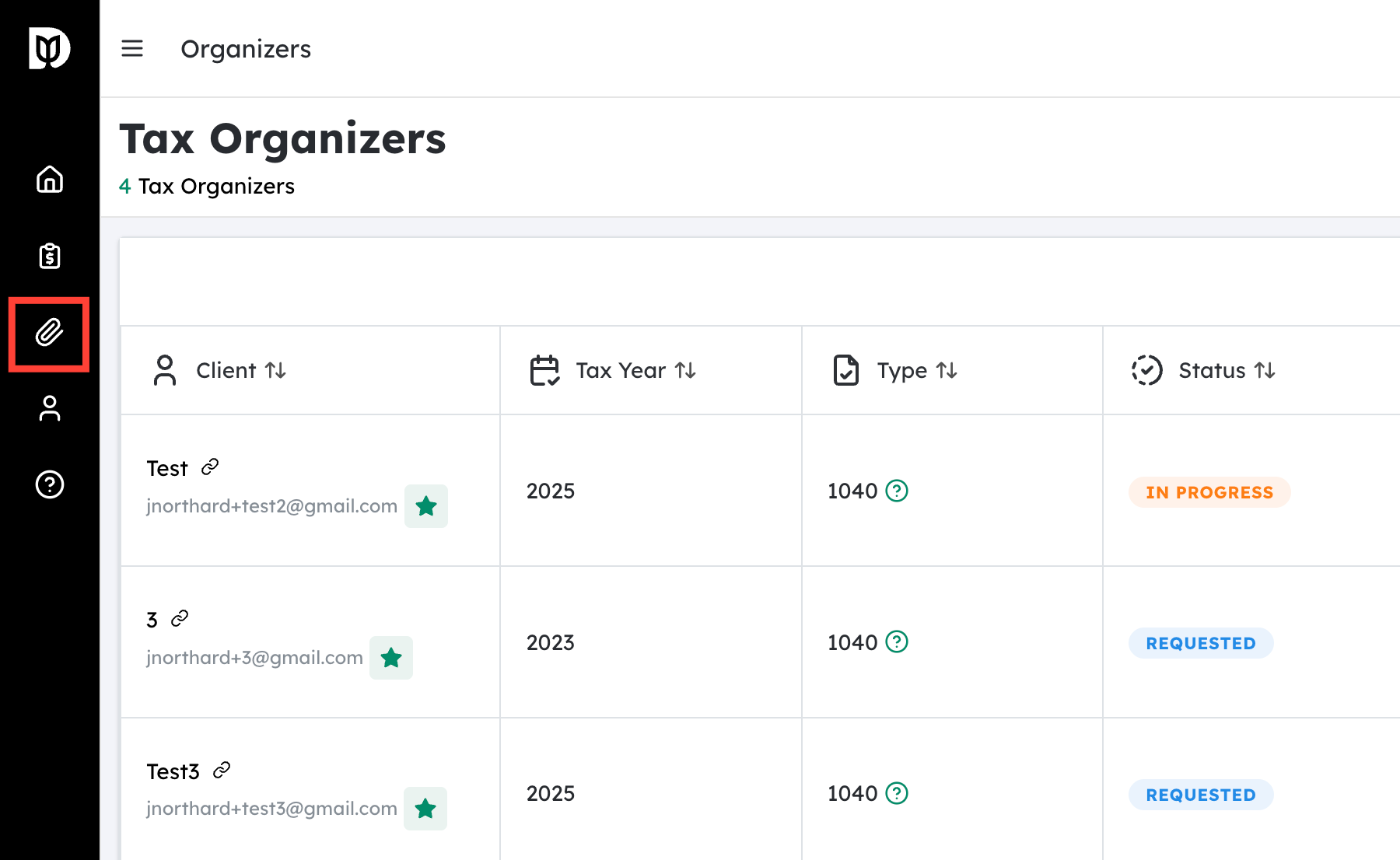
Navigate to the Tax Organizers section #

  • From your main dashboard or home screen, locate the menu or navigation bar.
  • Look for the label “Tax Organizers”.
  • Click this option to open the Tax Organizers page, where you can view different organizer formats and tools.

View Demos of Tax Organizers

Open the demo organizers #

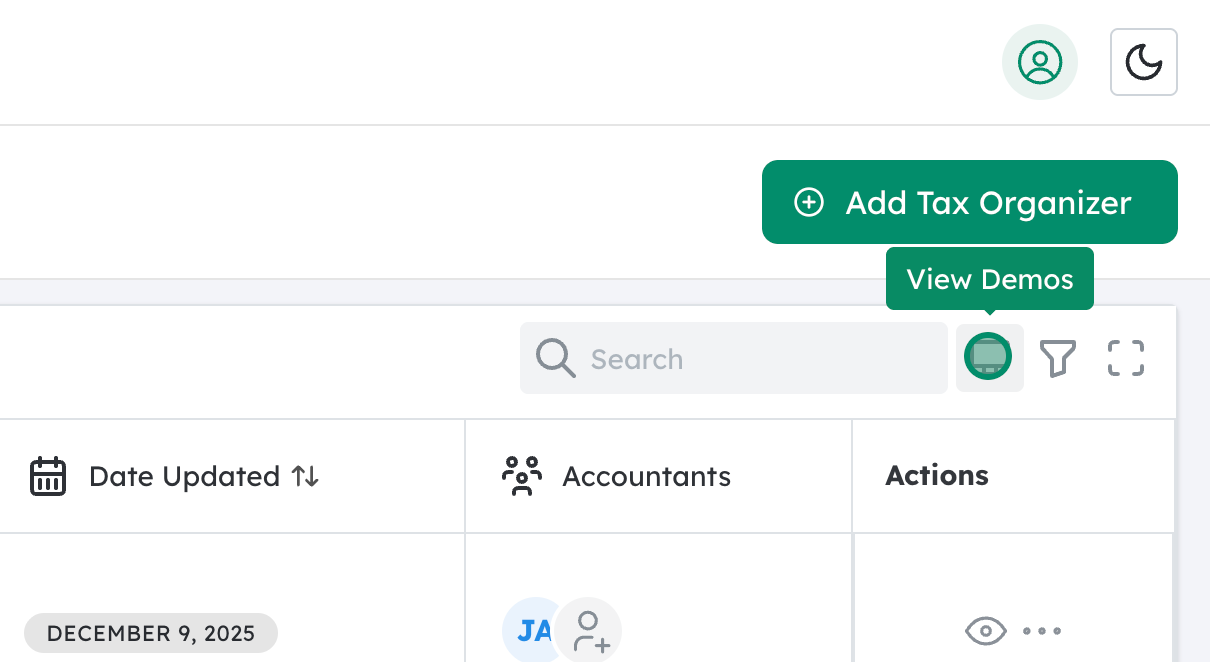
  • On the Tax Organizers page, find the “View Demos” icon or button.
  • This is typically used to preview how each organizer type looks and functions before you start using it with clients.
  • Click “View Demos” to see a list or gallery of available organizer demos.

View Demos of Tax Organizers

Select the desired organizer type #

  • In the demo list, you should see options for different return types, commonly including:
    • 1040 Organizer – for individual income tax returns
    • 1120S Organizer – for S corporation returns
    • 1065 Organizer – for partnership returns
  • Click on the organizer type you want to review.
  • The system will open a sample (demo) organizer so you can scroll through, test navigation, and confirm it meets your needs before deploying it to clients.


 

Updated on December 15, 2025

Debits © 2026, All rights reserved.