

Table of Contents
- Introduction
- Benefits of Converting Estimates to Invoices
- Steps to Convert Estimates into Invoices in QuickBooks Online
- Step 1: Log In to QuickBooks Online
- Step 2: Access the Estimates Section
- Step 3: Locate the Estimate to Convert
- Step 4: Convert the Estimate
- Step 5: Review and Customize the Invoice
- Step 6: Save and Send the Invoice
- Best Practices for Converting Estimates to Invoices
- Common Scenarios and Tips
- Conclusion
Introduction
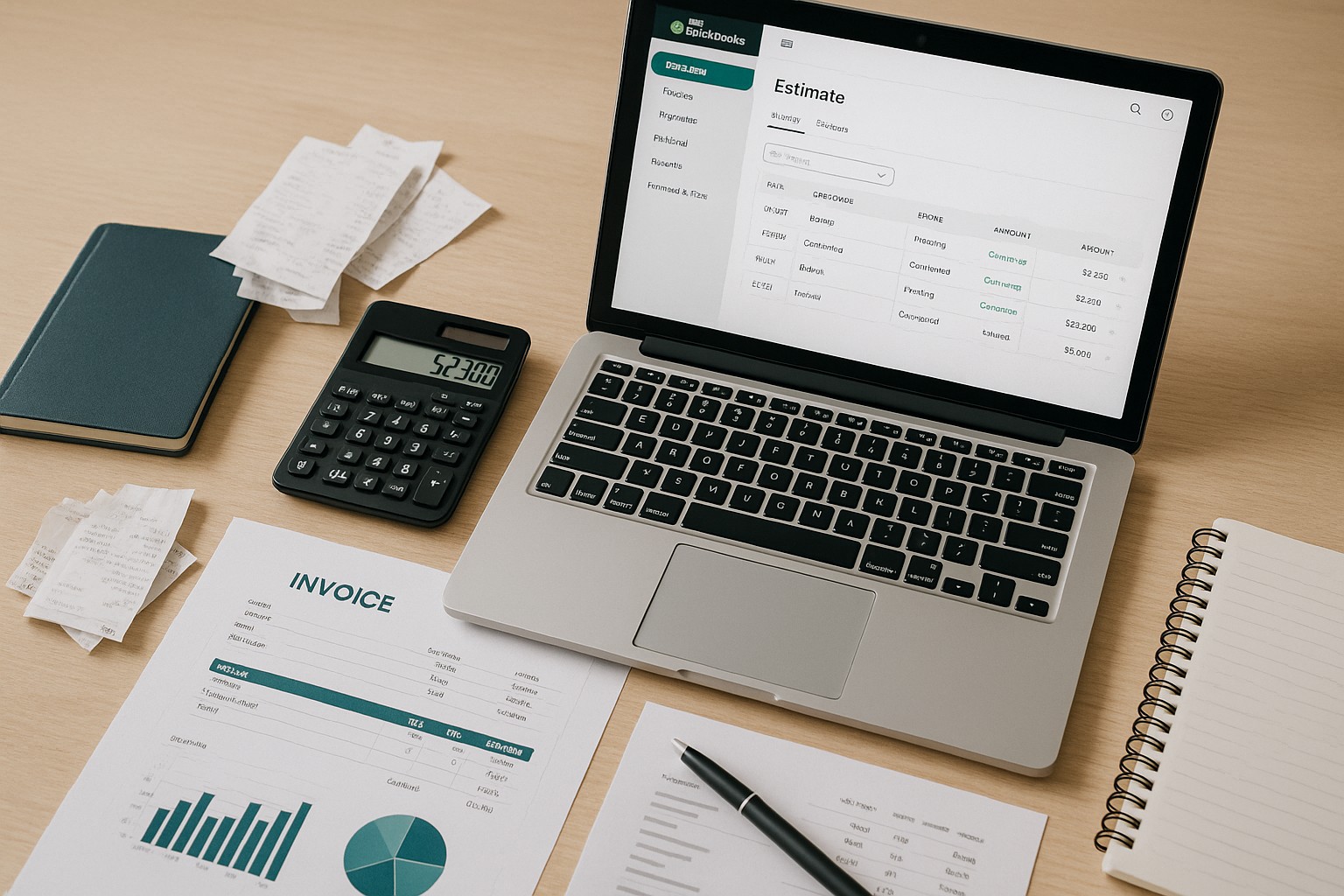
Converting estimates into invoices in QuickBooks Online is a crucial step for efficient billing and accurate financial management. This guide will walk you through the process of transforming your estimates into invoices seamlessly, ensuring that your financial records remain precise and up-to-date.
Benefits of Converting Estimates to Invoices
- Streamlined Billing: Simplifies the billing process by converting approved estimates directly into invoices.
- Accurate Records: Ensures consistency and accuracy in your financial documentation.
- Time Savings: Reduces manual data entry, saving valuable time.
Steps to Convert Estimates into Invoices in QuickBooks Online
Follow these steps to convert your estimates into invoices in QuickBooks Online:
Step 1: Log In to QuickBooks Online
- Open QuickBooks Online: Navigate to the QuickBooks Online website and log in with your credentials.
Step 2: Access the Estimates Section
Step 3: Locate the Estimate to Convert
Step 4: Convert the Estimate
Step 5: Review and Customize the Invoice
Step 6: Save and Send the Invoice
Best Practices for Converting Estimates to Invoices
- Review Estimates Regularly: Periodically review your estimates to ensure that they are up-to-date and ready for conversion to invoices.
- Communicate with Customers: Keep open lines of communication with your customers to confirm the acceptance of estimates before converting them to invoices.
- Monitor Outstanding Estimates: Track outstanding estimates and follow up with customers to ensure timely approval and conversion to invoices.
Common Scenarios and Tips
Conclusion
Converting estimates into invoices in QuickBooks Online is a straightforward process that can significantly enhance your billing efficiency and financial accuracy. By following the steps outlined in this guide, you can ensure that your estimates are seamlessly transformed into invoices, maintaining precise financial records and improving your business operations.