

Table of Contents
- Introduction
- Step 1: Ensure Your Accounts Are Up-to-Date
- 1.1: Review and Reconcile Accounts
- 1.2: Categorize Transactions
- Step 2: Generate Key Financial Reports
- 2.1: Profit and Loss Report
- 2.2: Balance Sheet
- 2.3: Statement of Cash Flows
- Step 3: Organize Tax-Related Data
- 3.1: Track Deductions and Credits
- 3.2: Prepare 1099 Forms
- Step 4: Export Data for Your Accountant
- 4.1: Export Reports
- 4.2: Share Your QuickBooks File
- Step 5: File Your Taxes
- 5.1: Work with Your Accountant
- 5.2: Make Tax Payments
- Conclusion
Introduction
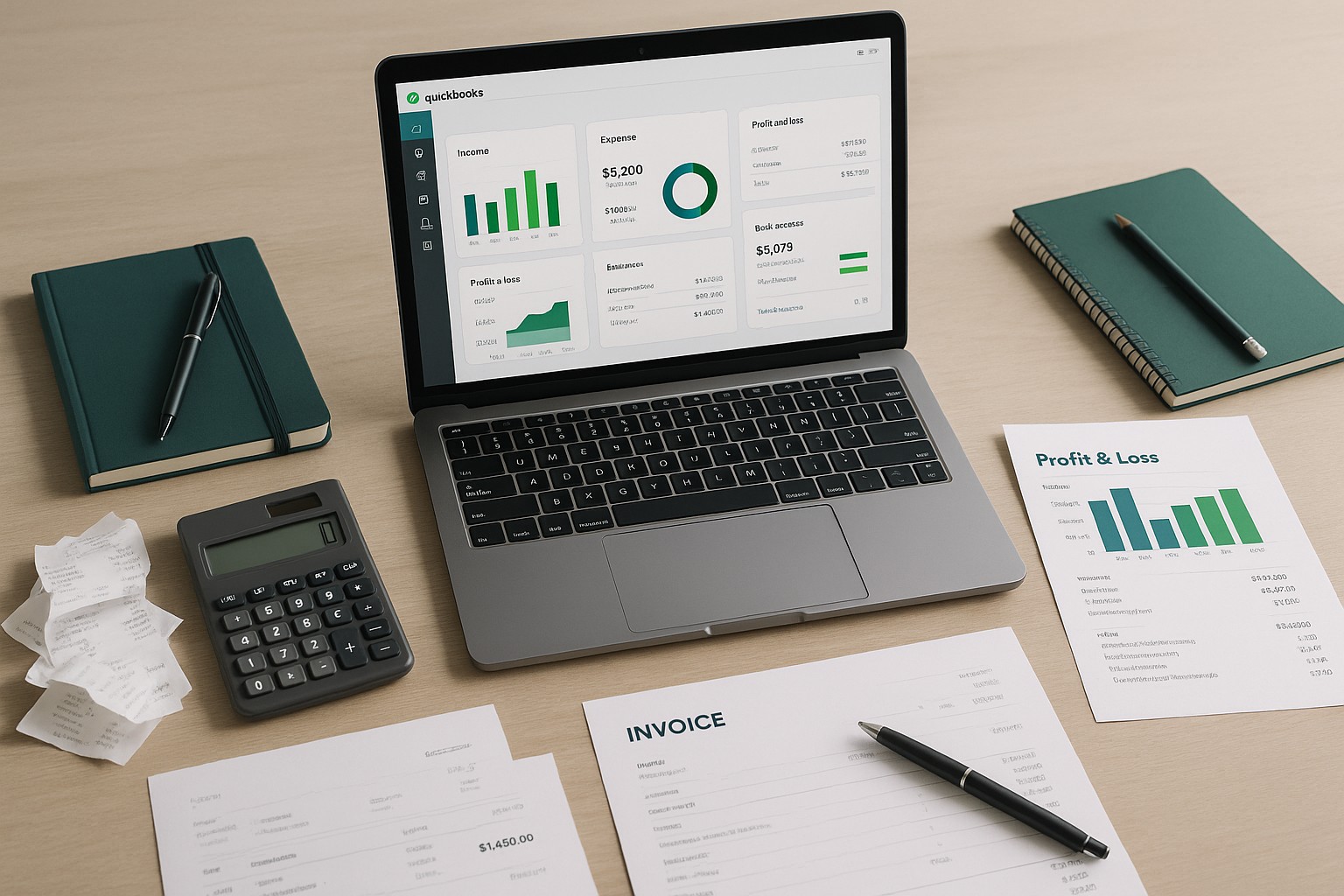
Preparing your business taxes can be a complex process, but QuickBooks simplifies it by organizing your financial data and generating the reports needed for filing. This guide provides a step-by-step process to prepare business taxes using QuickBooks, ensuring that you can meet your tax obligations accurately and efficiently.
Step 1: Ensure Your Accounts Are Up-to-Date
1.1: Review and Reconcile Accounts
- Reconcile Bank Accounts: Go to
Banking > Reconcilein QuickBooks Desktop orAccounting > Reconcilein QuickBooks Online. Reconcile all your bank and credit card accounts to ensure that your records match your financial statements. - Review Accounts Payable and Receivable: Ensure all outstanding invoices and bills are accounted for. Navigate to
Customers > Accounts Receivable Aging SummaryandVendors > Accounts Payable Aging Summaryto review.
1.2: Categorize Transactions
Banking > For Review in QuickBooks Online to categorize any uncategorized transactions.Step 2: Generate Key Financial Reports
2.1: Profit and Loss Report
Reports > Profit & Loss in QuickBooks Desktop or Reports > Profit and Loss in QuickBooks Online.2.2: Balance Sheet
Reports > Balance Sheet in QuickBooks Desktop or Reports > Balance Sheet in QuickBooks Online.2.3: Statement of Cash Flows
Reports > Statement of Cash Flows.Step 3: Organize Tax-Related Data
3.1: Track Deductions and Credits
Tax Summary and Tax Detail to review all tax-related transactions.3.2: Prepare 1099 Forms
Vendors > Vendor Center and identify any contractors who require a 1099 form.Prepare 1099s tool in QuickBooks to generate the forms. Ensure all contractor payments are correctly reported.Step 4: Export Data for Your Accountant
4.1: Export Reports
Export button in QuickBooks.4.2: Share Your QuickBooks File
File > Backup Company > Create Local Backup in QuickBooks Desktop to create a backup of your company file.Step 5: File Your Taxes
5.1: Work with Your Accountant
5.2: Make Tax Payments
Banking > Write Checks or using the Pay Taxes feature in QuickBooks Online.Conclusion
Preparing your business taxes with QuickBooks streamlines the process, making it easier to manage your financial records and ensure accuracy in your tax filings. By following the steps outlined in this guide, you can organize your financial data, generate essential reports, and collaborate effectively with your accountant to file your taxes on time.