Schedule your 15-minute demo now

    We’ll tailor your demo to your immediate needs and answer all your questions. Get ready to see how it works!

    Image Image Dark
    Image Image Dark

    Bookkeeping Reports — From QuickBooks to Client-Ready in Minutes

    Stop copying and pasting from QuickBooks. Debits builds branded financial report packages — complete with executive summaries, charts, and statements — and delivers them to your clients with one click.

    01.

    Build a Complete Report Package in Seconds

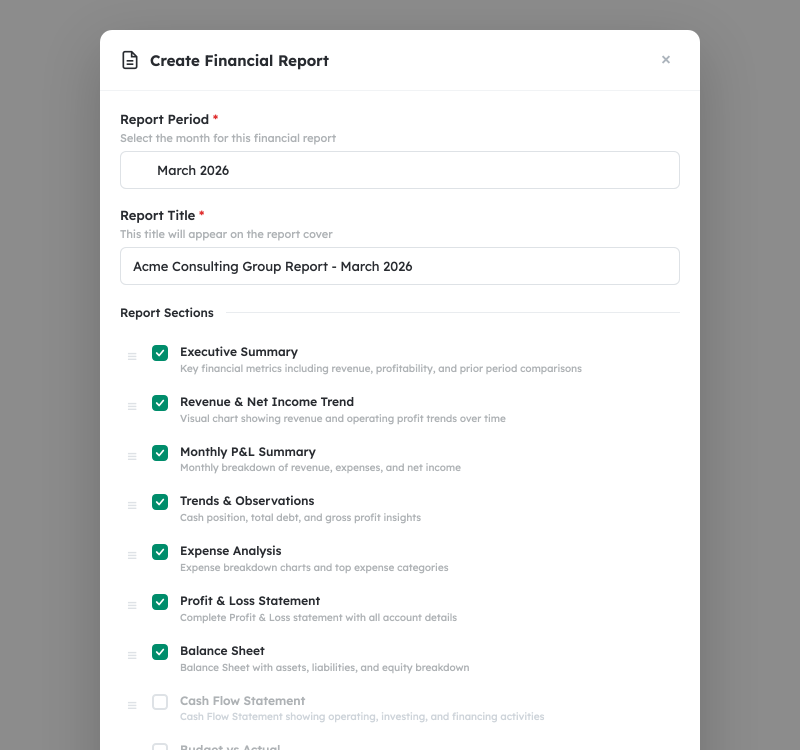
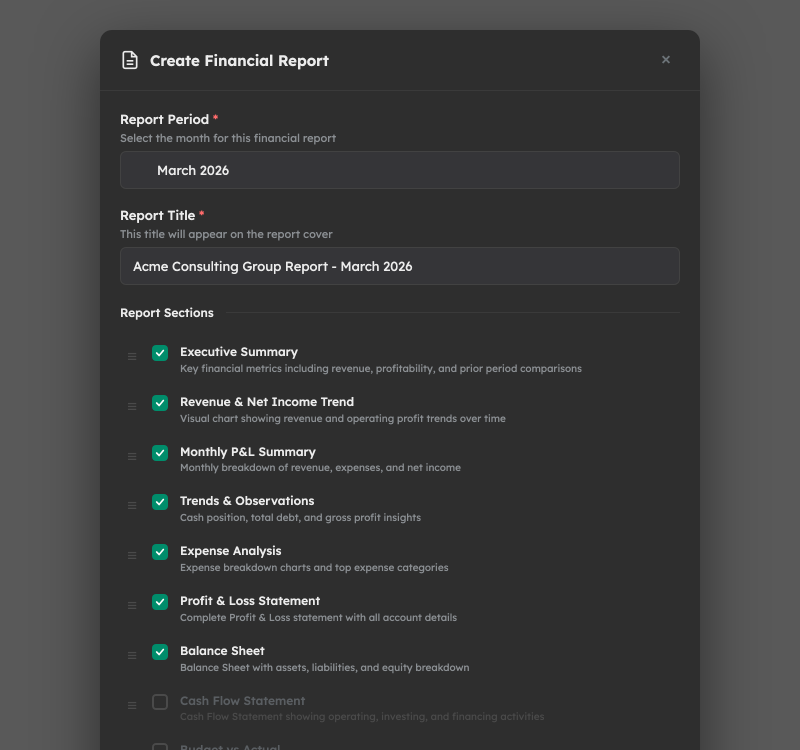
    Select a reporting period and Debits pulls every number directly from QuickBooks Online — revenue, expenses, net income, cash balance, debt, and more. Choose from 11 professionally designed sections including Executive Summary, Profit & Loss, Balance Sheet, Cash Flow Statement, Expense Analysis, and Trends & Observations. Drag to reorder, toggle on or off, and customize titles. Your report is ready to preview before you finish your coffee.

    Image Image Dark
    02.

    Executive Insights Your Clients Will Actually Understand

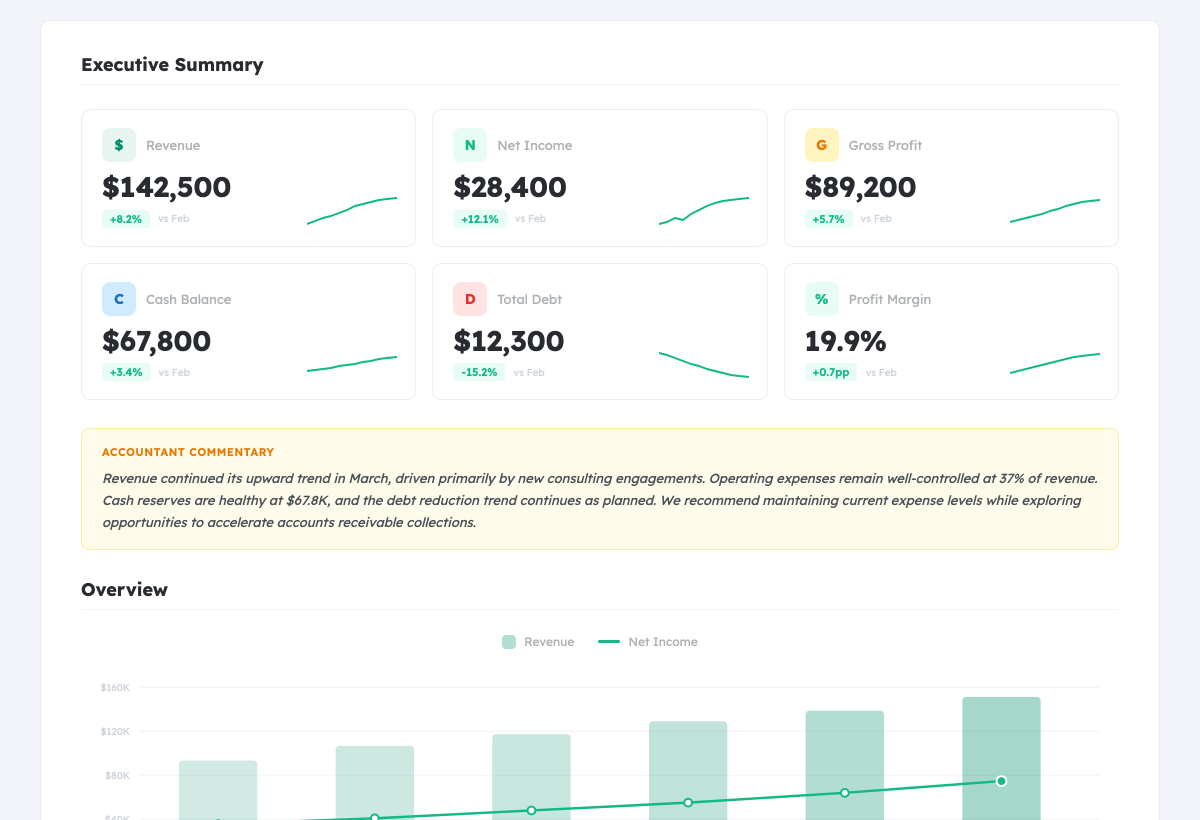
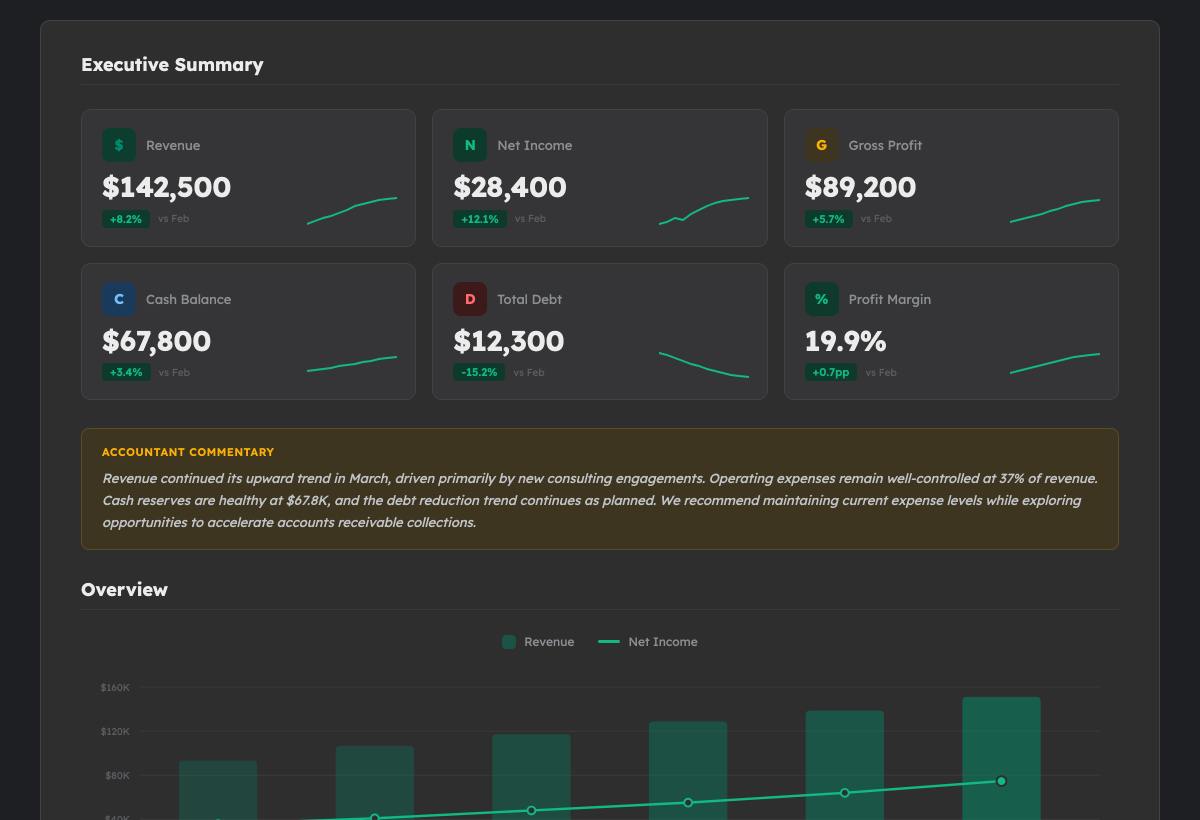
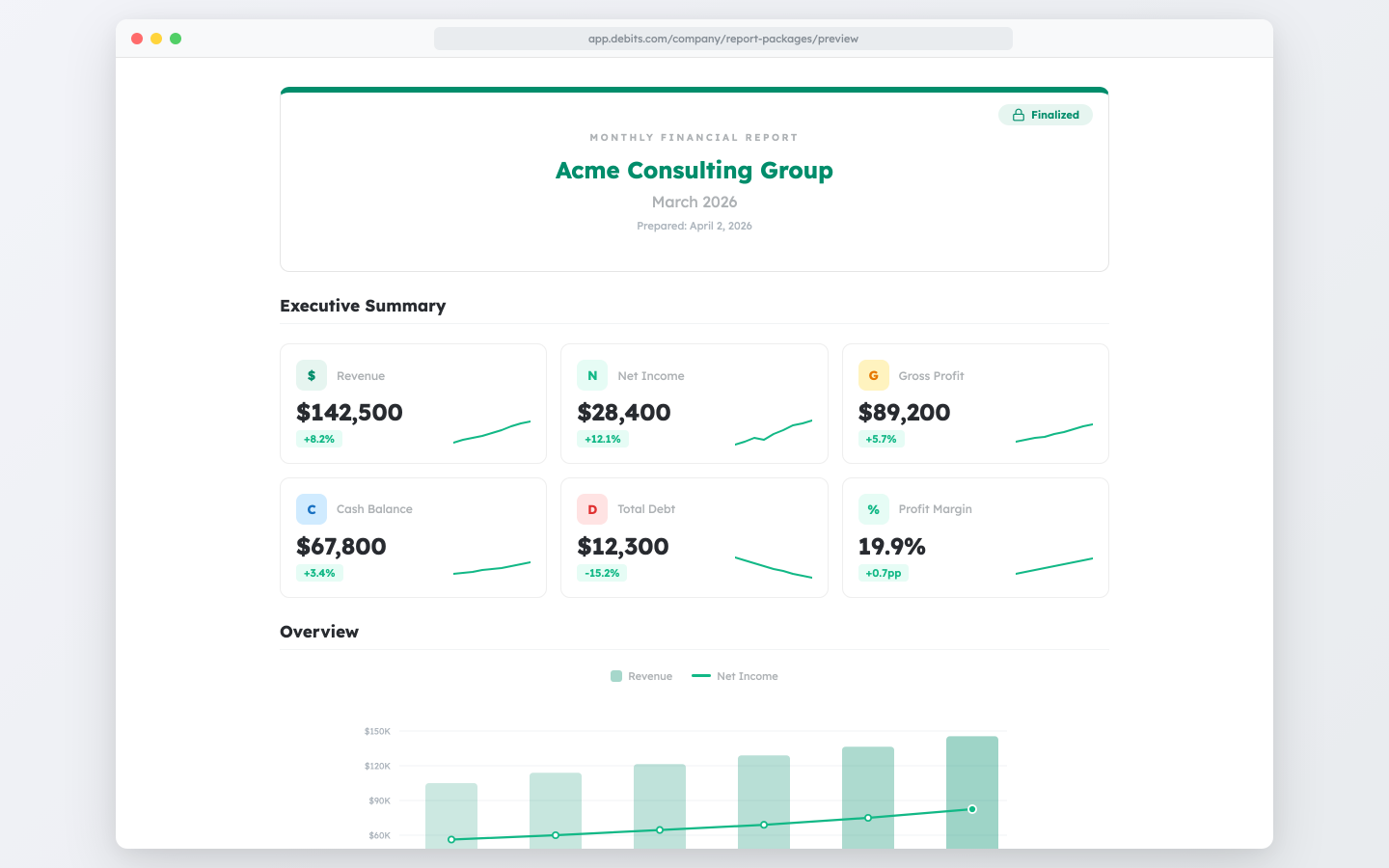
    Every report opens with a clean executive summary showing the metrics that matter most: revenue, net income, gross profit, cash balance, total debt, and profit margin — each with prior-period comparisons and sparkline trends. Below that, revenue and expense charts, a monthly P&L summary table, and an auto-generated Trends & Observations section highlight what changed and why. Add your own commentary to give clients the personalized guidance they value most.

    Image Image Dark
    03.

    Lock the Numbers. Generate the PDF. Close the Books.

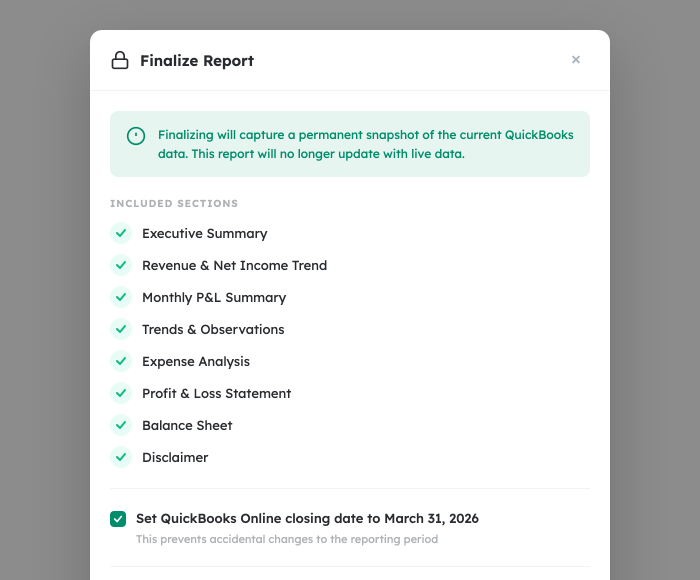
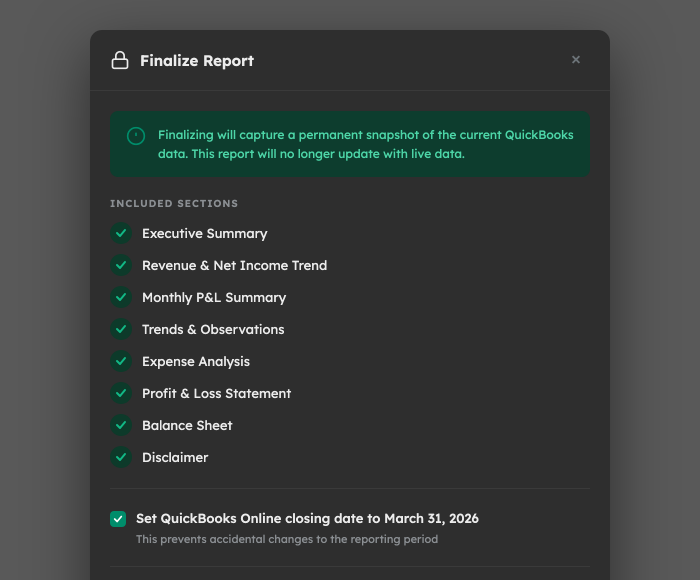
    When your report looks right, finalize it. Debits captures a point-in-time snapshot of every number from QuickBooks Online so the report never changes — even if the books are updated later. Optionally set the QuickBooks closing date to protect the period from accidental edits. A branded PDF is generated automatically with your firm's logo, colors, and a professional cover page. Every finalized report includes a "Prepared" date and your firm's branding.

    Image Image Dark
    04.

    Deliver Reports and Track Every Open

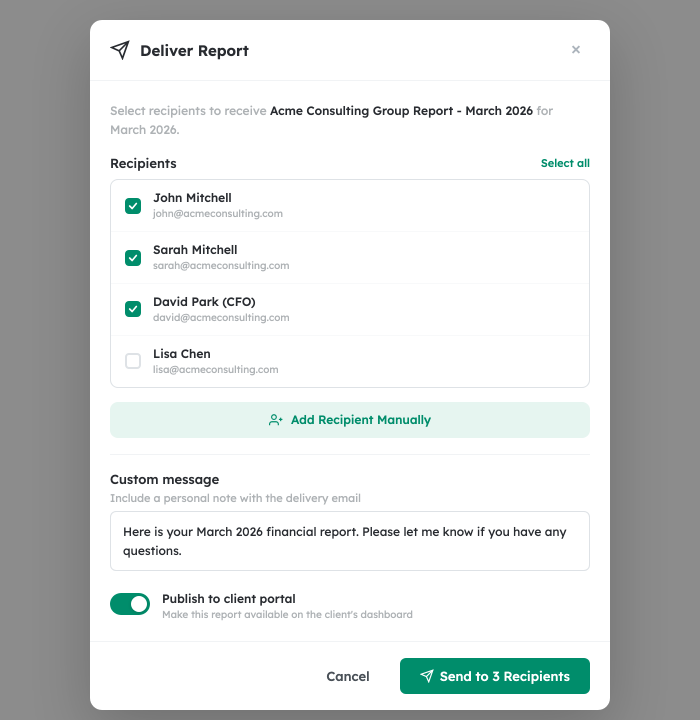
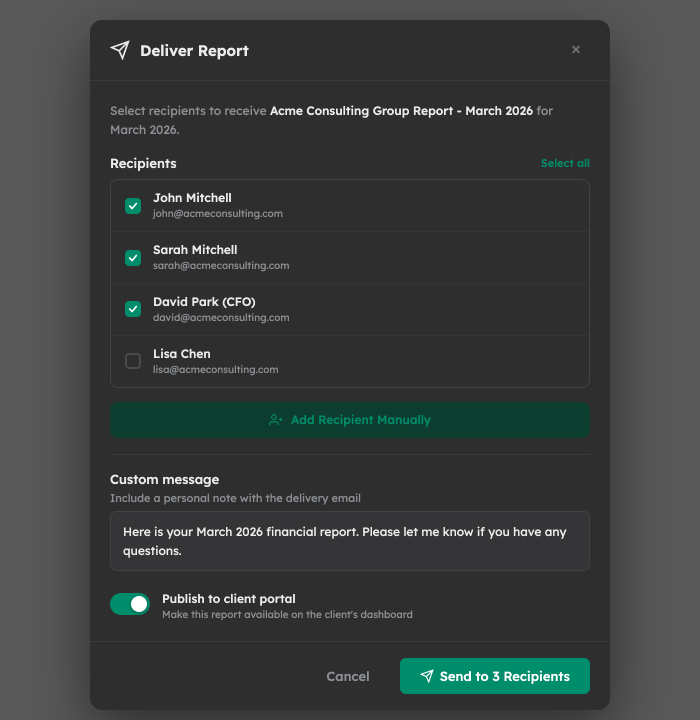
    Send finalized reports directly to clients via secure magic link — no login required. Select recipients from your contact list or add them manually, include a personal message, and hit send. Clients receive a branded email and can view or download their report from any device. Publish reports to the client portal for always-available access. Track delivery status in real time: sent, viewed, and downloaded — so you always know who has seen their numbers.

    Image Image Dark

    Frequently asked questions:

    • How much do bookkeeping reports cost?

      Bookkeeping reports are included with all Debits bookkeeping plans. Create and deliver unlimited reports at no additional per-report cost.

    • Does this work with QuickBooks Desktop?

      Bookkeeping Reports currently requires a connection to QuickBooks Online. QuickBooks Desktop is not supported at this time.

    • What report sections are available?

      You can include up to 11 sections: Executive Summary, Revenue & Net Income Trend, Monthly P&L Summary, Profit & Loss Statement, Balance Sheet, Cash Flow Statement, Budget vs Actual, Expense Analysis, Trends & Observations, Accountant Commentary, and Disclaimer. Each section can be toggled on or off and reordered.

    • Can I customize the report with my firm's branding?

      Yes. Reports include your firm's logo, brand color, and DBA name on the cover page and throughout the PDF. Set your branding once in firm settings and it applies to every report.

    • What happens when I finalize a report?

      Finalizing captures a permanent snapshot of all financial data from QuickBooks Online. This means the report will always reflect the numbers as of that moment, even if the books are later updated. You can also optionally set the QuickBooks closing date to protect the period.

    • Do my clients need a Debits account to view reports?

      No. Clients receive a secure magic link via email and can view and download their report from any device without creating an account. You can also publish reports to the client portal for ongoing access.

    • Can I send reports to multiple people?

      Yes. Select multiple recipients from your contact list or add recipients manually. Each person receives their own secure link and you can track delivery status individually.

    • What does delivery tracking show?

      You can see the status of each delivery: when the email was sent, when the client viewed the report, and when they downloaded the PDF. This gives you clear visibility into client engagement.

    • Can I add my own notes to a report?

      Yes. The Accountant Commentary section lets you add personalized notes and analysis. You can also add commentary directly in the Executive Summary section. Both support free-form text.

    • Can I suggest a new report section or feature?

      Absolutely. We love hearing from our users. Send your ideas to [email protected] and our team will review them.

    Give your clients the financial reports they deserve. Automatically.

    No credit card required.

    Image Image Dark

    Debits © 2026, All rights reserved.