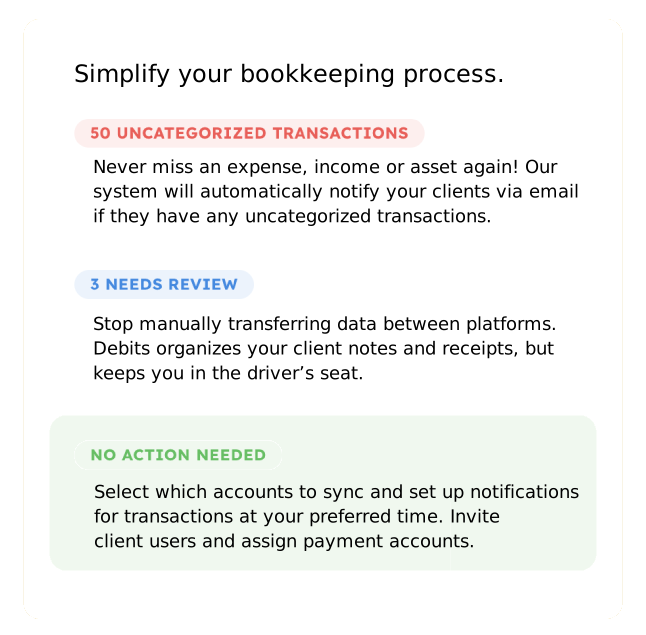


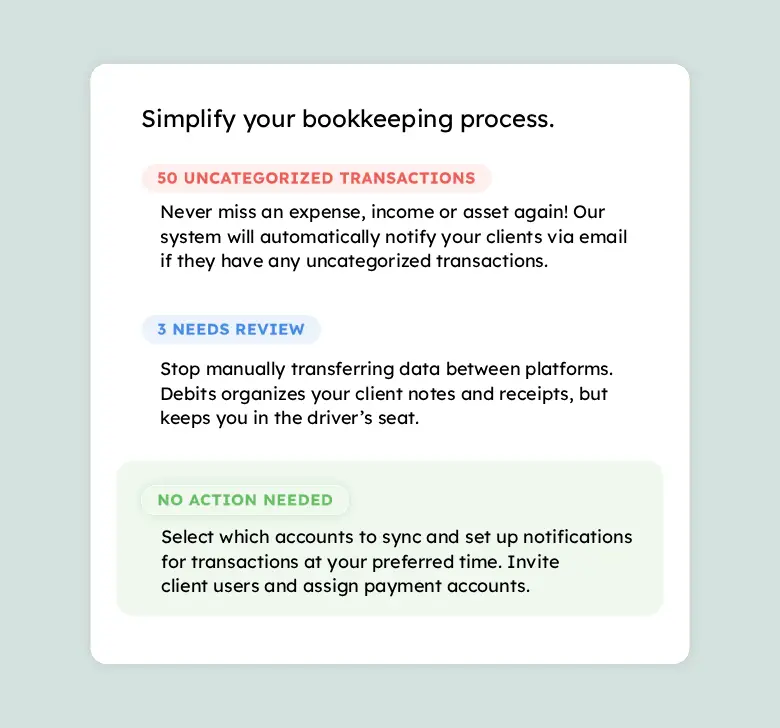
Turn Unclear Transactions into Clean Books — Automatically
With one seamless connection to QuickBooks Online, you’ll resolve uncategorized expenses in record time. No spreadsheets. No guesswork.
Instantly Surface Every Unclear Transaction
Debits automatically syncs with QuickBooks Online, continuously pulling in new transactions and highlighting anything missing a category, description, or receipt.
You don’t have to dig. You don’t have to upload files.
The system does the detection for you — instantly.
Frequently asked questions:
-
How much does Debits cost?
After your free trial, you can subscribe to the uncategorized expense service of Debits for $2 per client, per month.
-
What systems does Debits sync with?
We currently sync with QuickBooks Online. We have future plans to sync with other accounting platforms.
-
Do you offer training on how to use the system?
Yes. We have step-by-step tutorials on how to use the system as an accountant and as a client.
-
Is my data and privacy safe?
Your data is safe with Debits. We’ve passed Intuit’s rigorous security and technical reviews. We have implemented robust security measures at every layer of our system. You can trust Debits to protect your sensitive information.
-
Can I invite my co-workers to the system?
Yes, as an accountant you an invite an unlimited amount of team members to your account.
-
How are clients notified of uncategorized transactions?
Clients will automatically be notified if there are uncategorized transactions that need their attention. You can customize the notification frequency in the client settings. You also will have the ability to manually trigger an email to the client as needed.
-
How do I know when transactions have been updated by a client?
You will receive an email from Debits with a list of the clients who have updated transactions. The transactions that have been updated will be listed as Needs Attention when you log in.
-
What fields are available for editing in Debits?
Debits lets you edit customer, vendor, memo/description, category, billable status, tax, tax rate, class, and location information. You can also attach receipts and split transactions.
-
Can I upload attachments to each transaction?
Yes, both accountants and clients can upload documents to transactions. The files will be saved directly to QuickBooks Online.
-
Do my clients need to download anything to work with Debits?
No. All your clients need is an invitation to access the platform, and they can seamlessly add transaction details and attachments. Make it easy for your clients to manage their uncategorized transactions with Debits.
-
Can I request a feature to be added?
Yes, please do! Send us an email at [email protected] and we will add your request to our new feature queue.
Turn Confusing Transactions Into Clean, Accurate Books.
No credit card required.