

The Activity Logs section lets you review a detailed history of actions taken within the Debits app. This is useful for auditing, troubleshooting issues, or simply keeping track of changes made to your account.
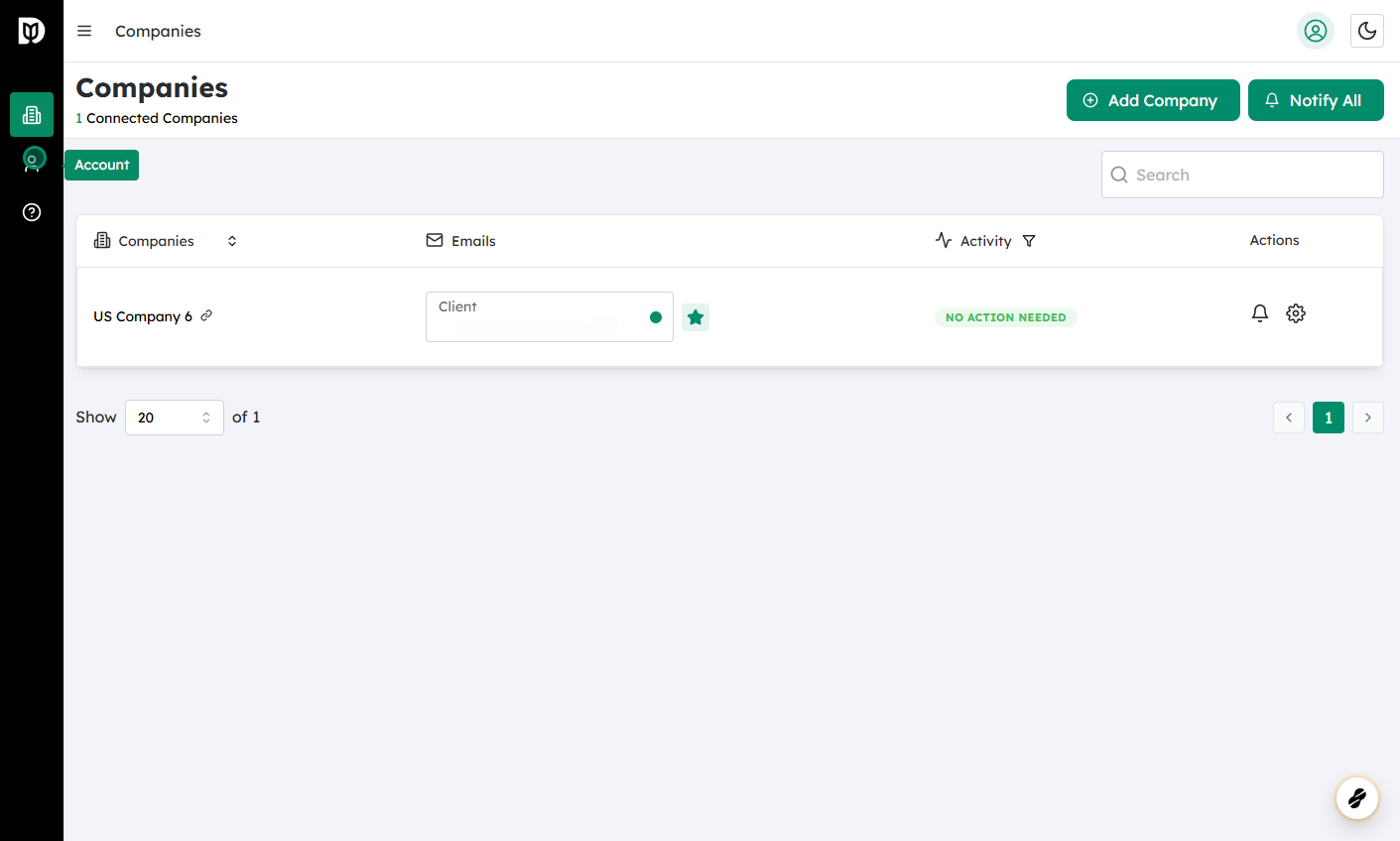
Log in to Debits
- Open the Debits application (web or mobile, depending on your setup).
- Enter your login credentials and sign in.
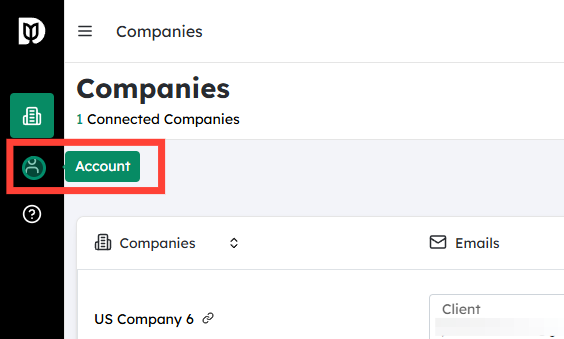
Go to the Account section
- Once logged in, look for the Account option.
- This is typically accessible from the main navigation menu or your profile/avatar icon.
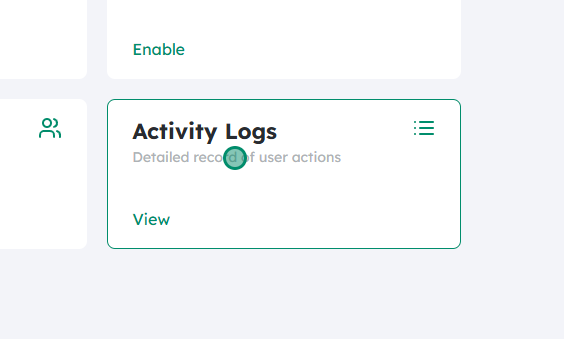
Open Activity Logs
- Within the Account area, locate and click on Activity Logs.
- This will open the dedicated page or screen showing your activity history.
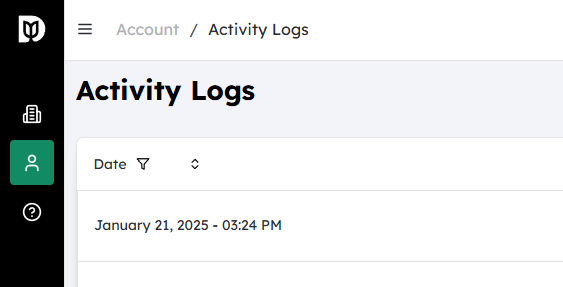
Review activity details
- All tracked activity within the app will be listed, sorted by date, usually showing the most recent entries first.
- Each entry typically includes:
- Date and time of the action
- Type of activity (e.g., login, logout, payment created, payment edited, settings changed)
- User or device information (if applicable)
- Use any available filters or search options (if provided) to narrow down the log by:
- Date range
- Activity type
- User (for multi-user or team accounts)
This log helps you verify who did what and when within Debits, providing transparency and a useful audit trail for your account.


