

Who this is for: Partners and shareholders who have received an email with a link to view their Schedule K-1 form.
What you’ll learn: How to access, review, and download your K-1 document.
Before you begin #
- You must have received an email from your accountant with a K-1 access link.
Step-by-step instructions #
Step 1: Open the K-1 access link #
Click the secure link in the email from your accountant. This opens the K-1 viewer page.
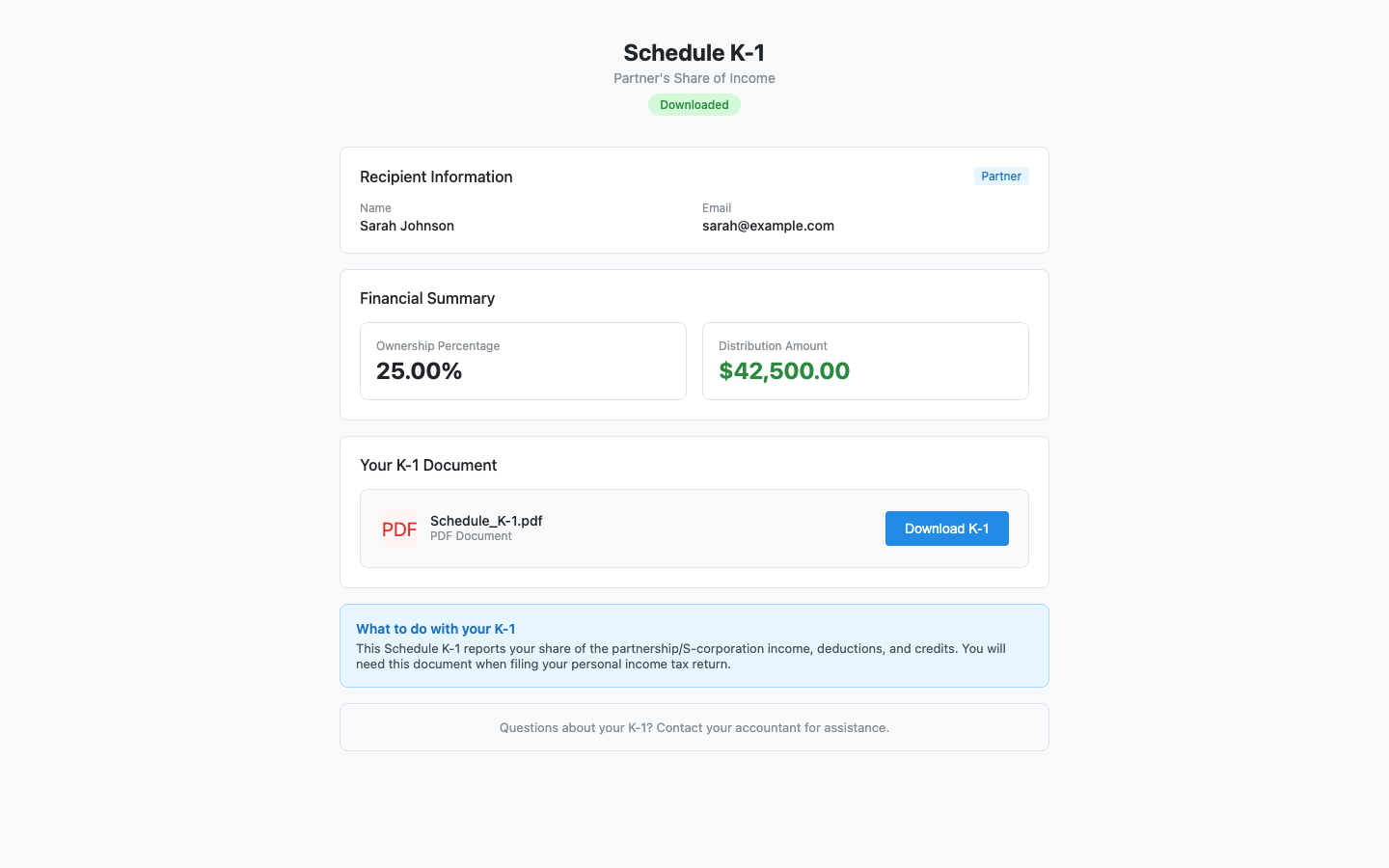
Step 2: Review your information #
The page displays:
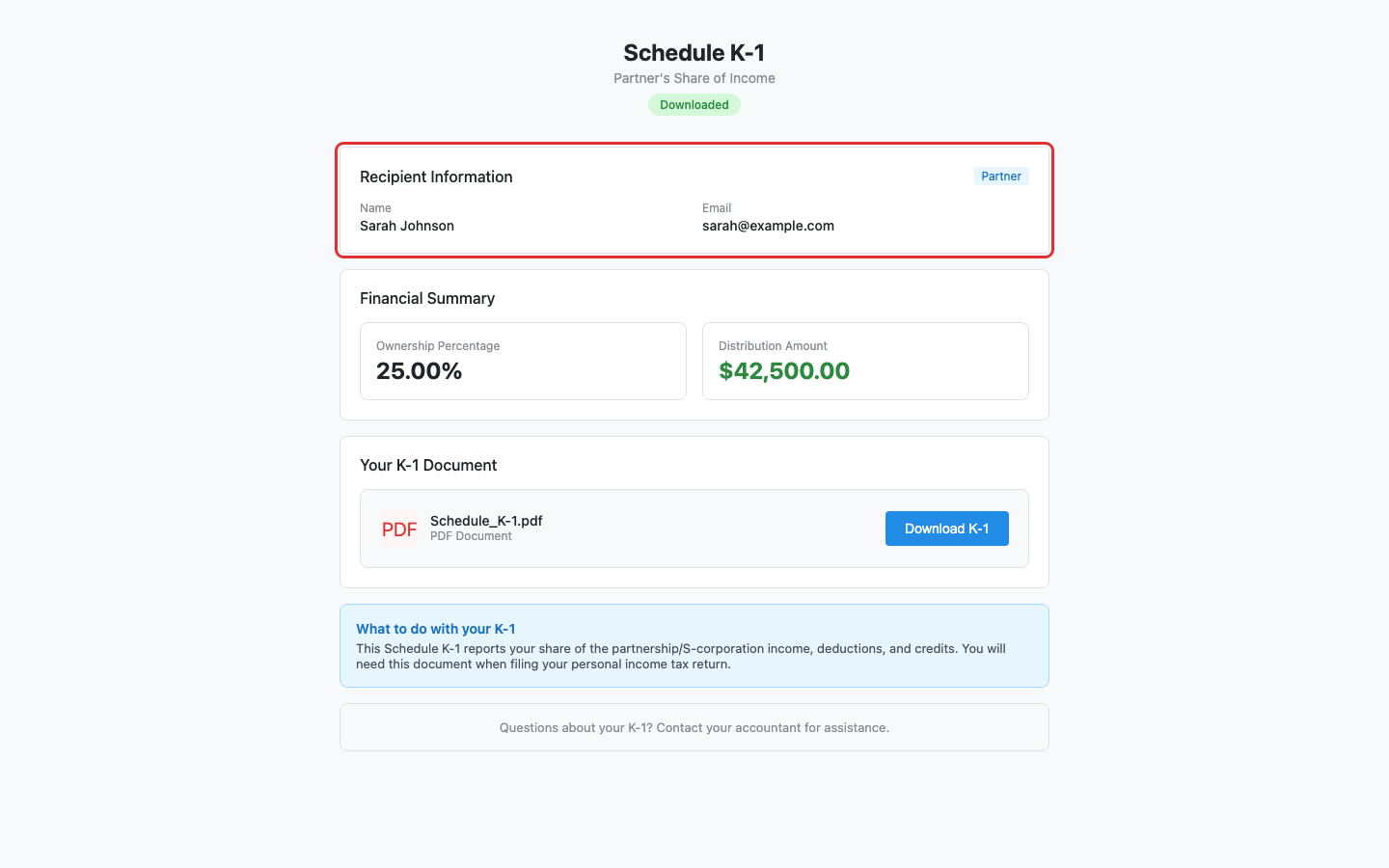
- Recipient Information — Your name, email, and type (Partner or Shareholder).
- Financial Summary — Your ownership percentage and distribution amount.
- Delivery Status — Shows whether the K-1 has been Sent, Viewed, or Downloaded.
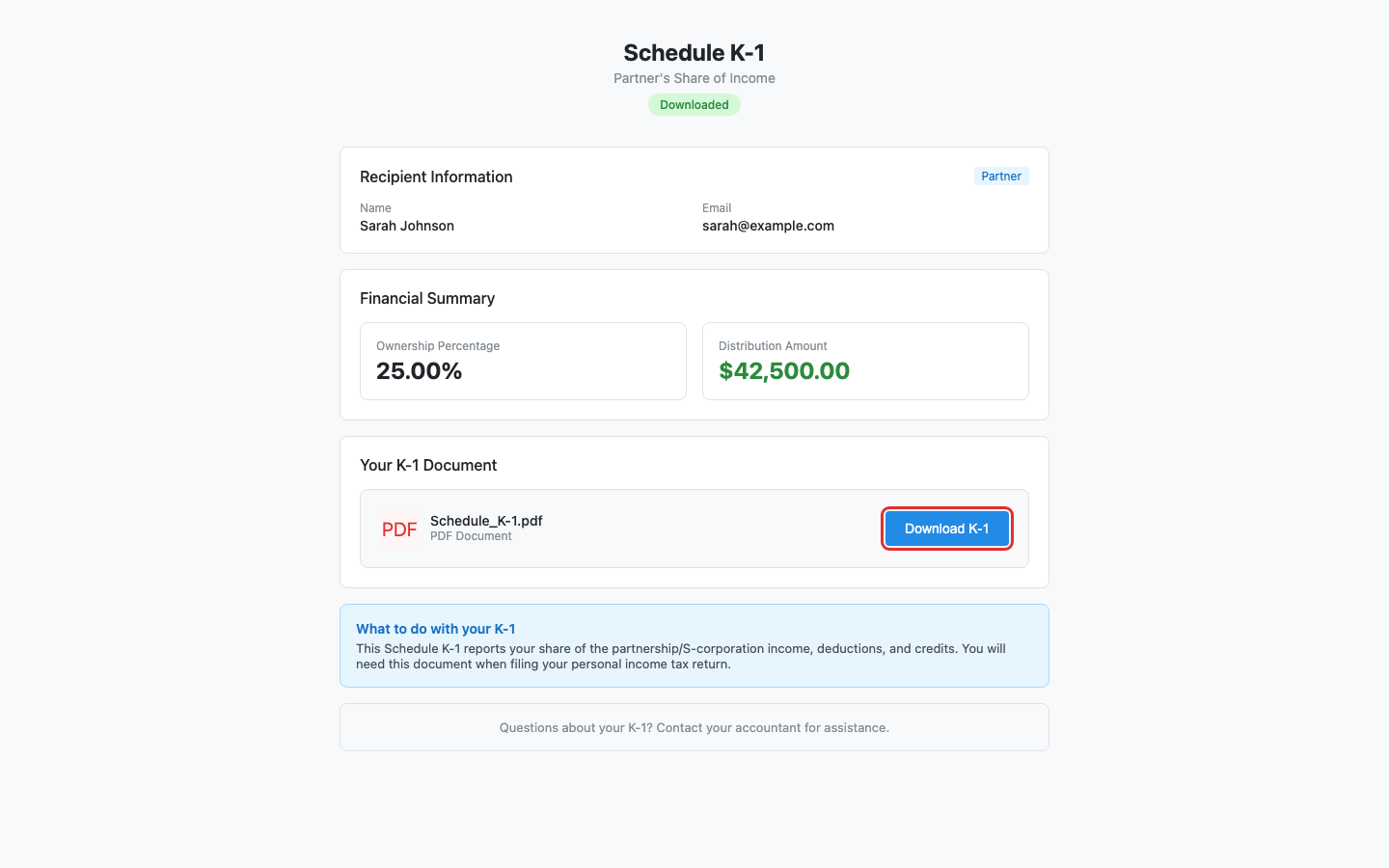
Step 3: Download the K-1 document #
Click the Download K-1 button in the document section to save a copy of your Schedule K-1 as a PDF.
Step 4: Use the K-1 for your personal tax return #
Provide this K-1 document to your personal tax preparer or include the information when filing your own income tax return.
What happens next #
Your accountant can see that you have viewed and downloaded the K-1 form. No further action is required on this page.
Troubleshooting #
- “Access Denied” or “This link is invalid or has expired”: Contact your accountant to request a new access link.
- Download fails: Try refreshing the page and clicking the button again.


