

Who this is for: Accountants and firm owners who manage tax return deliveries for their clients.
What you’ll learn: How to navigate the Tax Returns page, filter and sort your returns, and use bulk actions.
Before you begin #
- You must be signed in to your Debits account.
- Your account must have an active subscription.
Step-by-step instructions #
Step 1: Open the Tax Returns page #
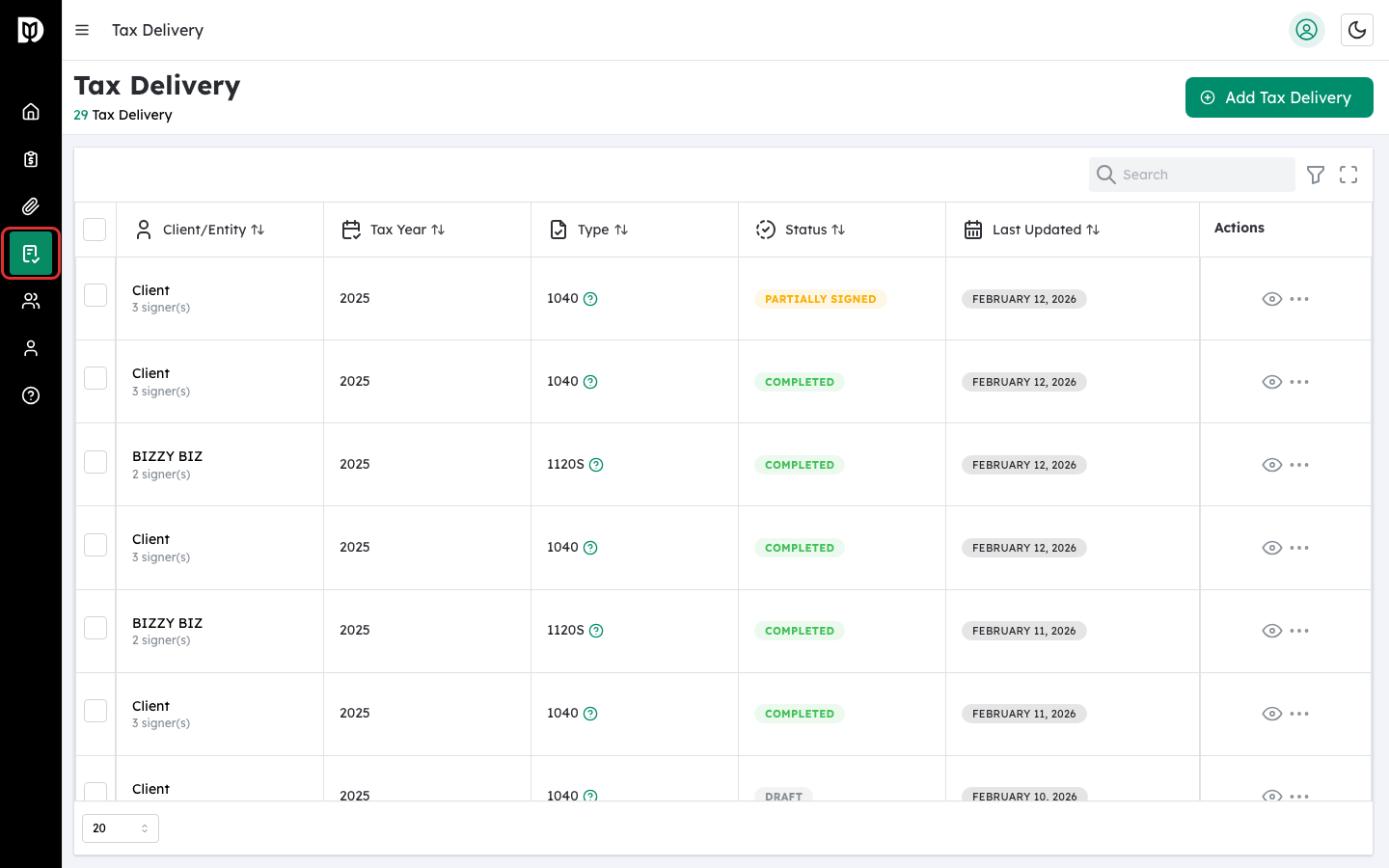
Click Tax Returns in the left sidebar. The sidebar icon looks like a shield with a document.
Step 2: Review the tax returns table #
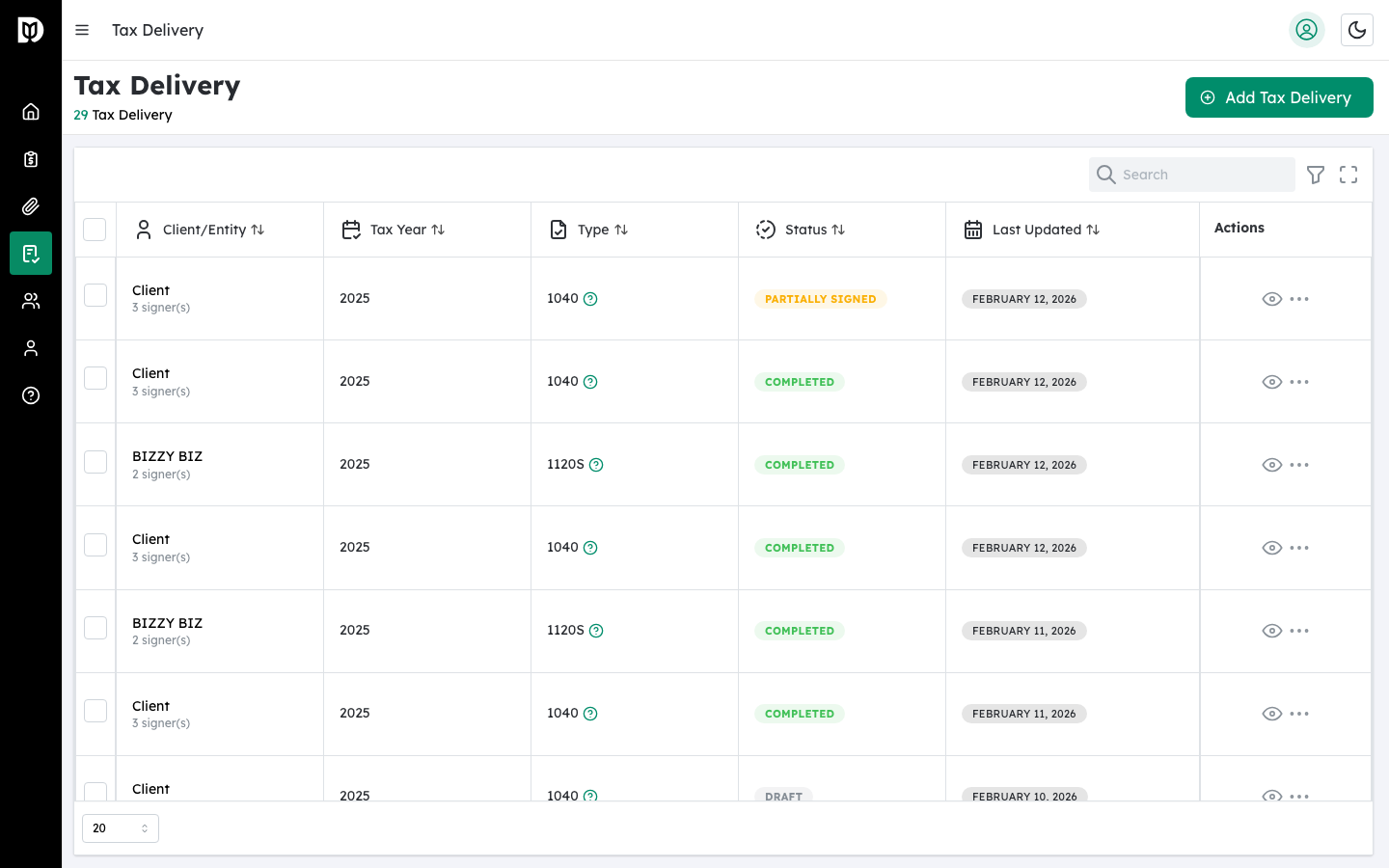
The table shows all tax returns for your firm. Each row displays the client or entity name, tax year, return type (1040, 1065, or 1120S), status, and the date it was last updated.
Step 3: Filter your tax returns #
Use the column filters at the top of the table to narrow results. You can filter by:
- Tax Year — Select a specific year (2020–2025).
- Type — Choose 1040, 1065, or 1120S.
- Status — Filter by Draft, Pending Review, Pending KBA, Pending Signature, Partially Signed, Completed, or Rejected.
- Last Updated — Select a date range.
Step 4: Use bulk actions #
Select multiple tax returns using the checkboxes. A bulk action bar appears at the top with these options:
- Send for Signature — Sends all selected draft returns.
- Resend Invites — Resends invites for pending returns.
- Delete Selected — Deletes selected returns (completed returns cannot be deleted).
Choose an action from the dropdown and click Apply.
Step 5: Use row-level actions #
Click the three-dot menu on any row to access:
- View Details — Opens the tax return detail page.
- Send for Signature — Available for draft returns only.
- Resend Invite — Available for pending returns.
- Delete Tax Return — Not available for completed returns.
What happens next #
Click a tax return name or the View icon to open the detail page where you can manage signers, documents, vouchers, and more.
Troubleshooting #
- The table is empty: You have not created any tax returns yet. Click Add Tax Return to create one.
- Cannot delete a return: Completed tax returns cannot be deleted for compliance reasons.


