

Who this is for: Accountants and clients who want a saved copy of a financial report.
What you’ll learn: How to download the polished, print-ready PDF.
Before you begin #
- Accountants can preview the PDF for a draft and download it after finalizing.
- Clients can download the PDF from the report link or the portal.
Step-by-step instructions #
Step 1: Download from your report #
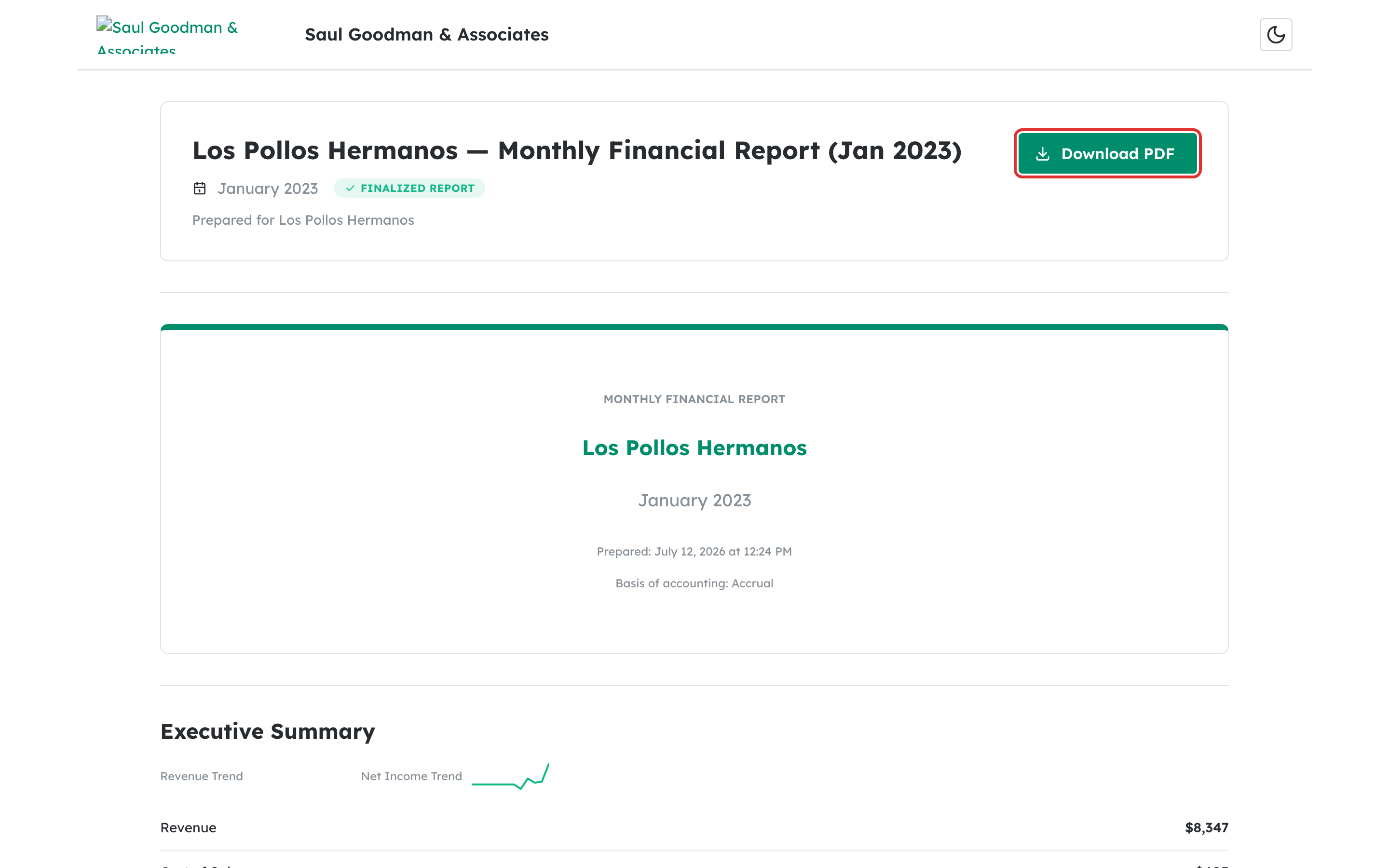
On a shared or published report, select Download PDF.
Step 2: Preview the PDF as an accountant #
In a draft, select Preview PDF to generate the report before finalizing. After finalizing, the PDF is generated and stored automatically.
What happens next #
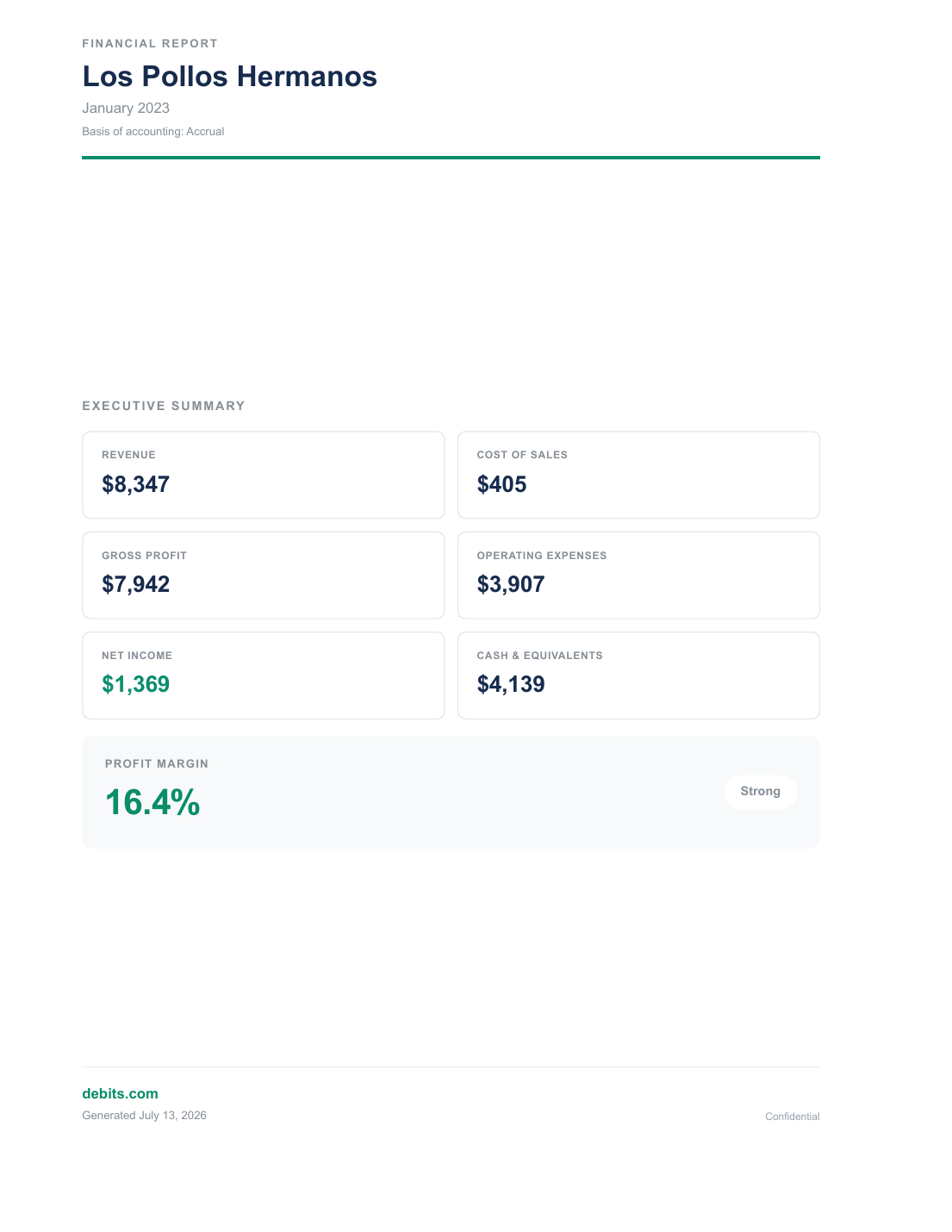
The PDF is a branded, print-ready document — professional cover with your firm’s logo and colors, charts, and every enabled section.
Troubleshooting #
- Problem: The PDF won’t download. Check your browser’s pop-up or download settings and try again.
- Problem: Preview PDF is disabled. The report needs live data or a finalized snapshot.


