Who this is for: Clients who have received financial reports from their accountant through Debits.
What you’ll learn: How to find your delivered financial reports, view them online, and download them as PDF files.
Before you begin #
- You must be signed in to Debits as a Client user.
- Your accountant must have delivered at least one financial report to you (either via email or by publishing it to your client portal).
Step-by-step instructions #
Step 1: Navigate to your reports #
You can access your financial reports in two ways:
- From the My Reports page: If your account has a standalone My Reports page, navigate there to see all reports delivered to you across all companies.
- From the Reports tab: Navigate to Bookkeeping in the sidebar, select a company, and click the Reports tab. Your delivered reports appear in the Financial Reports table.

Step 2: Review your reports list #
The table displays the following columns:
- Report: The title of the financial report.
- Company: The company the report was prepared for (My Reports page only).
- Period: The reporting period (for example, “January 2026”).
- Delivered: The date the report was sent to you.
- Status: The current status — Sent, Viewed, or Downloaded.

Step 3: View a report #
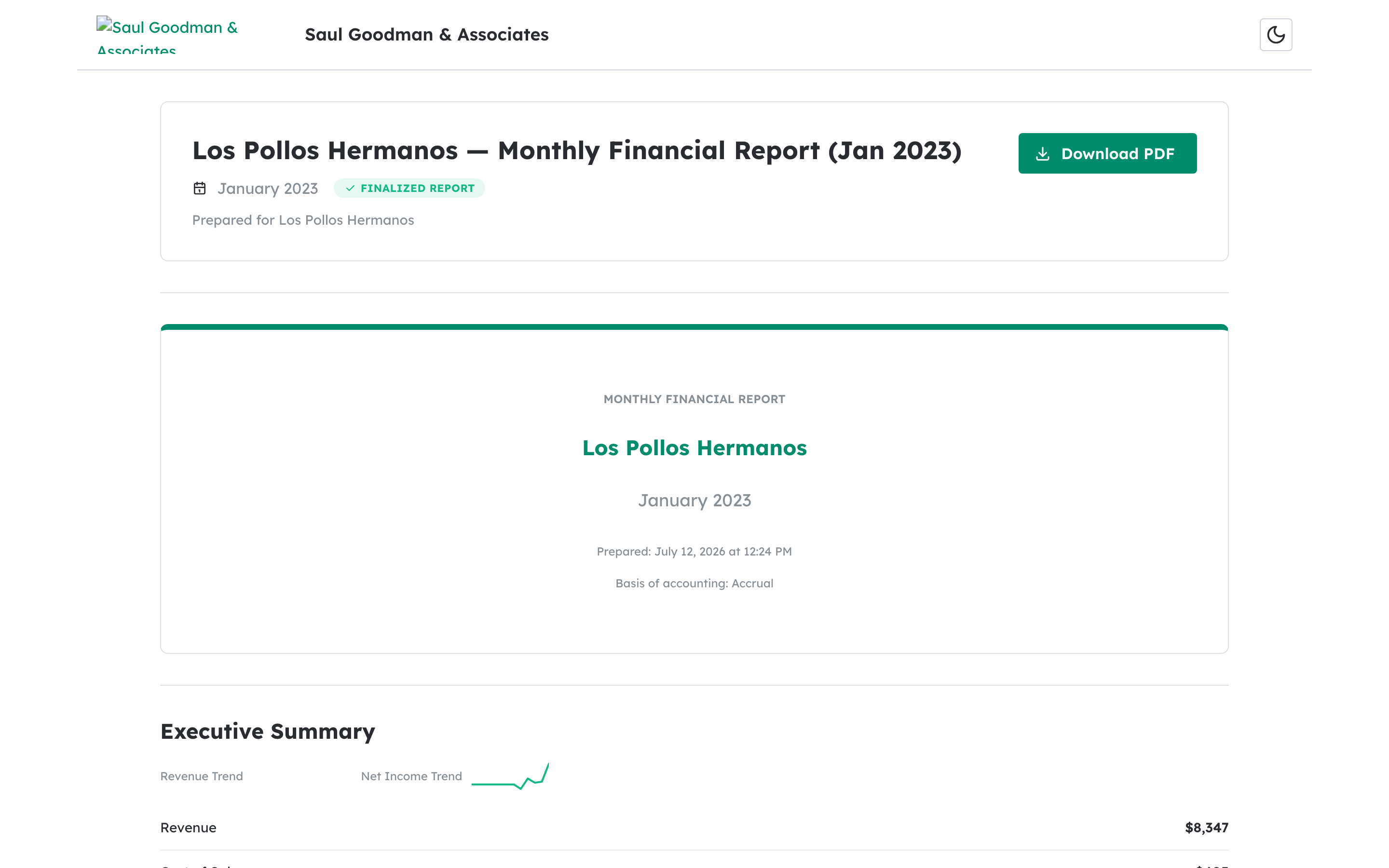
Click the report title in the table, or click the three-dot menu and select View Report. The report opens in a new browser tab, showing the full report with all sections including the Executive Summary, financial statements, charts, and disclaimer.

Step 4: Download a report as PDF #
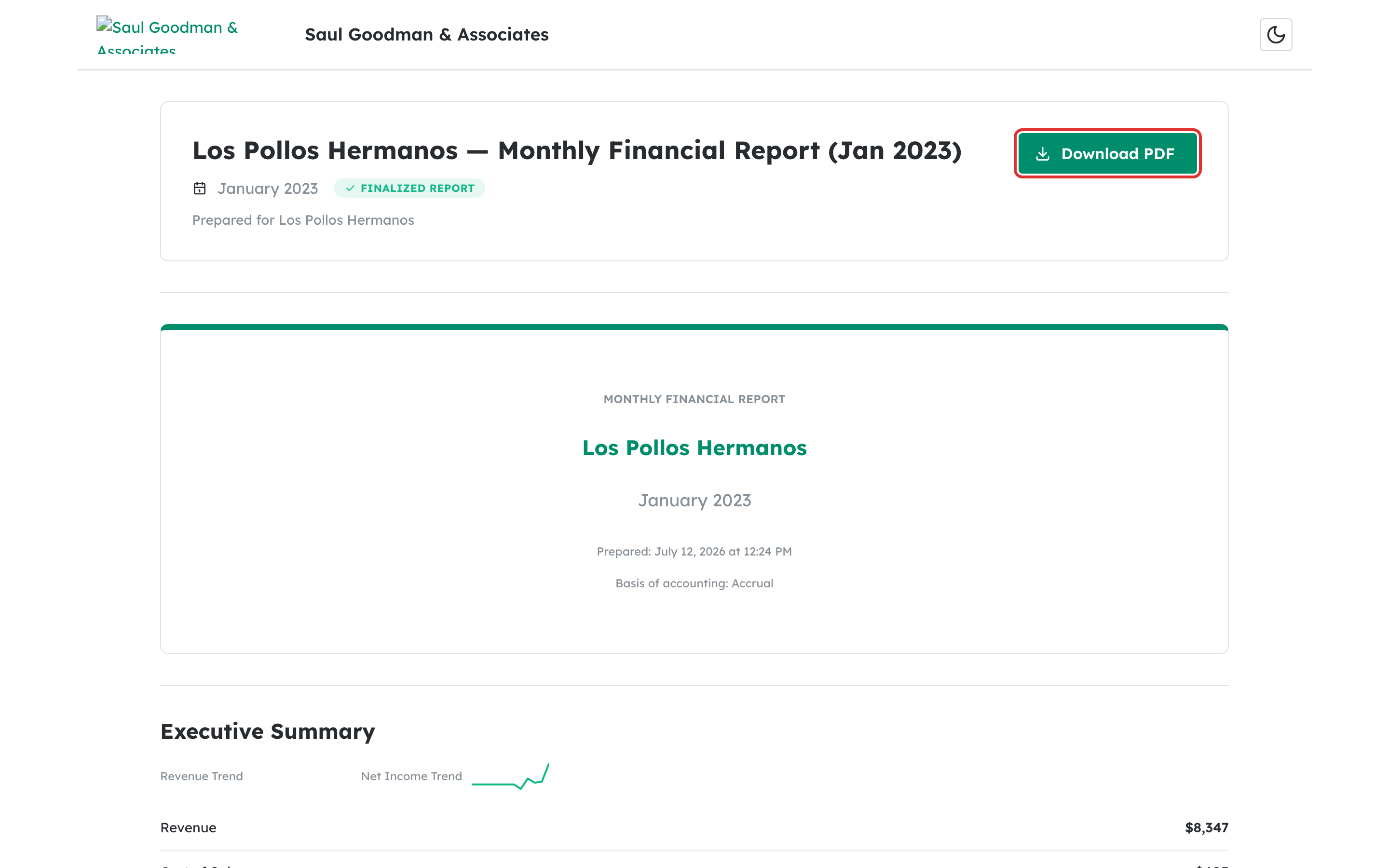
From the three-dot actions menu, select Download PDF. The PDF file downloads to your computer. You can also download the PDF from the report view page by clicking the Download PDF button at the top of the page.

What happens next #
After viewing or downloading a report, its status updates automatically. Your accountant can see whether you have viewed or downloaded the report. If you have questions about the financial data, contact your accountant directly.
Troubleshooting #
- “No reports available yet” message: Your accountant has not yet delivered any reports to you. Contact them to request a financial report.
- “Failed to load your reports” error: Check your internet connection and refresh the page. If the problem persists, sign out and sign back in.
- PDF download fails: Try again after a few seconds. If the issue persists, view the report online instead and use your browser’s print-to-PDF feature as a workaround.