Who this is for: Firms that do bookkeeping for clients in Debits.
What you’ll learn: What Core and Complete each unlock, what they cost, and how to choose one for each company.
Before you begin
- Bookkeeping is bought separately from tax. You can have bookkeeping on its own, tax on its own, or both.
- Bookkeeping is priced per company and is always billed monthly, even if your tax plan is annual.
- The price is the same whichever tax tier you are on.
- You choose Core or Complete for each company, so one client can be on Core while another is on Complete.
Step-by-step instructions
Step 1: Look at what Core includes
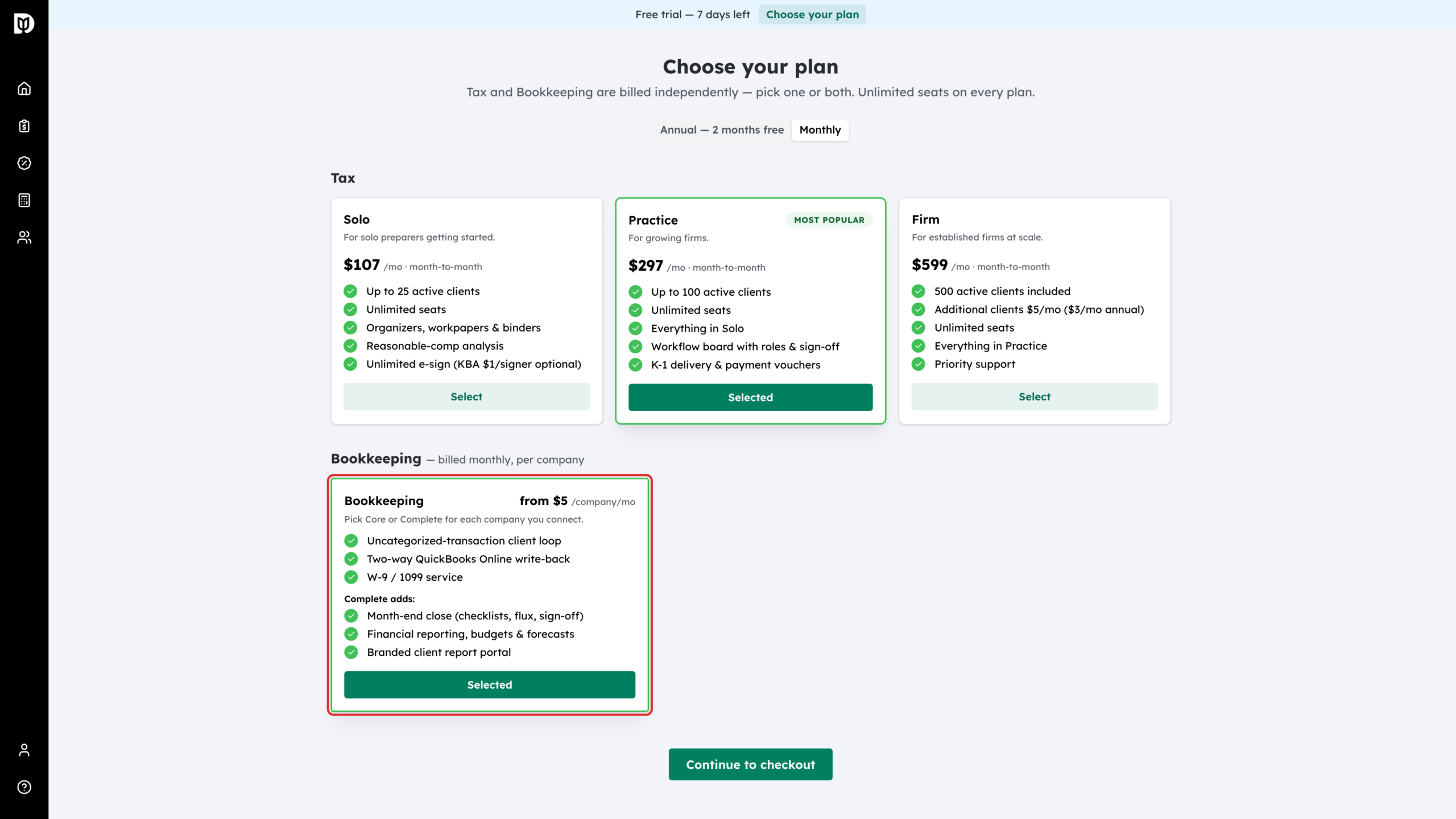
On the Choose your plan page, read the Bookkeeping card. It lists Core first. Core is $5 per company per month and covers the day-to-day loop: connecting QuickBooks Online, the uncategorised-transaction questions you send clients, and W-9 and 1099 work.
Step 2: Look at what Complete adds
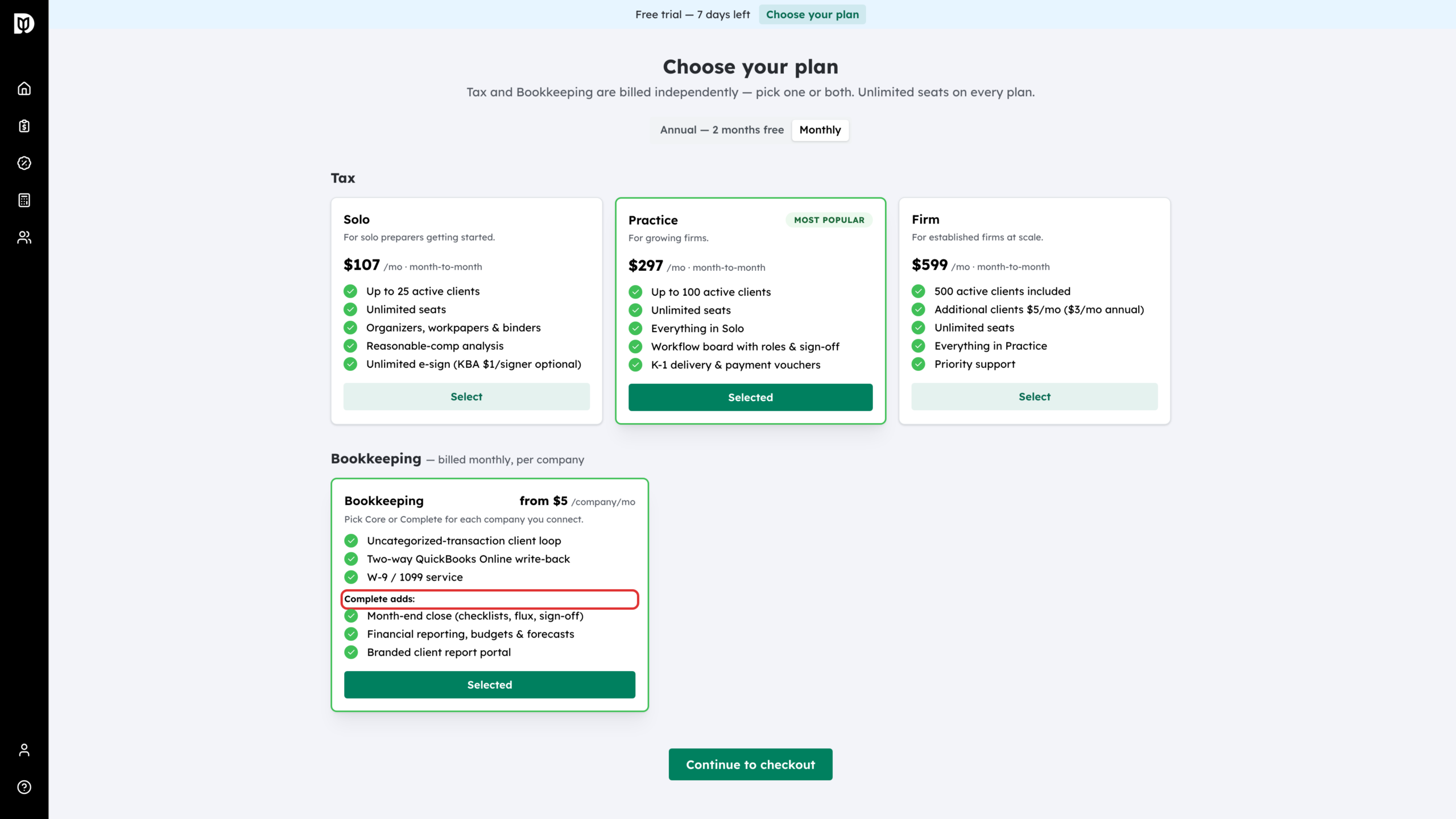
Under Complete adds, the same card lists what Complete brings. Complete is $10 per company per month. It includes everything in Core and adds month-end close, financial reporting with budgets and forecasts, and the branded client report portal.
Step 3: Check how it is billed
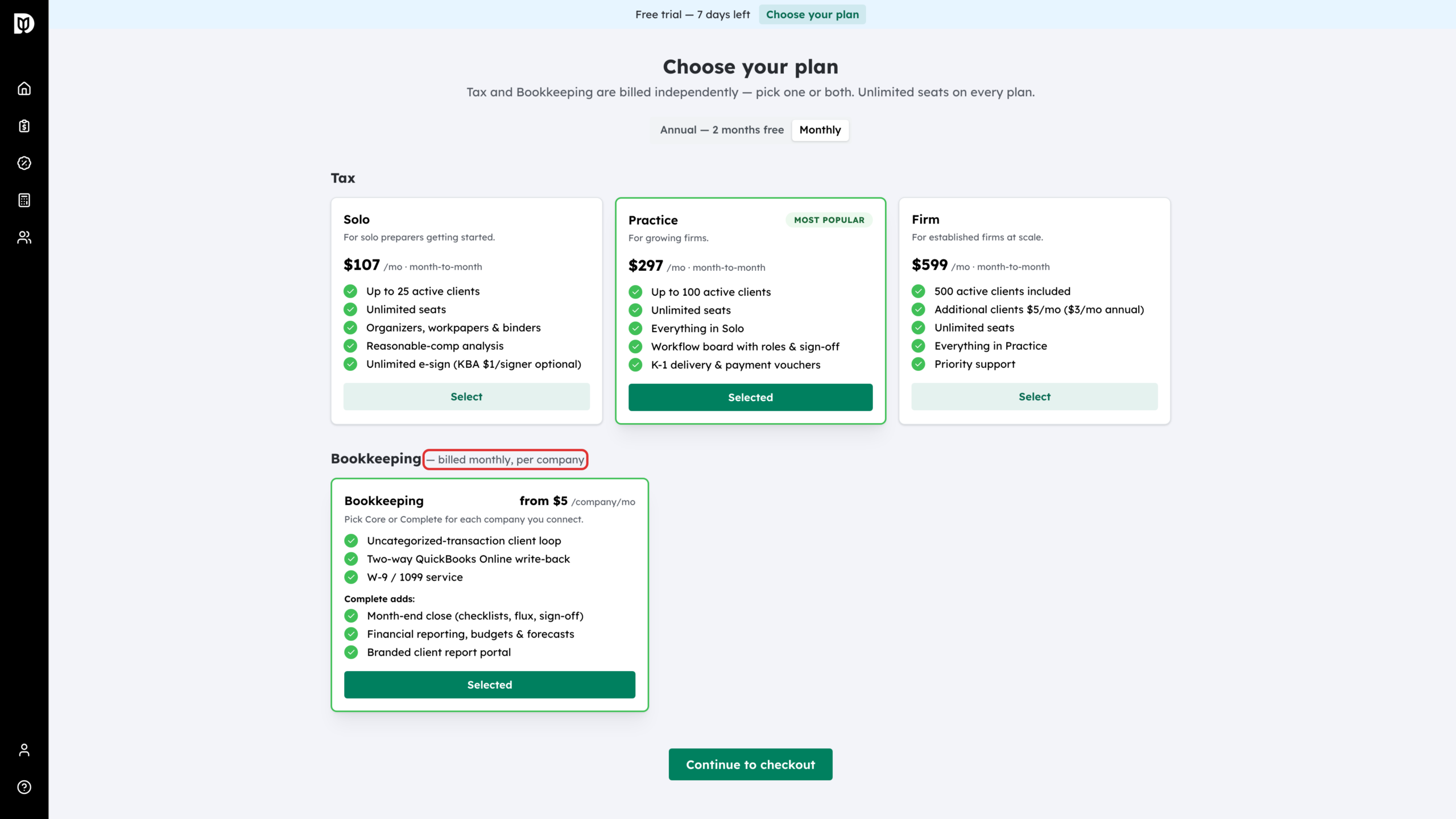
The heading above the card spells out the billing rule: billed monthly, per company. If you manage six companies on Core, that is $30 a month; on Complete it is $60; four on Core and two on Complete is $40.
Step 4: Check which package you are on
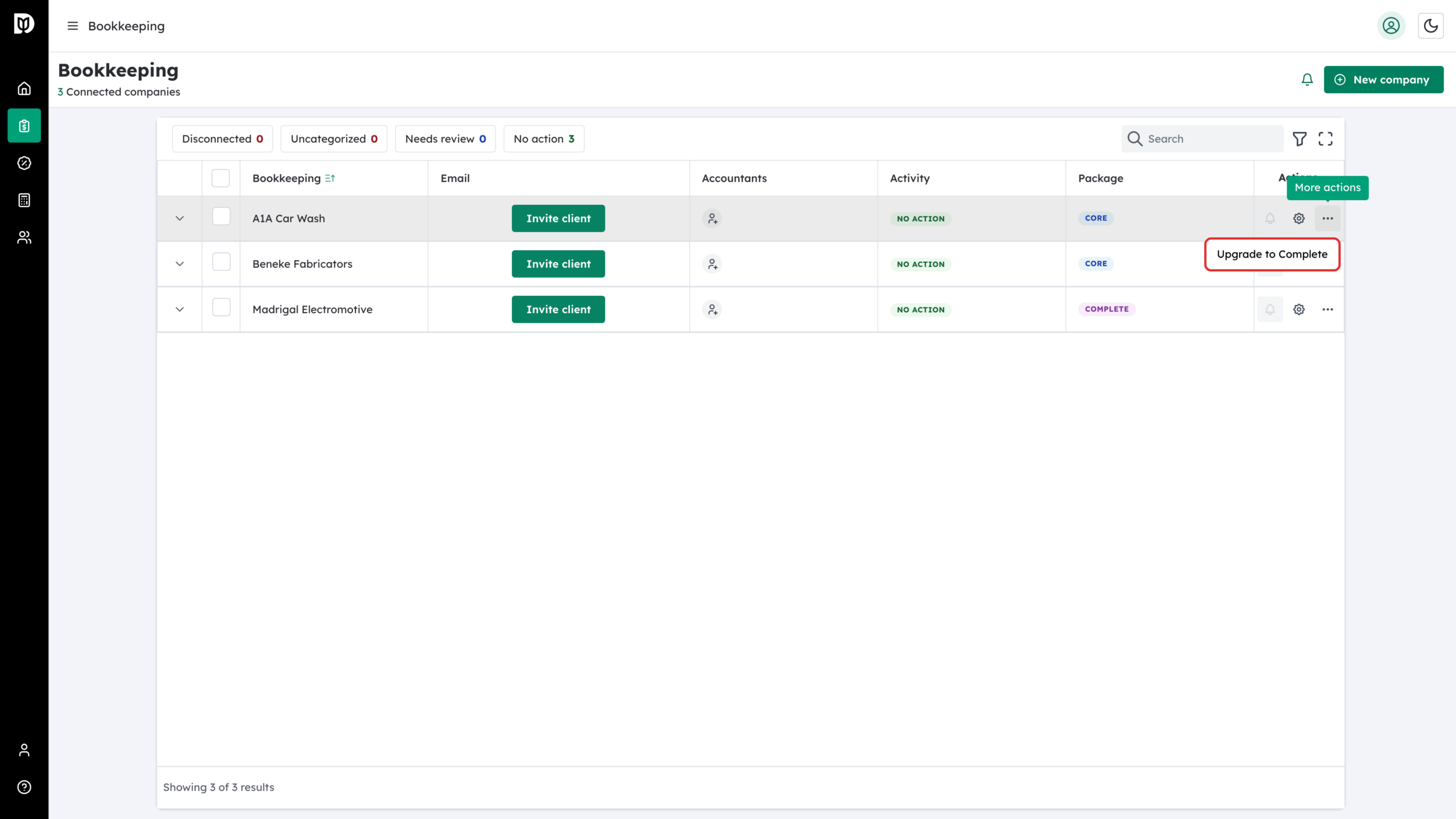
Open the Companies page. Each company carries a Core or Complete badge. Owners and admins can change it from the company’s row menu (Upgrade to Complete or Downgrade to Core), or from the Bookkeeping package card in that company’s settings. An upgrade applies immediately and the price difference is prorated on your next invoice. A downgrade is scheduled for the end of the current billing period; until then you can undo it with Cancel downgrade.
Step 5: Recognise a Complete-only feature
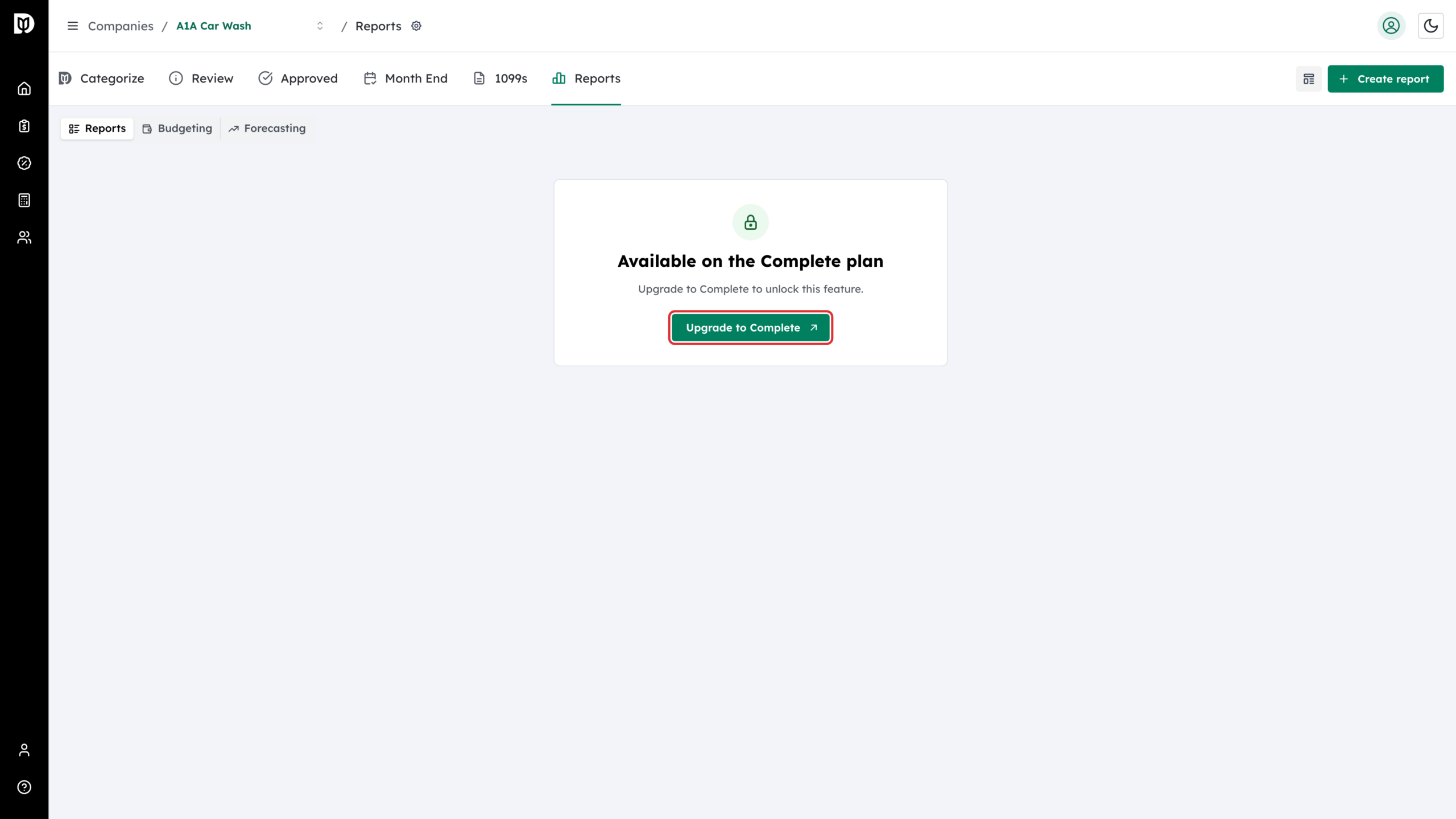
If you are on Core and open something that needs Complete — reporting, budgets and forecasts, report packages or month-end close — Debits shows an Available on the Complete plan panel instead of the feature. Owners and admins can select Upgrade to Complete on it to upgrade that company straight away.
What happens next
Your bookkeeping charge follows the companies you have connected and the package each one is on, so it changes as you add or remove clients. Moving a company from Core to Complete unlocks month-end close and reporting for that company only. While bookkeeping is on but no company is connected yet, you are billed for one company on Core.
Troubleshooting
- The Bookkeeping area is missing from the menu: your firm has no bookkeeping. Select Add on the Bookkeeping card on the plan page, then pick Core or Complete for each company.
- Reports open an upgrade panel: that company is on Core. Reporting, budgets, forecasts, report packages and month-end close all need Complete for that company.
- You picked annual tax and bookkeeping together: bookkeeping is set up as its own monthly subscription. That is expected — bookkeeping is never billed yearly.