Who this is for: The owner of a firm on its free trial.
What you’ll learn: When your trial starts and ends, how the countdown works, when your card is first charged, and what happens if the trial ends before you choose a plan.
Before you begin
- Your 7-day free trial starts the moment you create your firm’s account. You do not need a card to start it, and every feature is unlocked while it runs.
- Only the firm owner sees the trial countdown and can choose a plan. Staff never see billing.
- Choosing a plan during the trial does not shorten or restart it.
Step-by-step instructions
Step 1: Watch the countdown
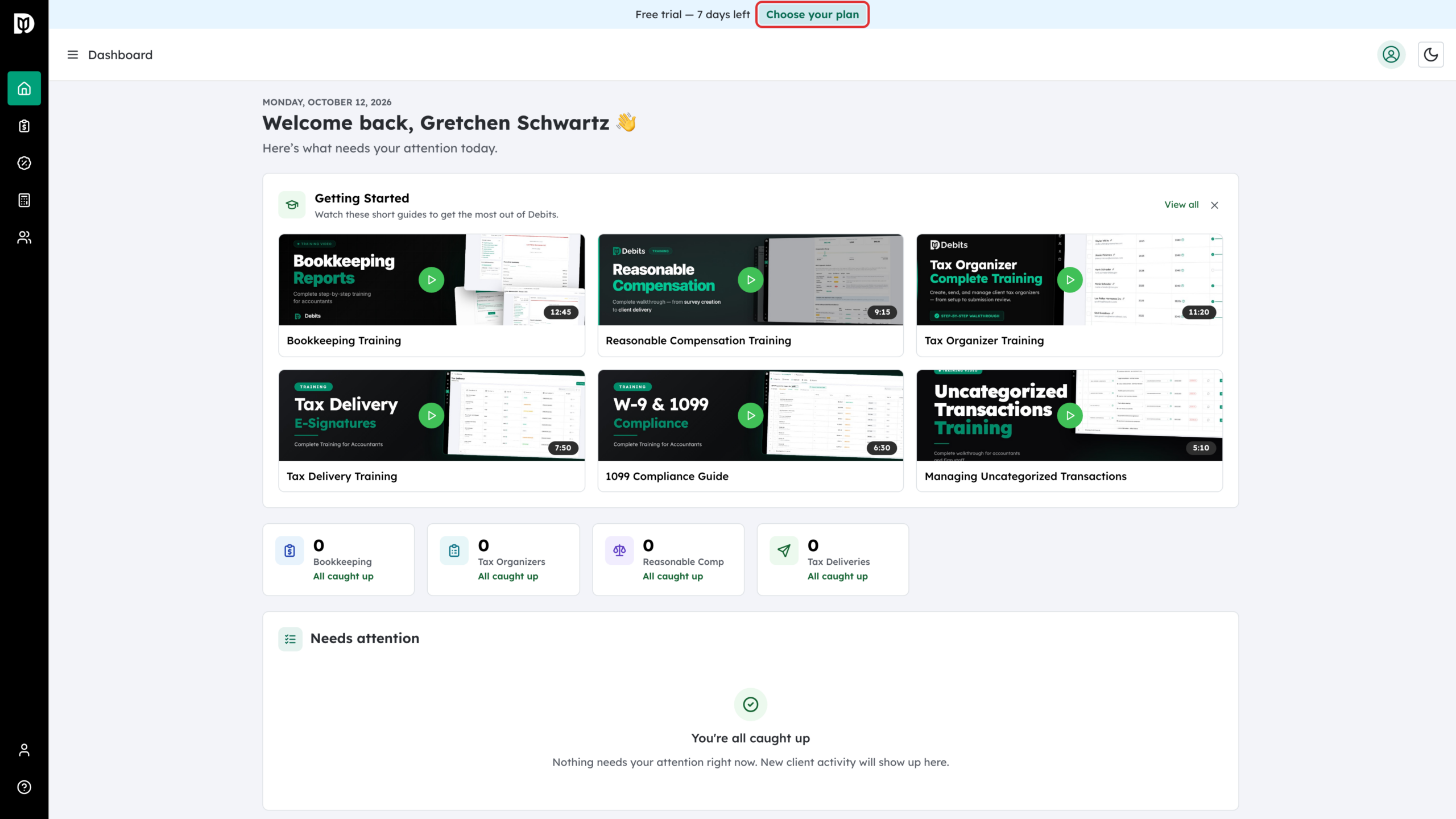
While the trial runs, a banner at the top of every page reads Free trial — N days left. Select Choose your plan on it whenever you are ready.
Step 2: Pick a plan and continue to checkout
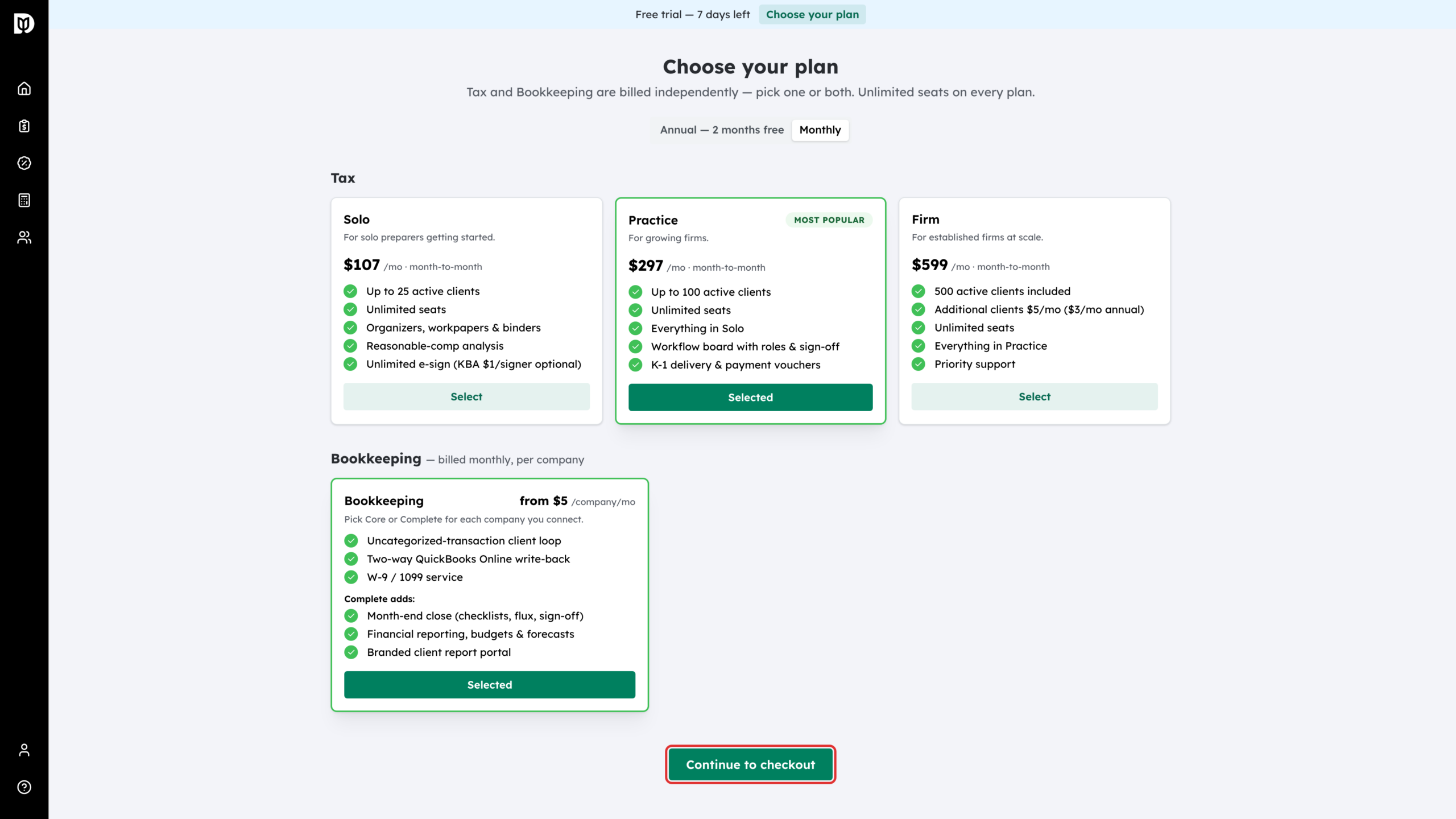
On the Choose your plan page, pick a tax tier, add Bookkeeping, or both, then select Continue to checkout. If you chose a plan during setup, it is already selected. See “How to choose a plan and start your free trial” for the plan options.
Step 3: Check the first charge date
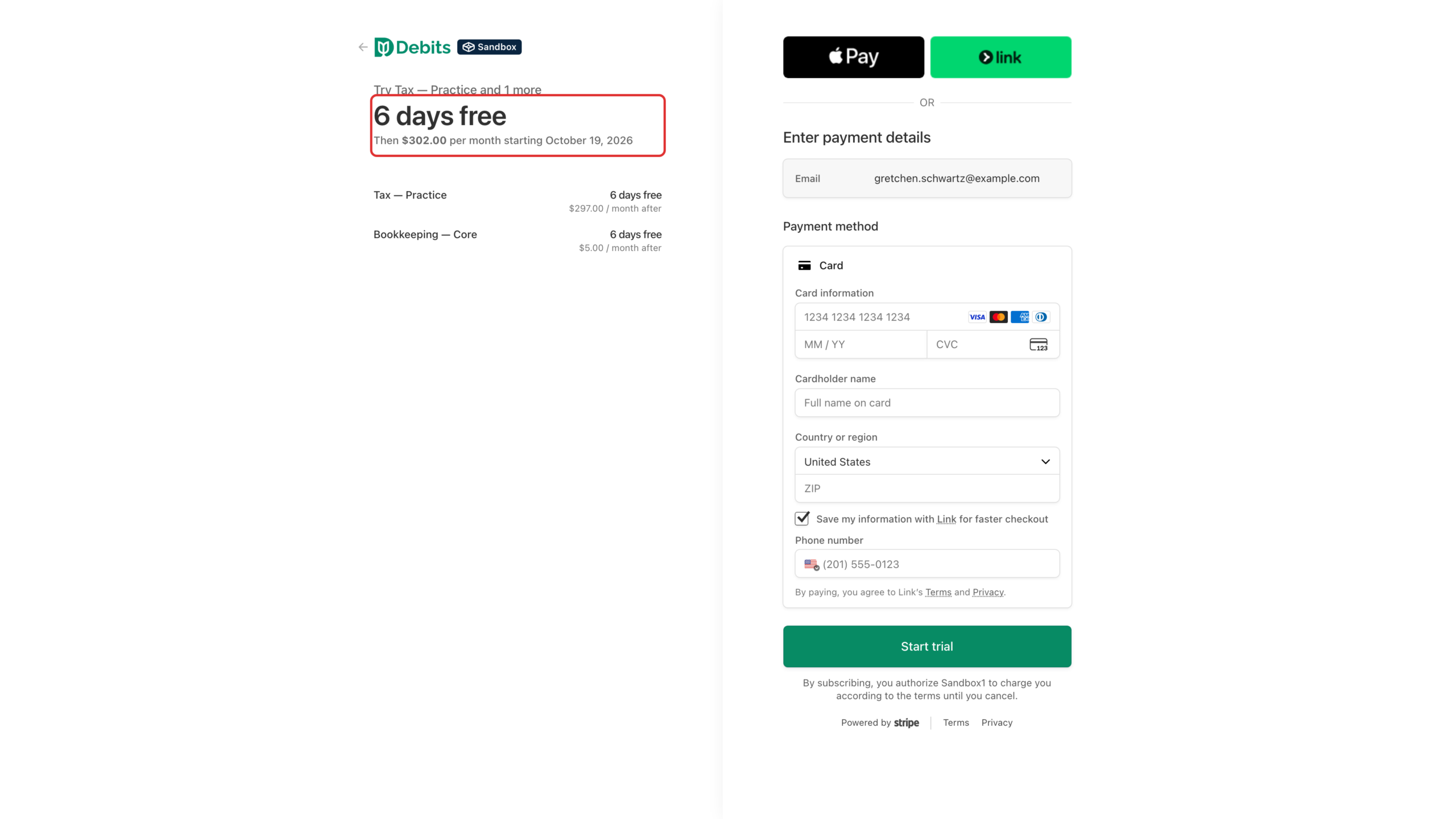
Debits hands you to Stripe, our payment provider. You enter a card, but you are not charged yet. The summary shows how many free days are left and the date of the first charge. That date is day 7 of the trial you started when you signed up.
If less than two days of your trial are left, Stripe charges you at checkout instead.
Step 4: If the trial ends before you choose
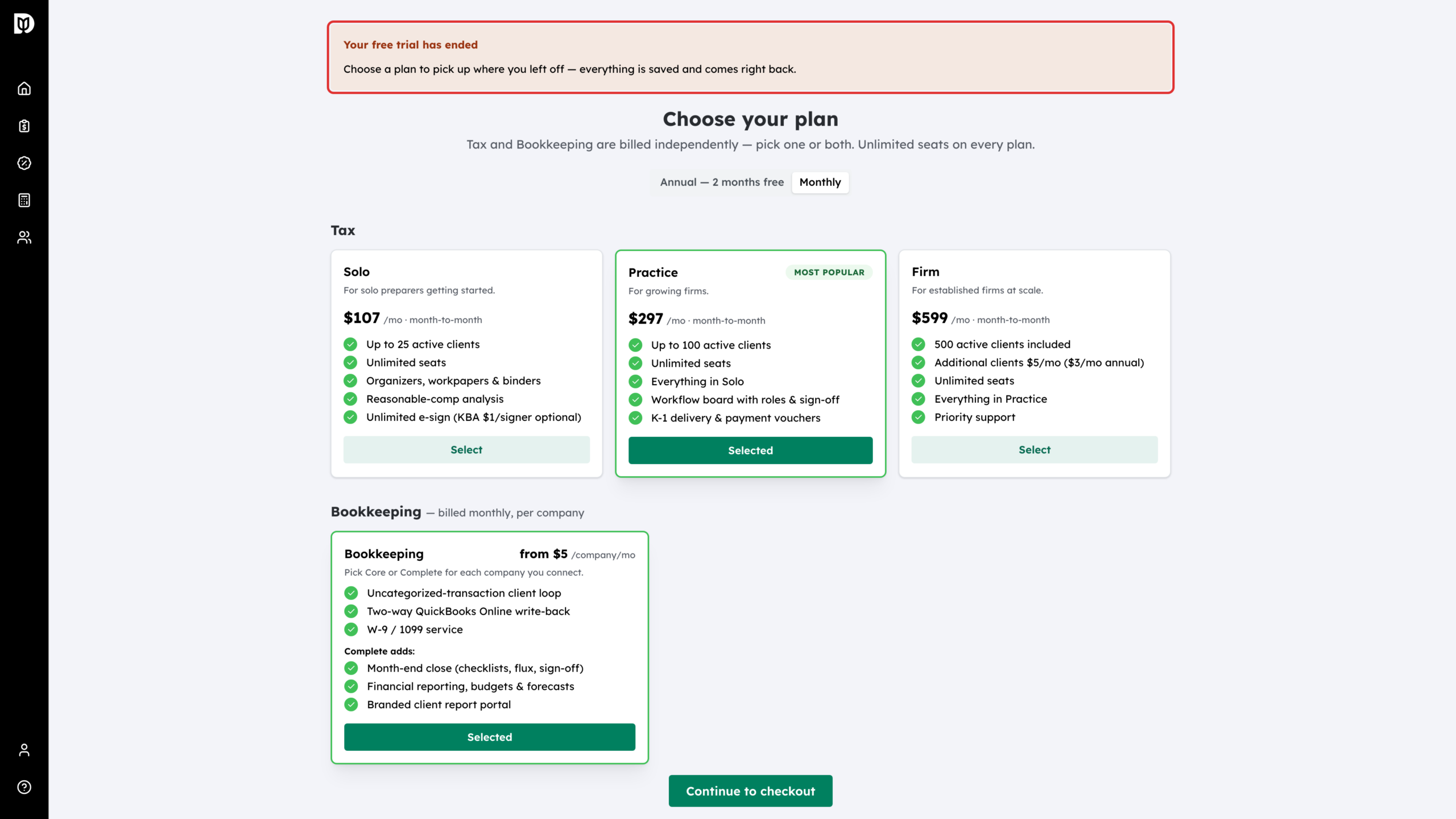
Nothing is deleted. The next time you or your staff open Debits, it opens the plan page with the message Your free trial has ended. Choose a plan and continue to checkout, and everything you set up comes right back.
What happens next
Once checkout is complete, the banner disappears and your plan shows on the Subscription & Billing page. Your card is charged on day 7, then every month or year after that, depending on the billing period you chose.
Debits also emails the firm owner two days before the trial ends, and again if it ends without a plan.
Troubleshooting
- You do not see the trial banner: only the firm owner sees it. It also disappears once your firm has a plan.
- A staff member sees “Only the firm owner can choose a plan”: that is expected. Ask the owner to choose the plan from the same page.
- You were charged at checkout: your trial had less than two days left, so Stripe charged straight away instead of waiting for day 7.