Who this is for: Firms on Solo or Practice that are filling up their allowance, and Firm-tier firms that want to understand overage.
What you’ll learn: What happens at the limit on each tier, how to lift it, and how extra clients are billed on Firm.
Before you begin
- Know how Debits counts active clients — see “Understanding tax plans and active clients”.
- Only the firm owner can change the plan.
Step-by-step instructions
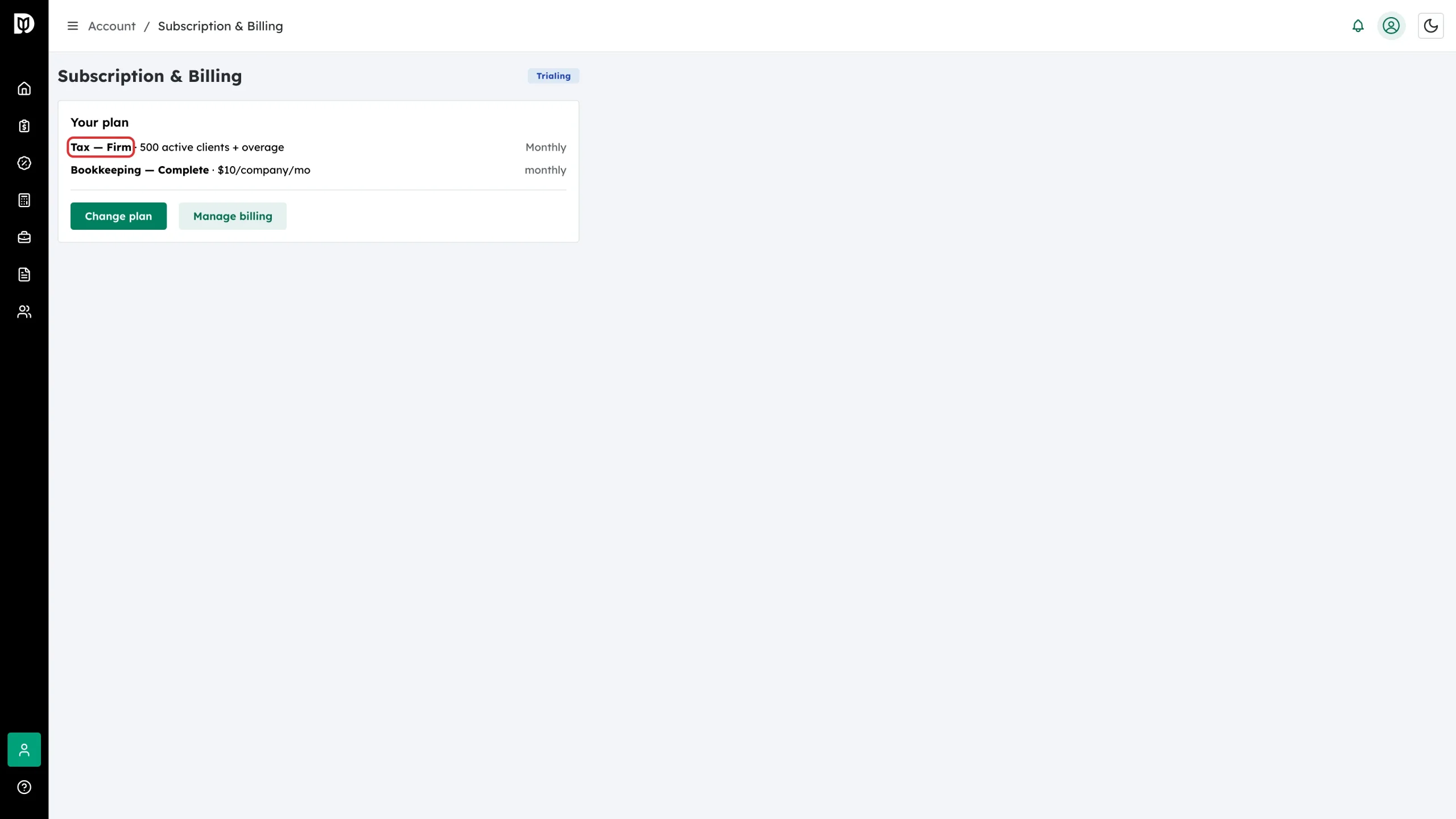
Step 1: Check the limit on your tier
Open Subscription & Billing and read the tax line. Solo includes 25 active clients, Practice 100, and Firm 500 plus overage.
Step 2: Recognise the limit message
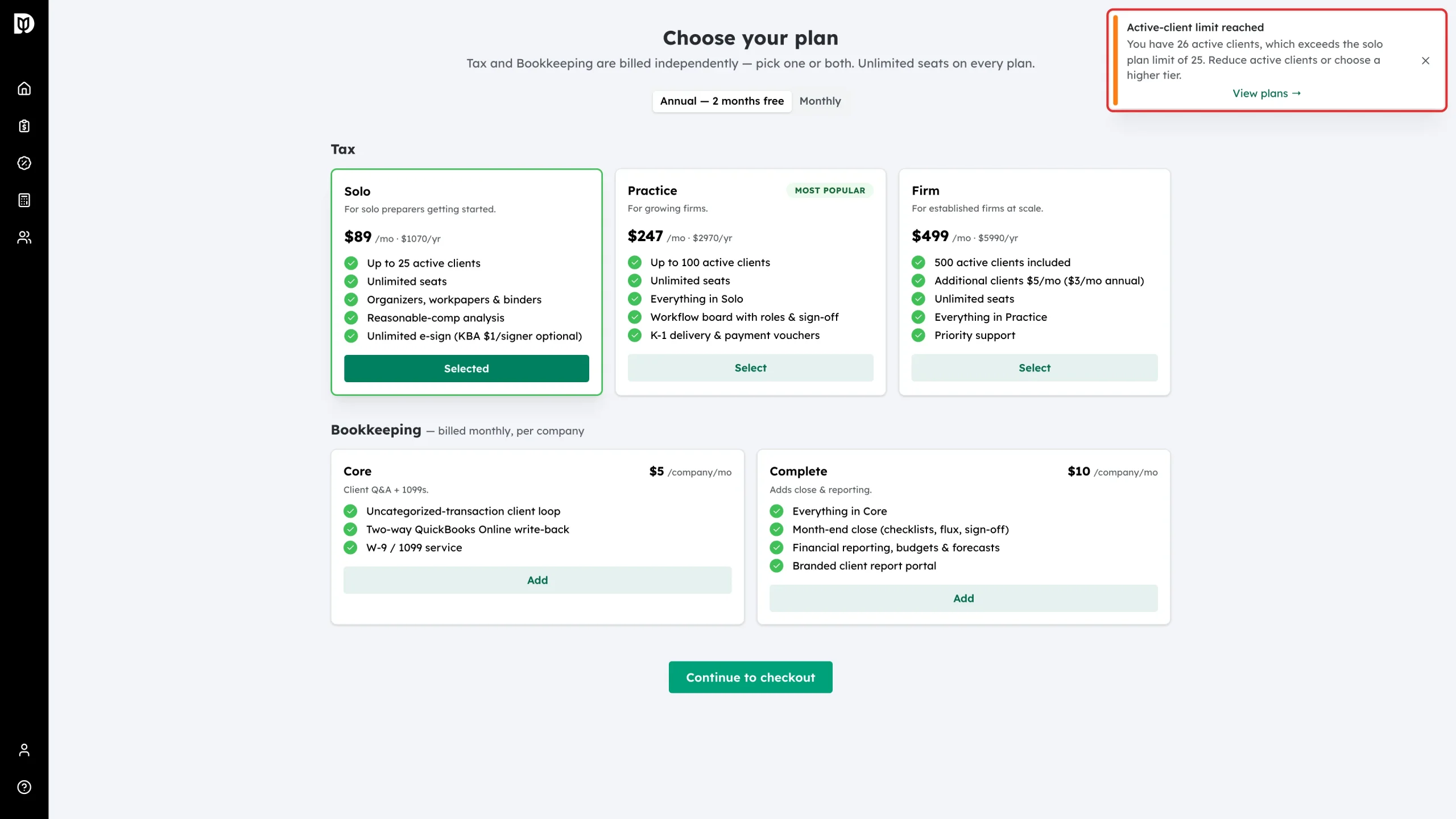
On Solo and Practice the allowance is a hard cap. When the next client would take you over it, Debits stops that action and shows an Active-client limit reached notice with the count it made and a View plans link. Nothing is charged and nothing is half-finished — the action simply does not run.
You also get a warning before you hit the limit. When you send organizers, the new-organizer window shows how many active clients you have used and how many are left. For a bulk upload it counts only the new clients, because clients already active this year do not use a slot. If the upload would go over, it shows More clients than your plan allows before you send.
Step 3: Move up a tier
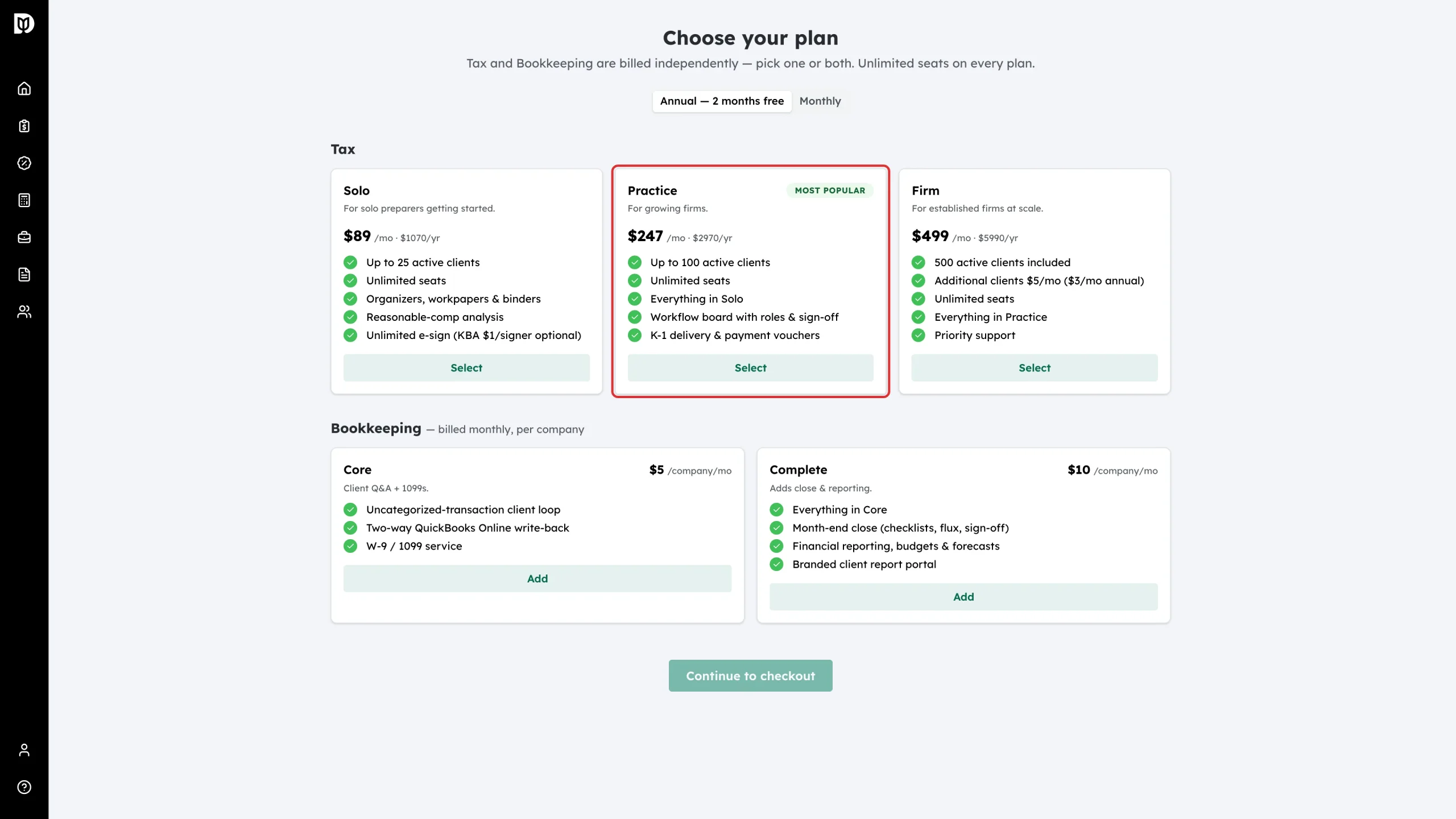
Select View plans, then pick the next tier up: Practice if you are on Solo, Firm if you are on Practice. If your firm already has a subscription, select Update plan to change it in place — see “How to change your plan or payment details”.
Step 4: Understand Firm overage
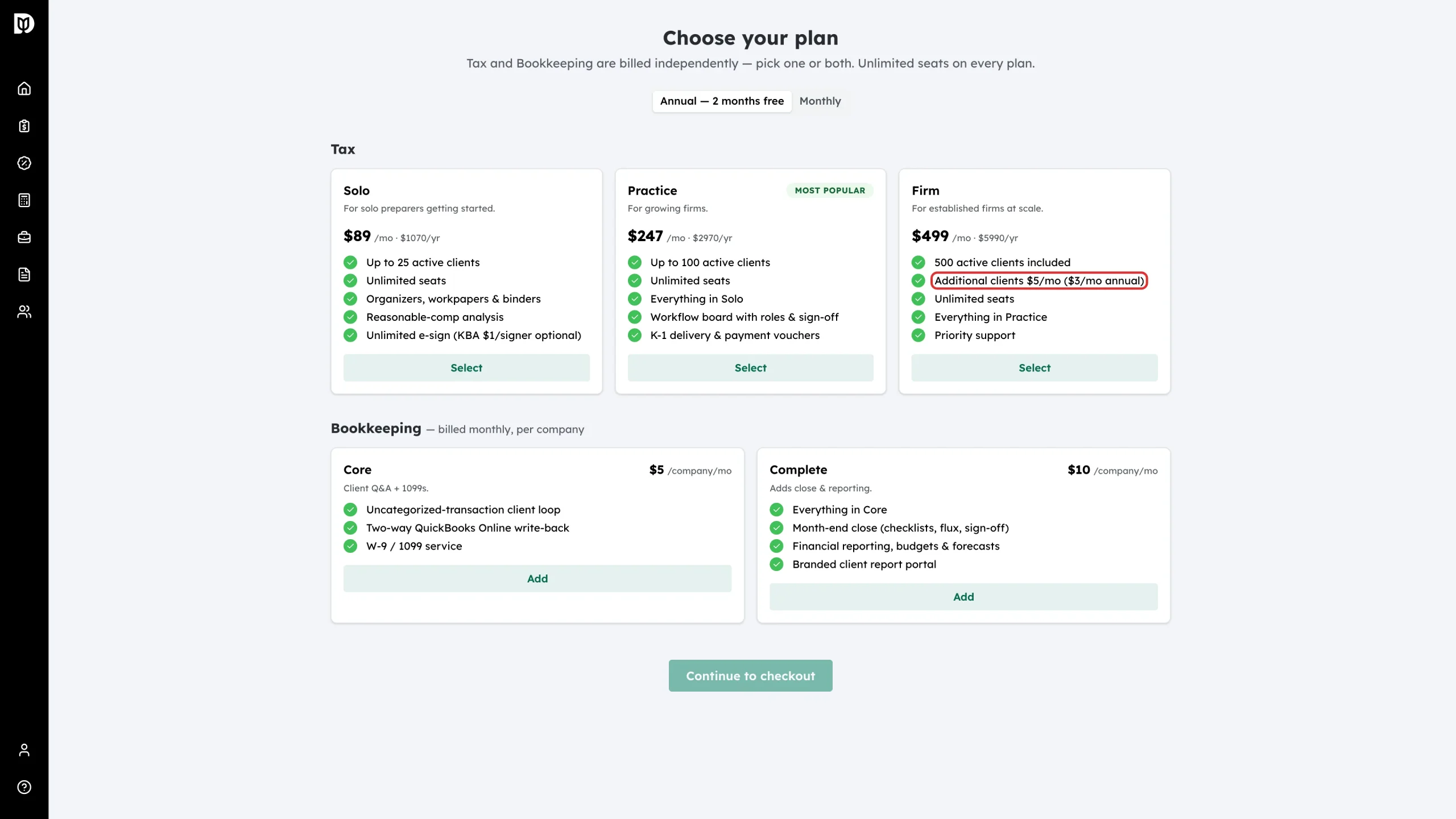
The Firm tier does not block you. It includes 500 active clients, and every client past 500 is added to your subscription: $5 per client per month on monthly billing, or $36 per client per year on annual billing.
Step 5: See overage on your invoices
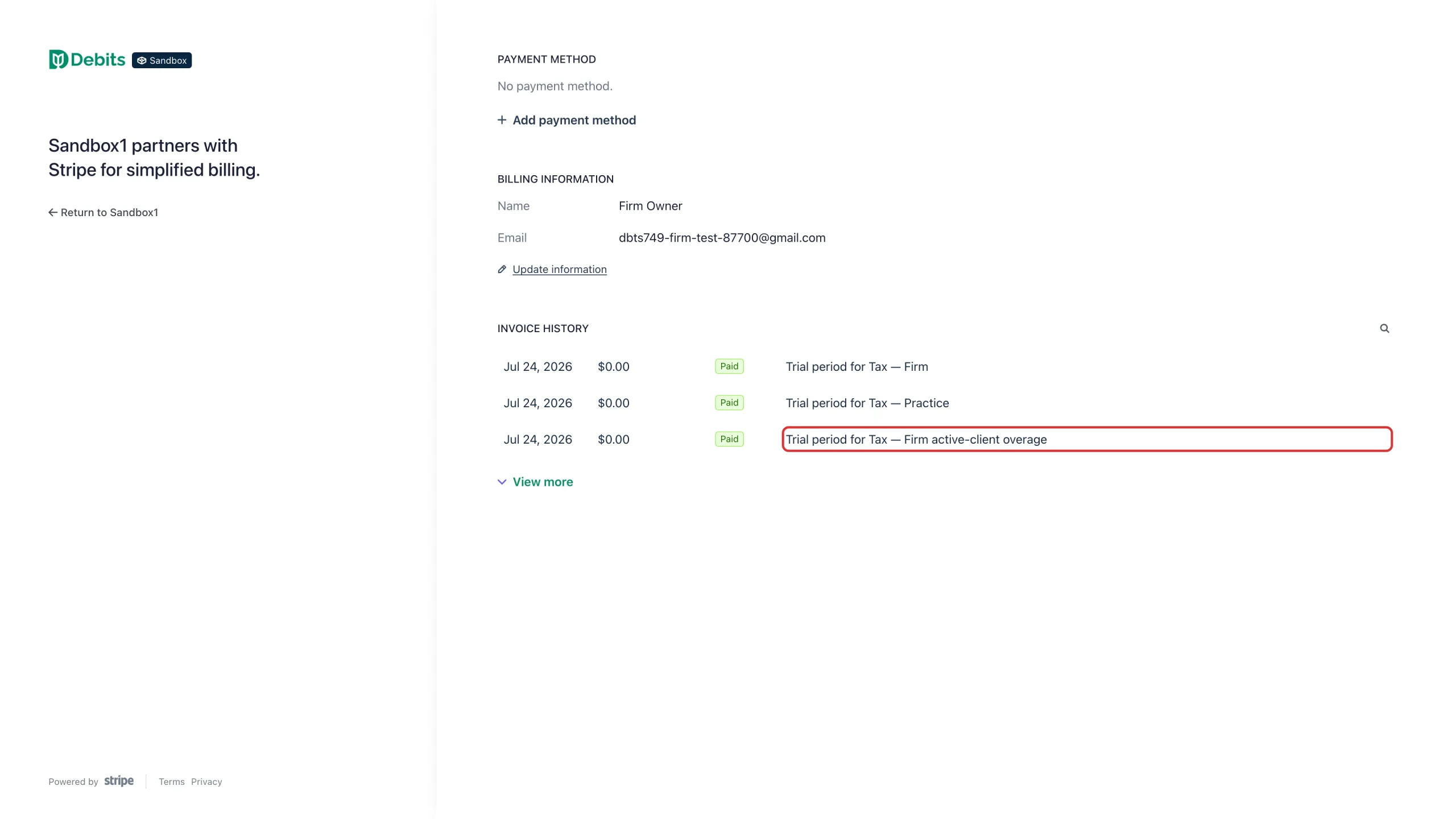
Open Manage billing and look at the invoice history. Extra clients appear as their own line, separate from the tier itself, so you can see exactly what the overage cost.
What happens next
Upgrading takes effect as soon as the new plan is in place, and the blocked action works on the next attempt. On Firm, the overage count is recalculated whenever a client becomes active, and again once a day, so the number on your invoice follows your real client list.
Troubleshooting
- You want to free a place instead of upgrading: remove the client from your firm. Their place is released straight away. A client with no tax activity for a full year also drops out of the count on their own.
- The count looks higher than your client list: invoicing a client marks them active too, not only tax work. Clients who have been quiet for less than a year are still counted.
- You are moving down a tier: Debits refuses the change while you have more active clients than the smaller tier allows, and tells you the number. Reduce your active clients first, or stay on your current tier.