

Who this is for: Clients who received a financial report link from their accountant.
What you’ll learn: How to open and read the report your accountant delivered.
Before you begin #
- Look for the delivery email from your accountant. It contains a secure link — no password is required.
Step-by-step instructions #
Step 1: Open the link #
Select the button or link in the email. Your report opens in the browser, branded by your accounting firm.
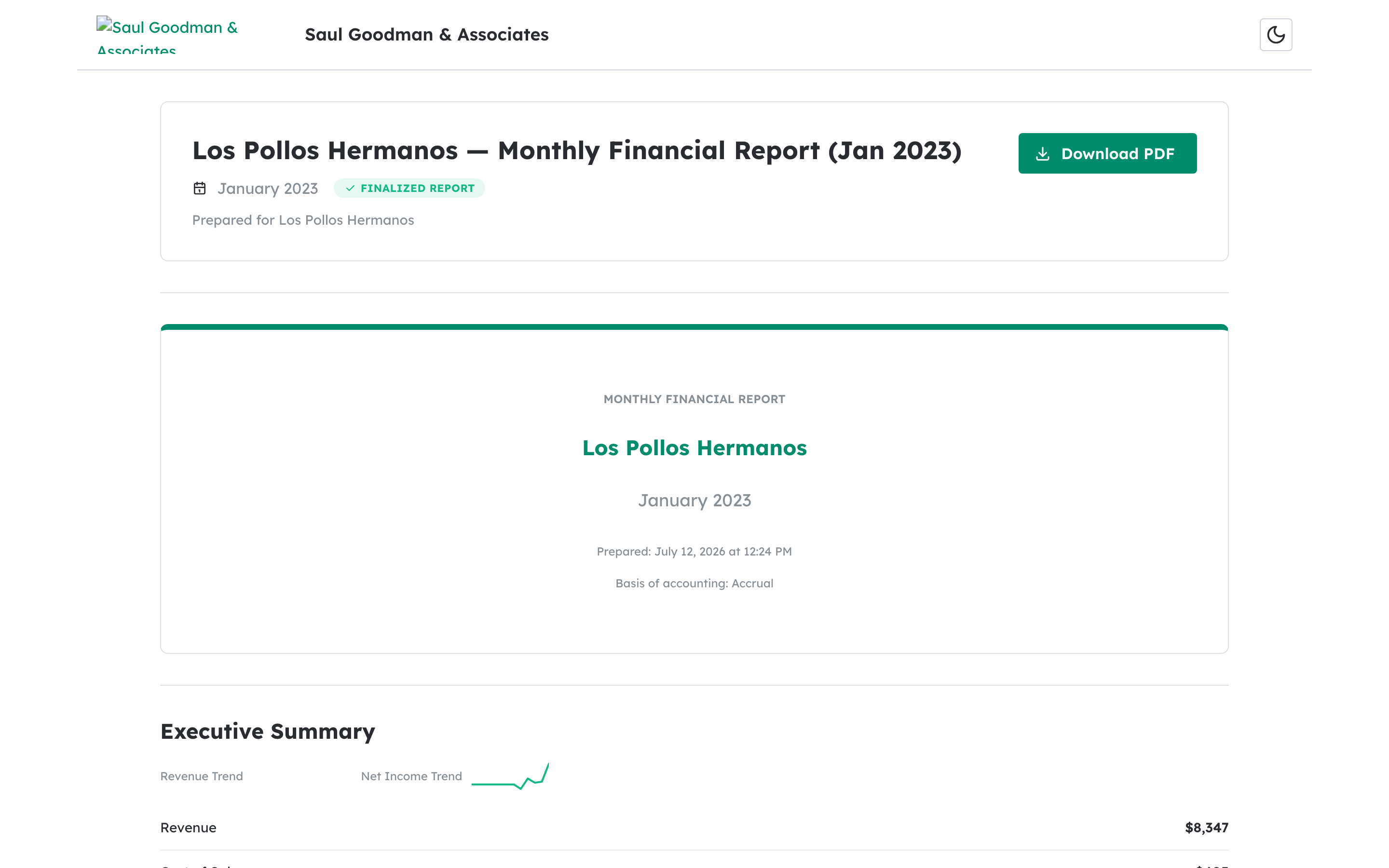
Step 2: Read the report #
Scroll through the report to see the summary, charts, statements, KPIs, and any commentary your accountant added.
What happens next #
You can revisit the same secure link any time to reopen the report or download the PDF.
Troubleshooting #
- Problem: The link says it’s expired or invalid. Secure links can expire; ask your accountant to resend the report.


