This guide is for anyone with a Debits login. It shows how to change your password from inside the app.
Before you begin
- You need to know your current password. If you do not, sign out and use Forgot password on the sign-in page instead.
- Have your new password ready. The strength meter will tell you if it is too weak to accept.
Step 1: Open your account settings
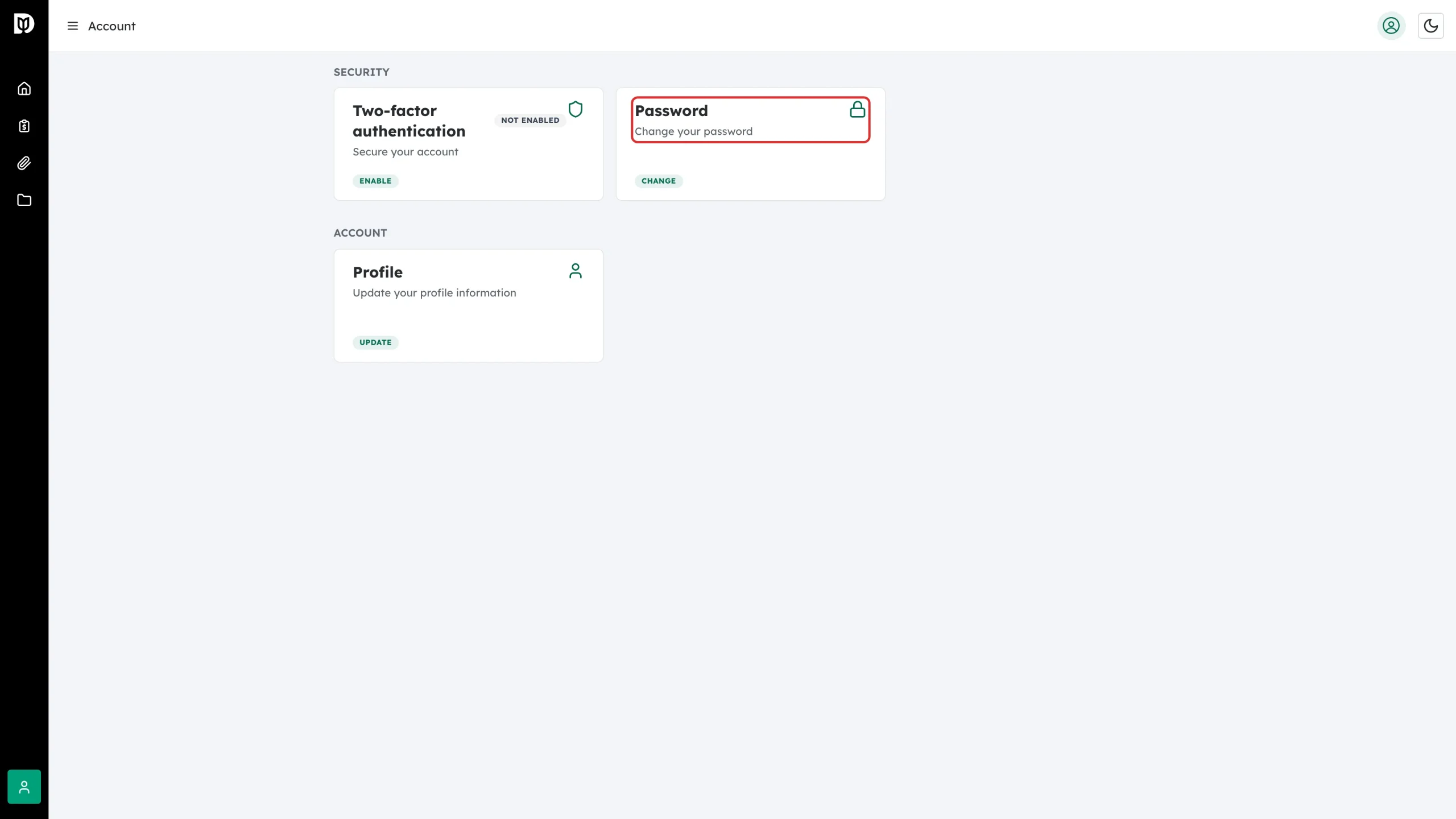
Click Account in the left sidebar. Under SECURITY you will see a Password card with the description “Change your password”.
Step 2: Click CHANGE
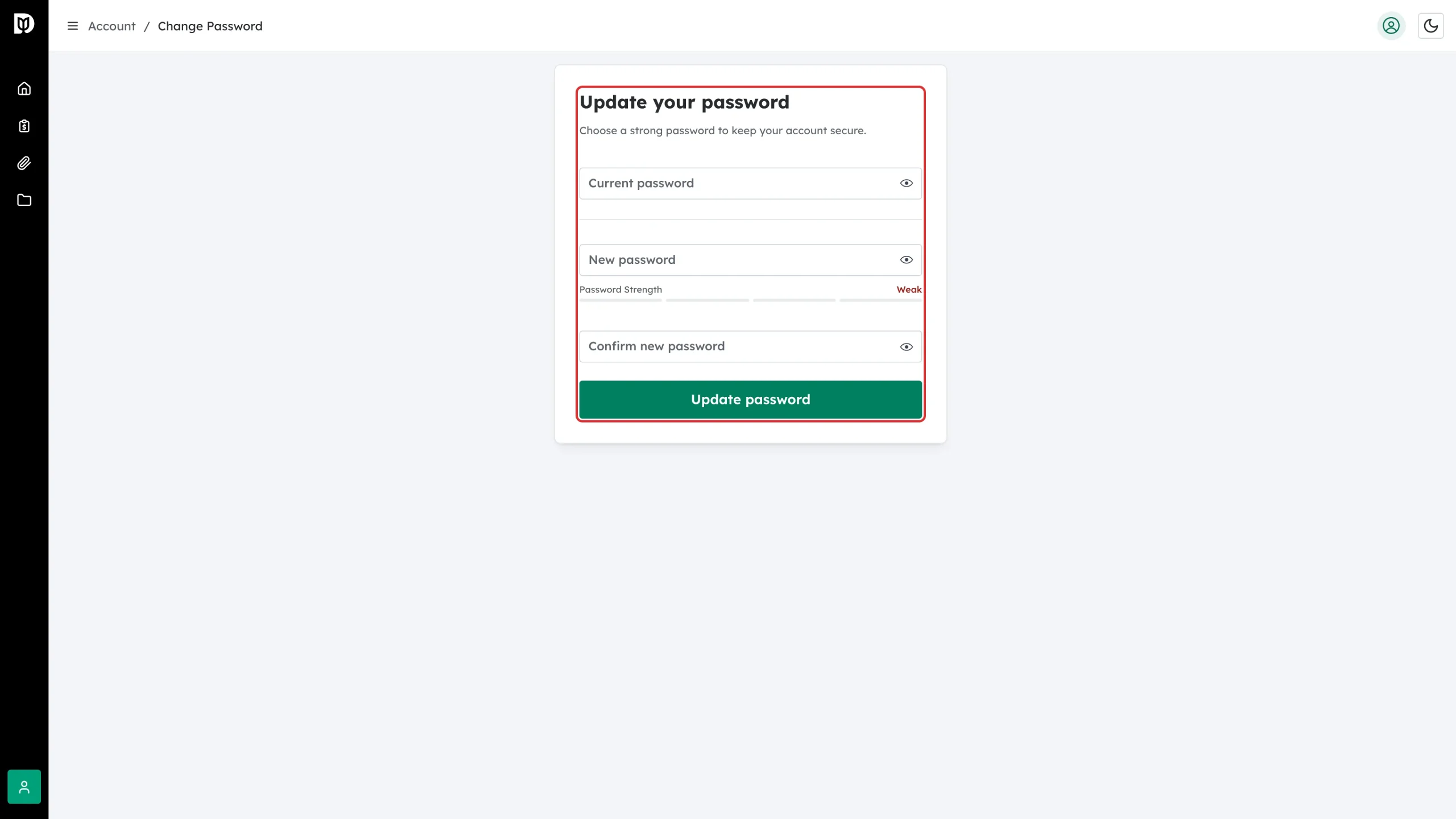
Click CHANGE on the Password card. The Update your password page opens.
Step 3: Enter your current password
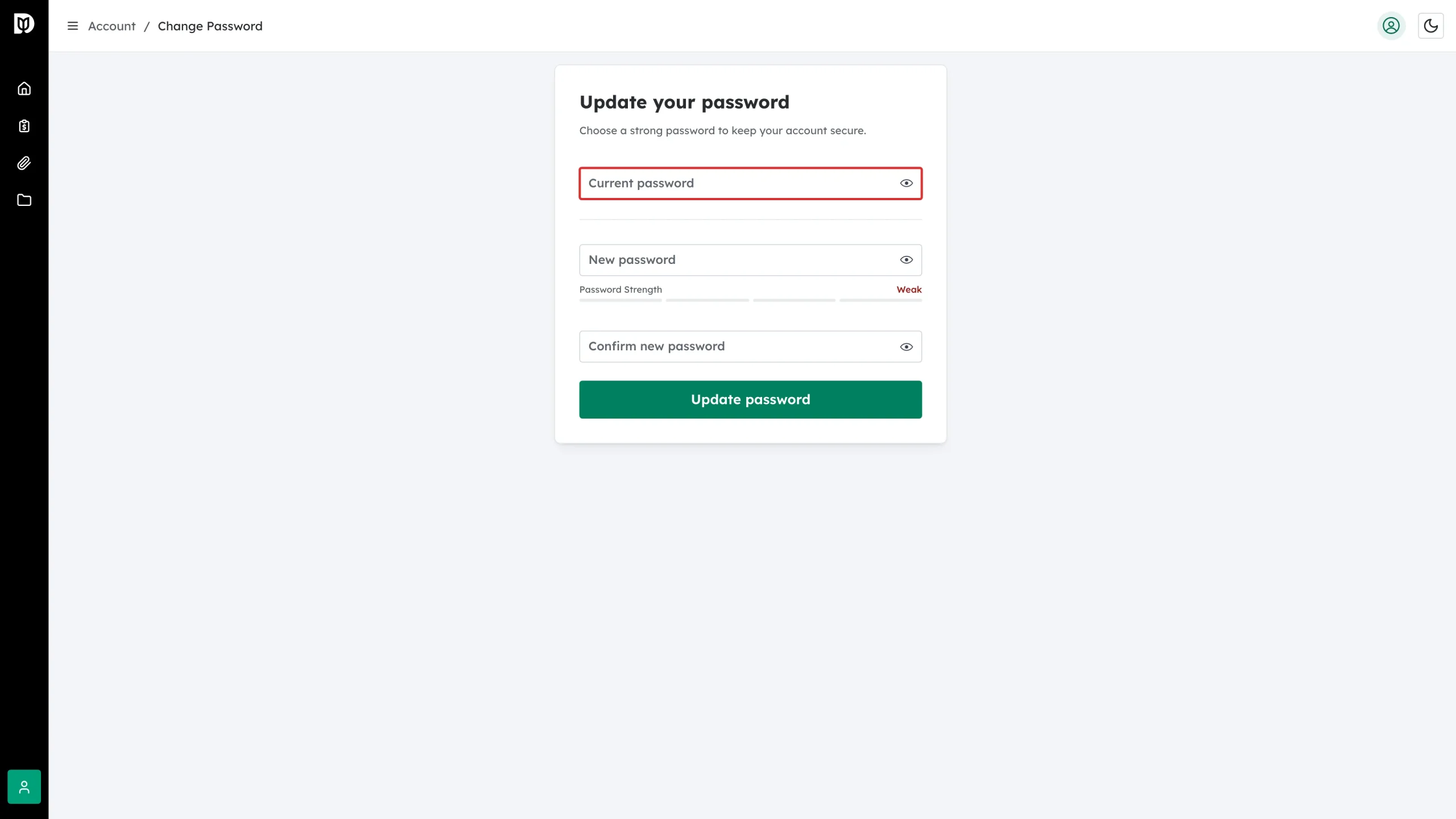
Type your existing password in Current password. This confirms it is really you.
Step 4: Enter your new password
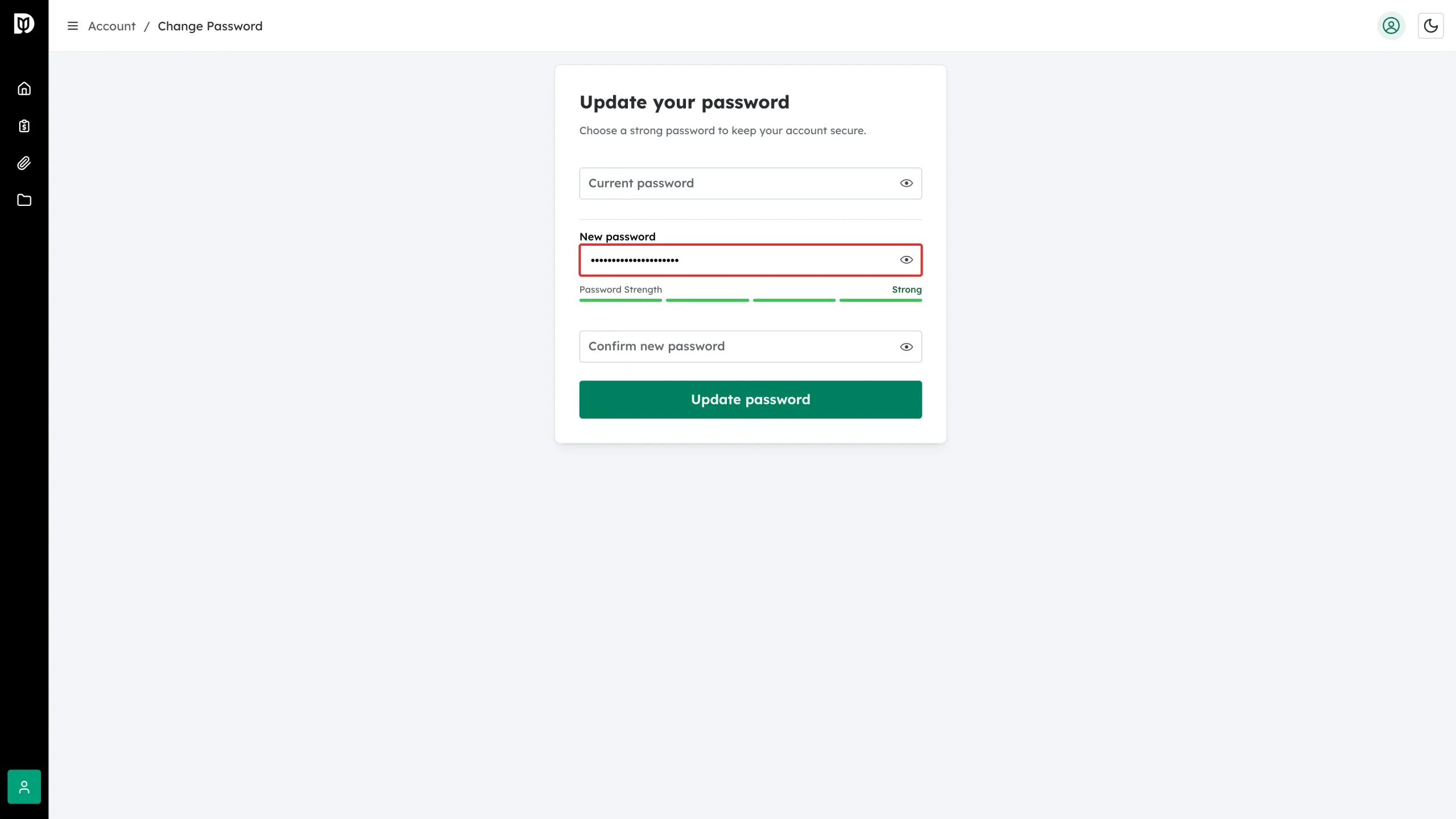
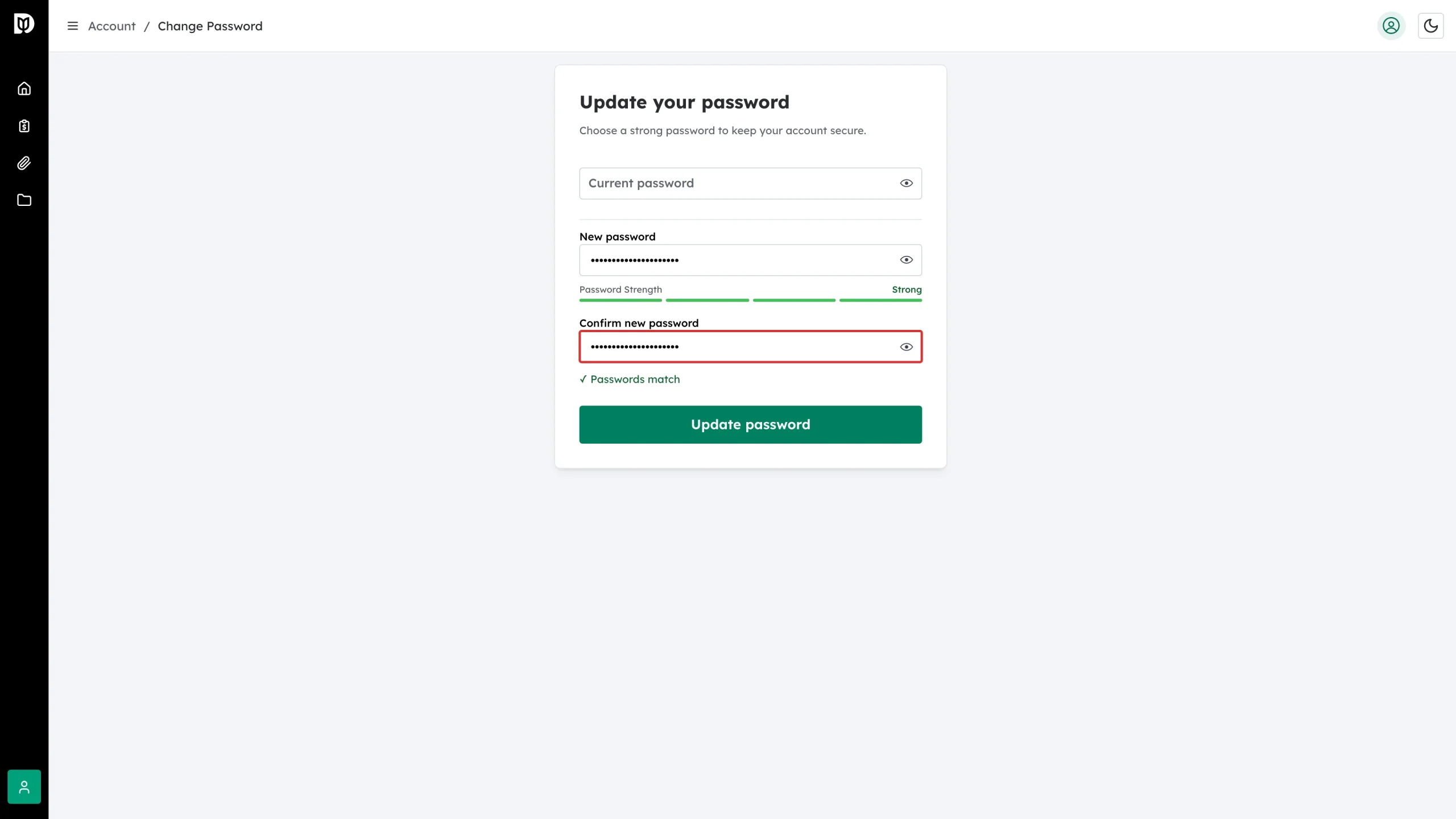
Type the new password in New password. The Password Strength bar under the field updates as you type — aim for a long passphrase rather than a short complicated word.
Step 5: Confirm it
Type the same password again in Confirm new password. The two must match exactly.
Step 6: Save
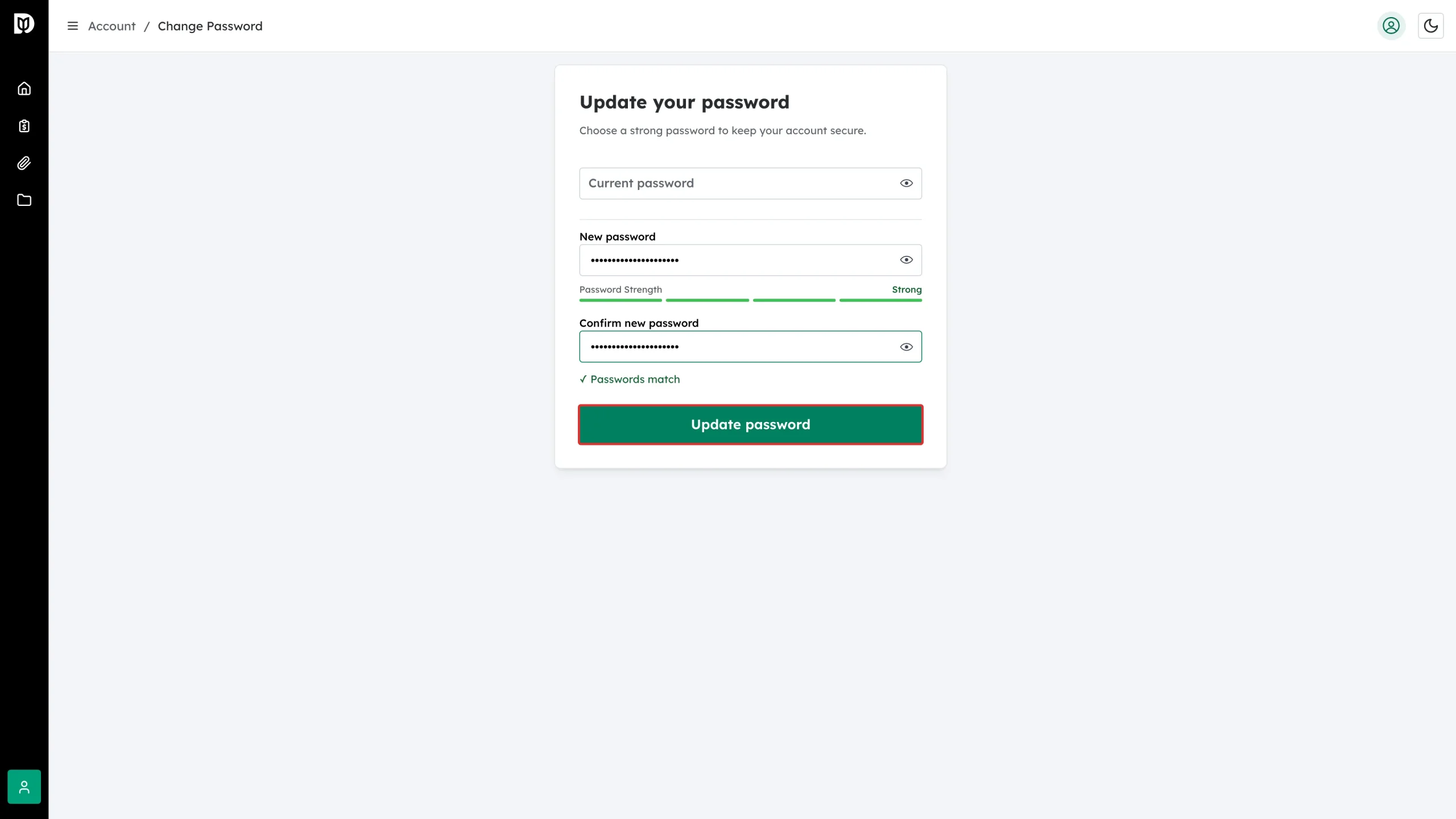
Click Update password. A confirmation message appears when the change is saved.
What happens next
Use the new password the next time you sign in, and update it in your password manager. While you are on the Account page, consider turning on Two-factor authentication from the card beside Password — it adds a second check at sign-in.
Troubleshooting
- “Current password is incorrect”. Retype it carefully, or sign out and use Forgot password to reset by email.
- The button will not submit. The two new-password fields do not match, or the password is too weak. Check the strength meter.
- I never received the reset email. Check your spam folder, then ask your accounting firm to confirm which email address your login uses.