Who this is for: Clients paying an invoice from their accountant online.
What you’ll learn: How to pay one invoice in two to four parts, each with its own card or bank account.
Before you begin
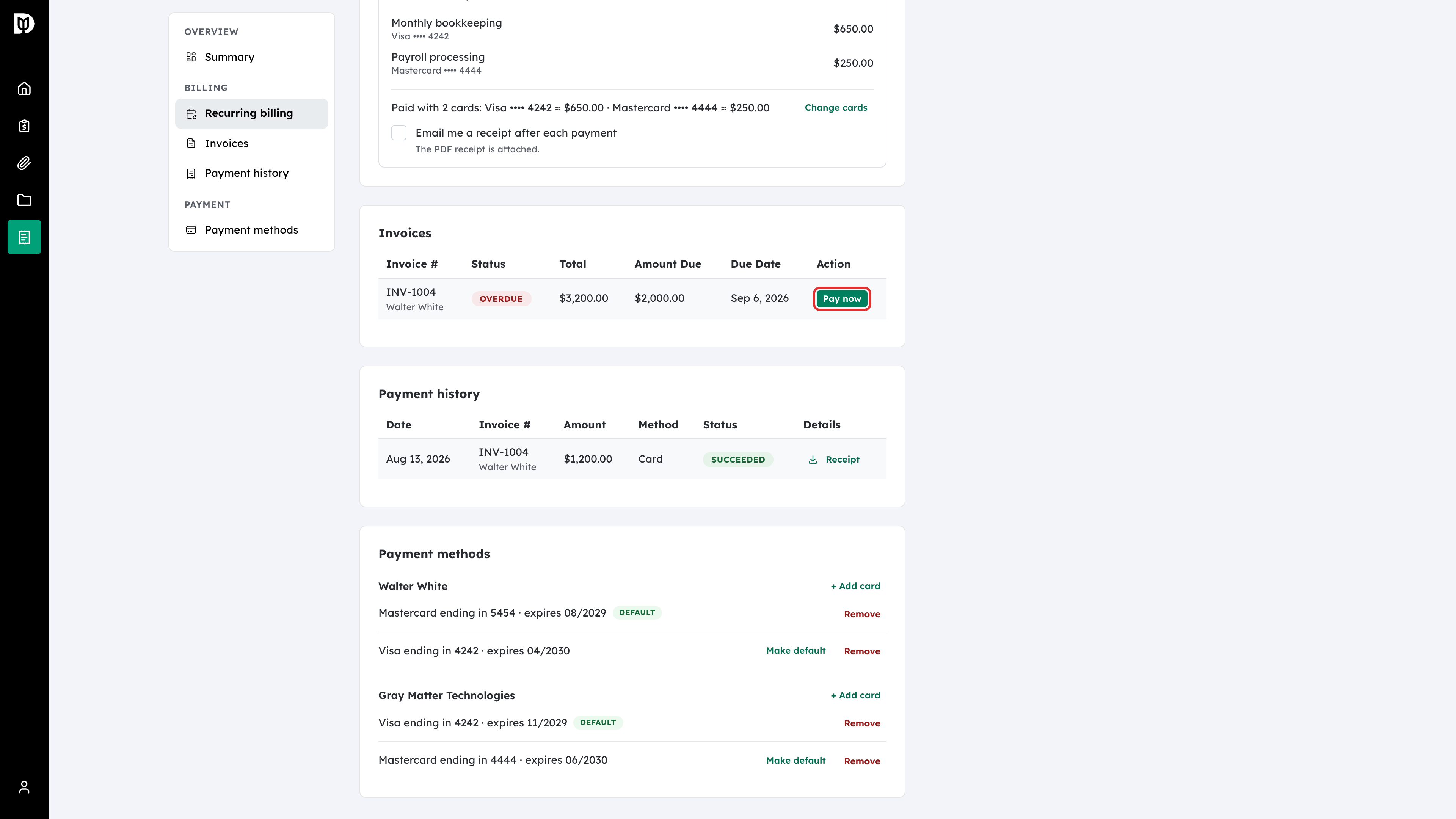
- You need the invoice’s payment page. Open it from Pay now on your Billing page, or from the link in your invoice email.
- Each part must be at least $1, and the parts must add up to exactly the amount due.
- You can use up to four parts.
Step-by-step instructions
Step 1: Open the invoice
On your Billing page, select Pay now on the invoice. Or open the payment link in the invoice email. The payment page shows the line items and the Amount Due.
Step 2: Choose to split the payment
Under the payment button, select Split across payment methods. The split starts as two equal parts.
Step 3: Set the amount of each part
Enter an amount in each Payment box. Select Add payment for another part (up to four), or the trash icon to remove one. Under the boxes, Debits shows how much is left to allocate, or Fully allocated once the parts add up to the amount due.
Step 4: Continue to payment
Select Continue to payment. This button only works once the split is fully allocated.
Step 5: Pay each part
Debits shows your progress through the parts. Select the pay button for the current part, for example Pay $1,000.00 — payment 1 of 2, and enter the card or bank account for that part. Repeat for each part. Before you pay the next part, you can select Change split to adjust the amounts.
What happens next
Each part is recorded as its own payment, and the invoice is paid once the last part goes through. If you leave the page partway, open the same invoice again and you pick up where you left off. A bank payment can take a few business days to clear. In the meantime you can carry on with the remaining parts.
Troubleshooting
- There is no Split across payment methods option: The amount due is too small to split. It must be at least $2, because each part must be at least $1.
- Continue to payment does nothing: The parts don’t add up to the amount due. Adjust them until Debits shows Fully allocated.
- One part was declined: Try that part again with a different card or bank account. The parts you already paid stay paid.