When you send an invoice, your client gets a link to a payment page. They do not need a Debits account and there is nothing to download.
-
What your client receives
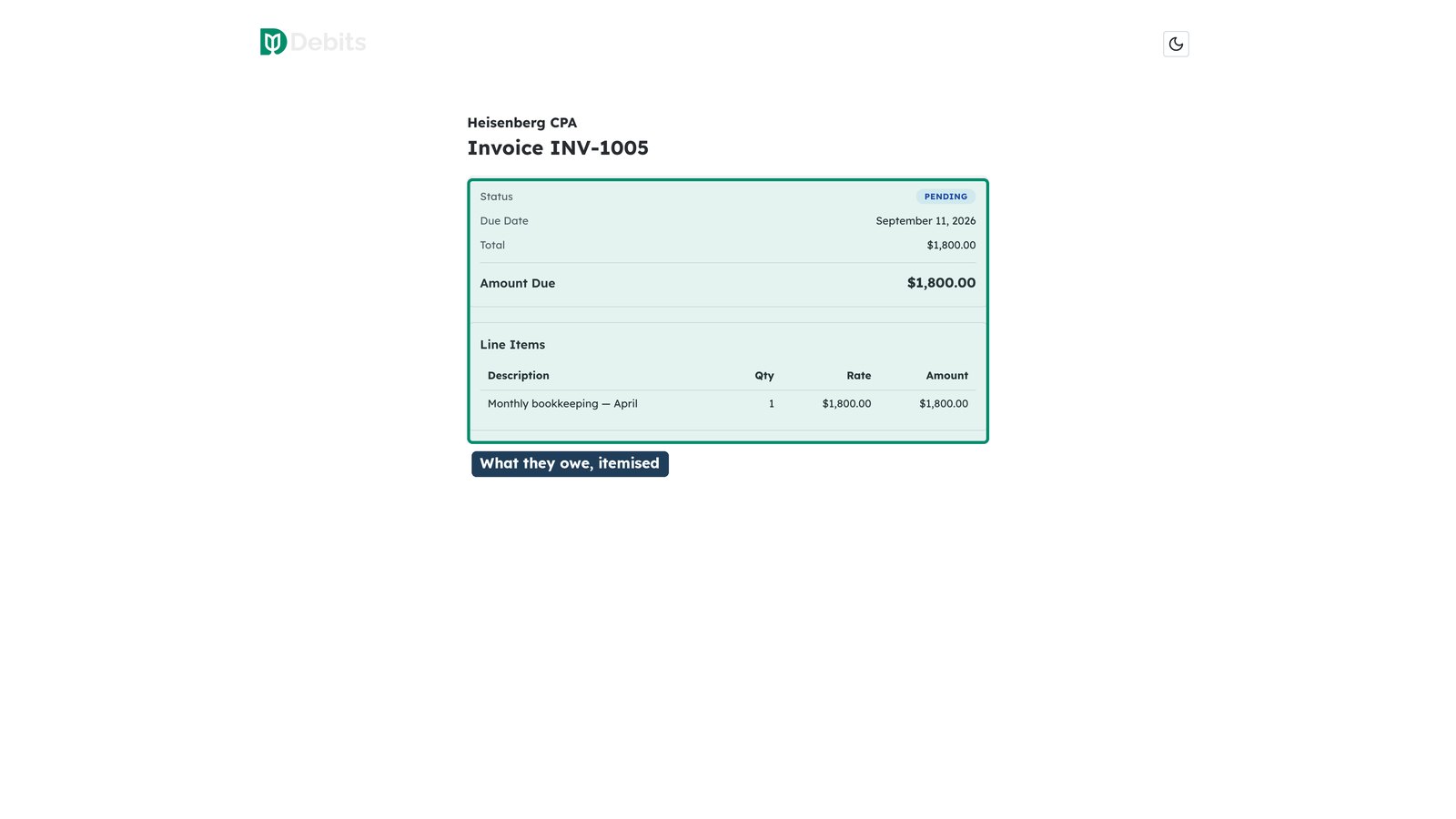
The email contains a link to a branded payment page showing what they owe, the line items behind it, and the due date.
-
How they pay
Clients can pay by card or by bank transfer from that page. Card payments confirm immediately; a bank transfer takes a few days to clear and shows as Processing in the meantime.
A client who wants to share the bill can click Split across payment methods and pay it in two to four parts, each with its own card or bank account. The parts start as an even split and must add up to the total; a half-finished split picks up where it left off if they come back.
-
What they can see afterwards
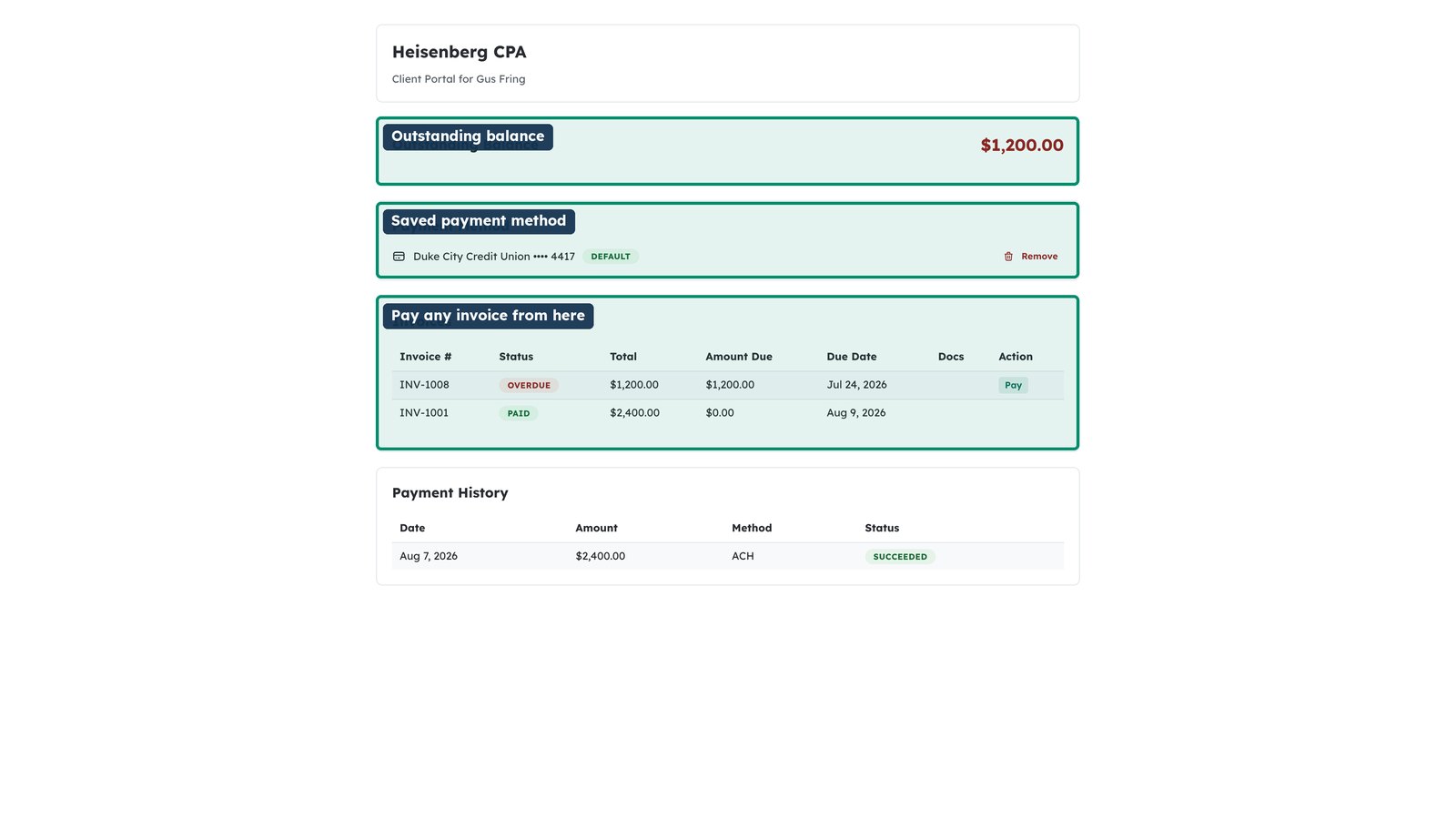
The client portal keeps their invoice history, so a client can look up what they have paid and download a copy without asking you for it. A receipt for a bank transfer is available once the payment clears; until then its row shows After it clears.