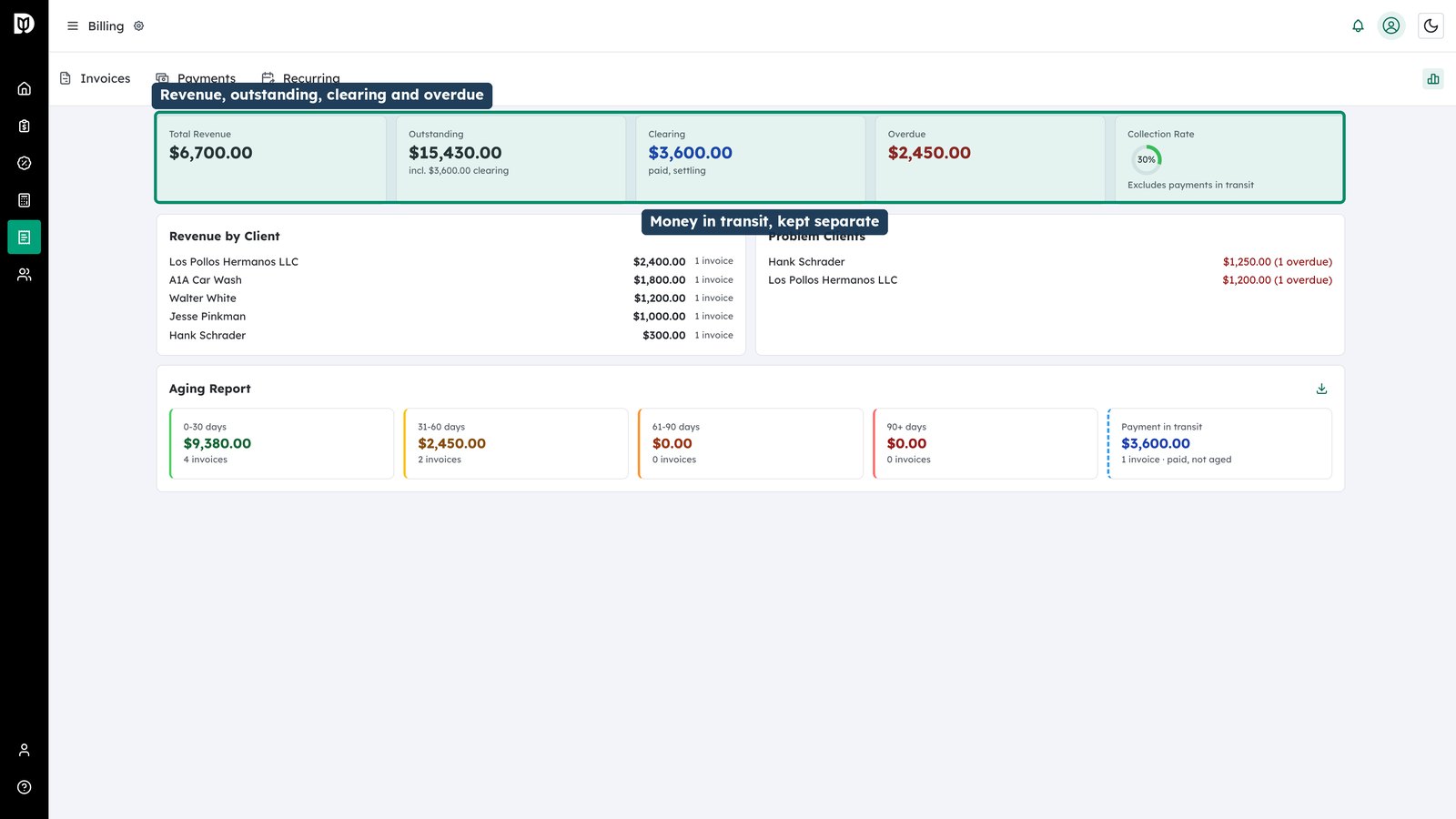
The analytics view answers where your money is: what you have billed, what is outstanding, what is overdue, and how long it has been overdue.
-
Read the headline figures
Revenue, outstanding and overdue are shown alongside the amount currently clearing. Take the clearing figure for what it is — money settling in the bank is not money at risk, and Debits keeps the two apart so you can tell the difference.
-
Work the aging report
The aging report buckets what you are owed by how late it is. The ninety-plus bucket is the one that turns into a write-off if nobody looks at it, so check it regularly.
-
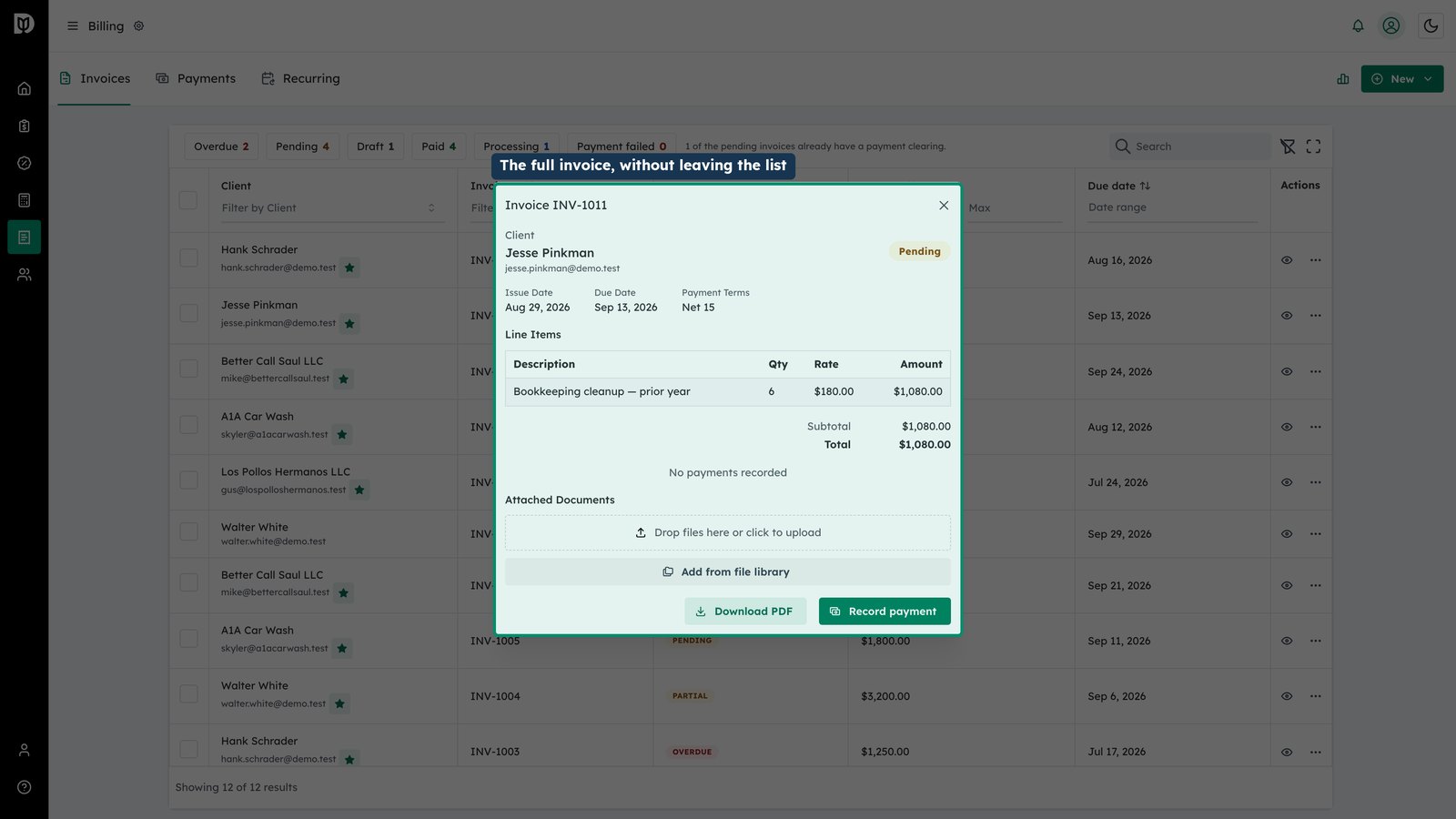
Open an invoice from here
Any figure can be opened to see the invoices behind it, so the report is a starting point for the chasing rather than just a number.