The 1099s tab is where you get a company’s contractor payments ready to file. It pulls every vendor paid during the tax year out of QuickBooks, shows what tax information you still need, and produces a filing-ready export.
Debits does not e-file your 1099s. It prepares the data and exports it for Track1099, Tax1099, or any service that accepts a CSV. You file with that service.
Open the 1099 report
-
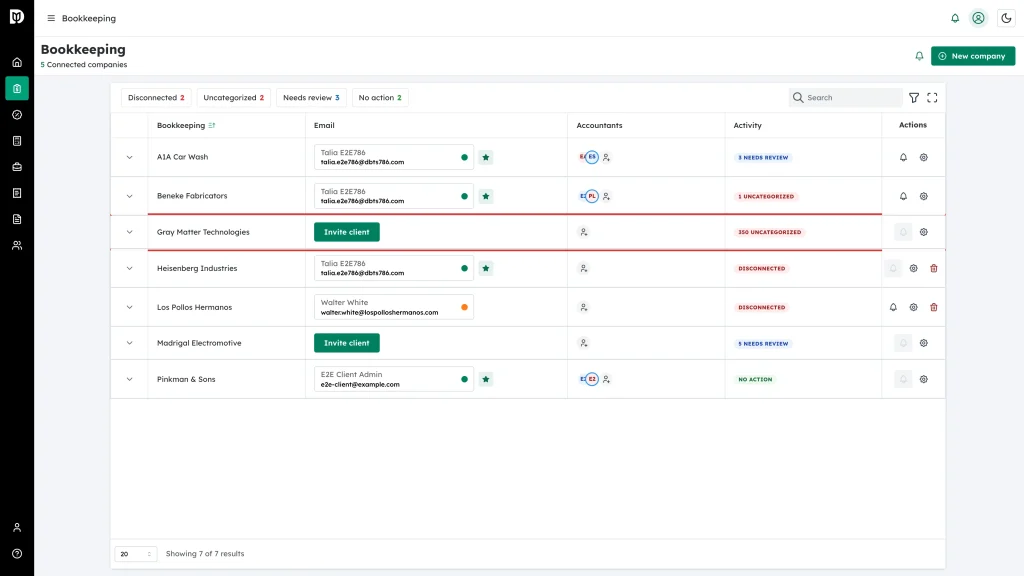
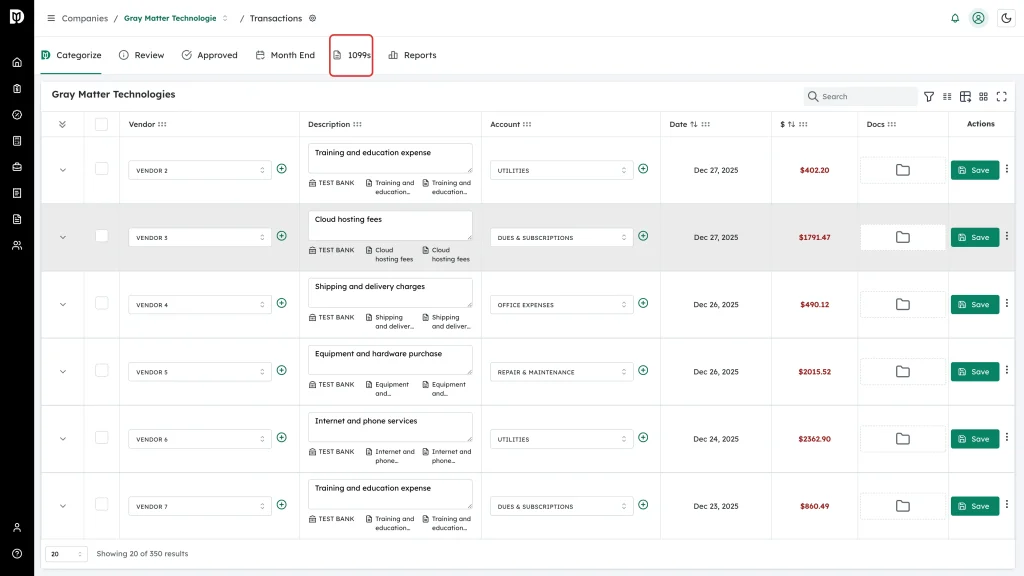
Go to Companies and open the company you are filing for.
-
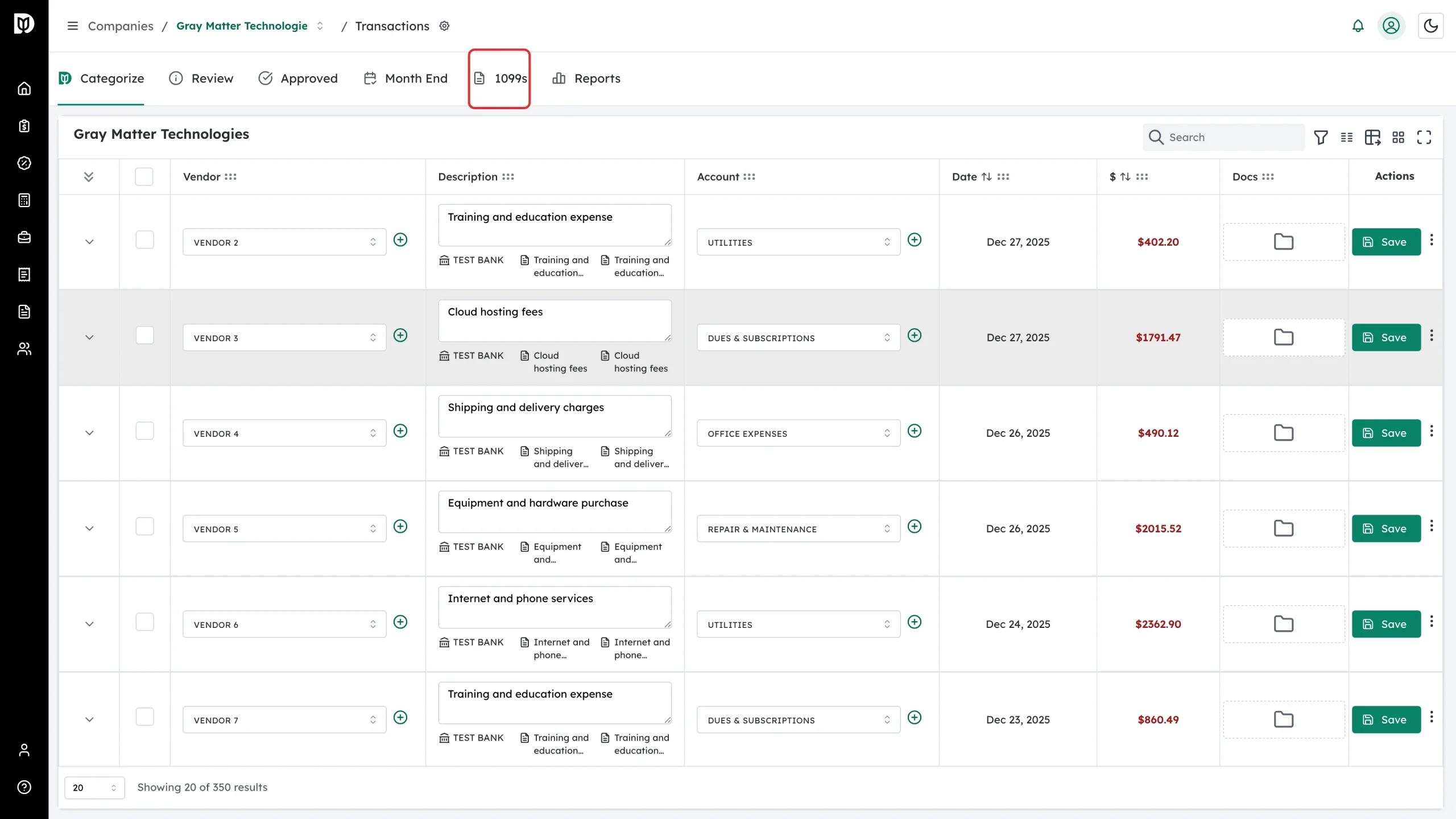
Select the 1099s tab.
Read the summary row
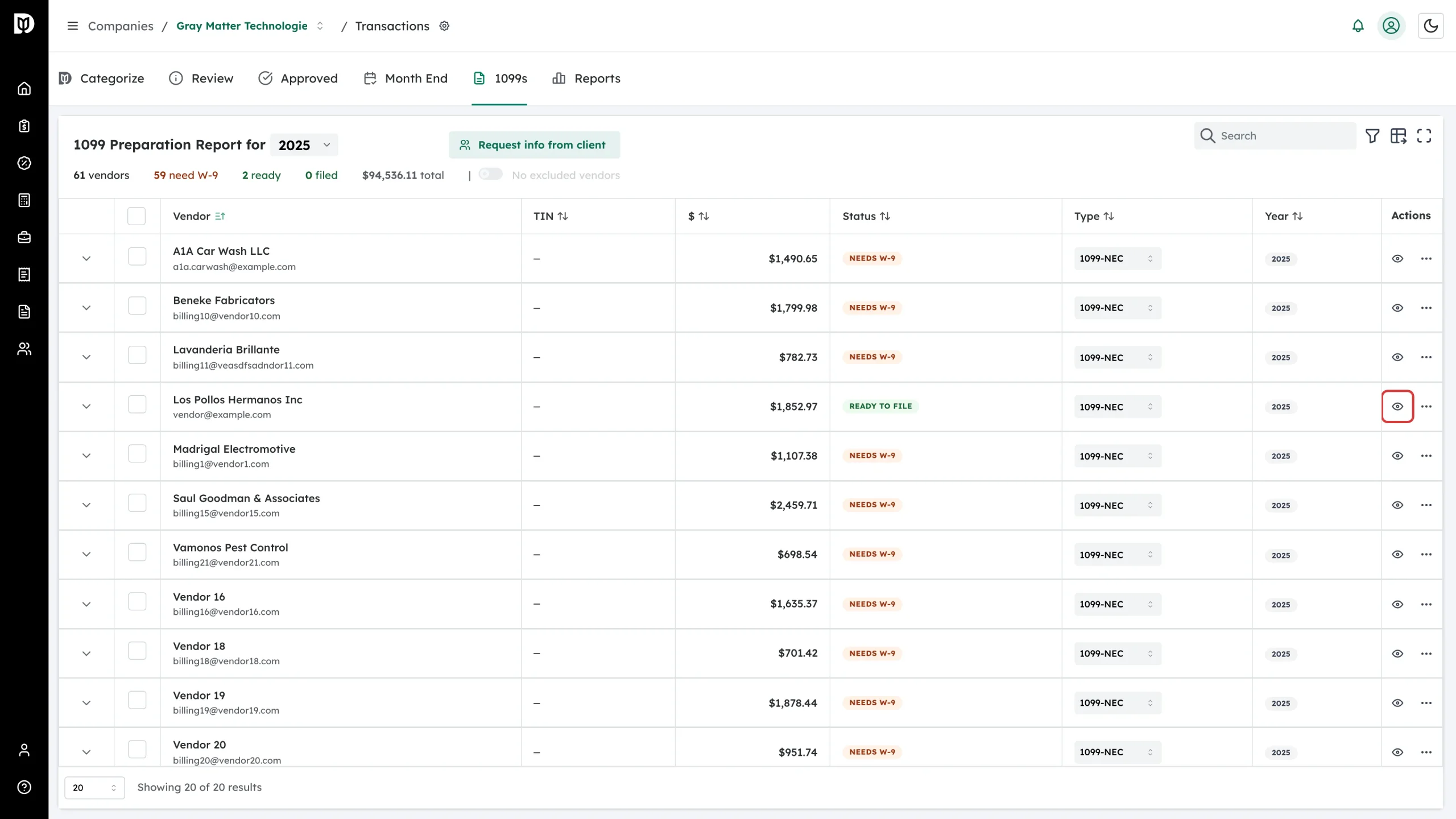
The counters above the table are your filing checklist for the selected year: total vendors, how many still need W-9, how many have an expired W-9, how many are ready, how many are filed, how many are foreign, and the total paid.
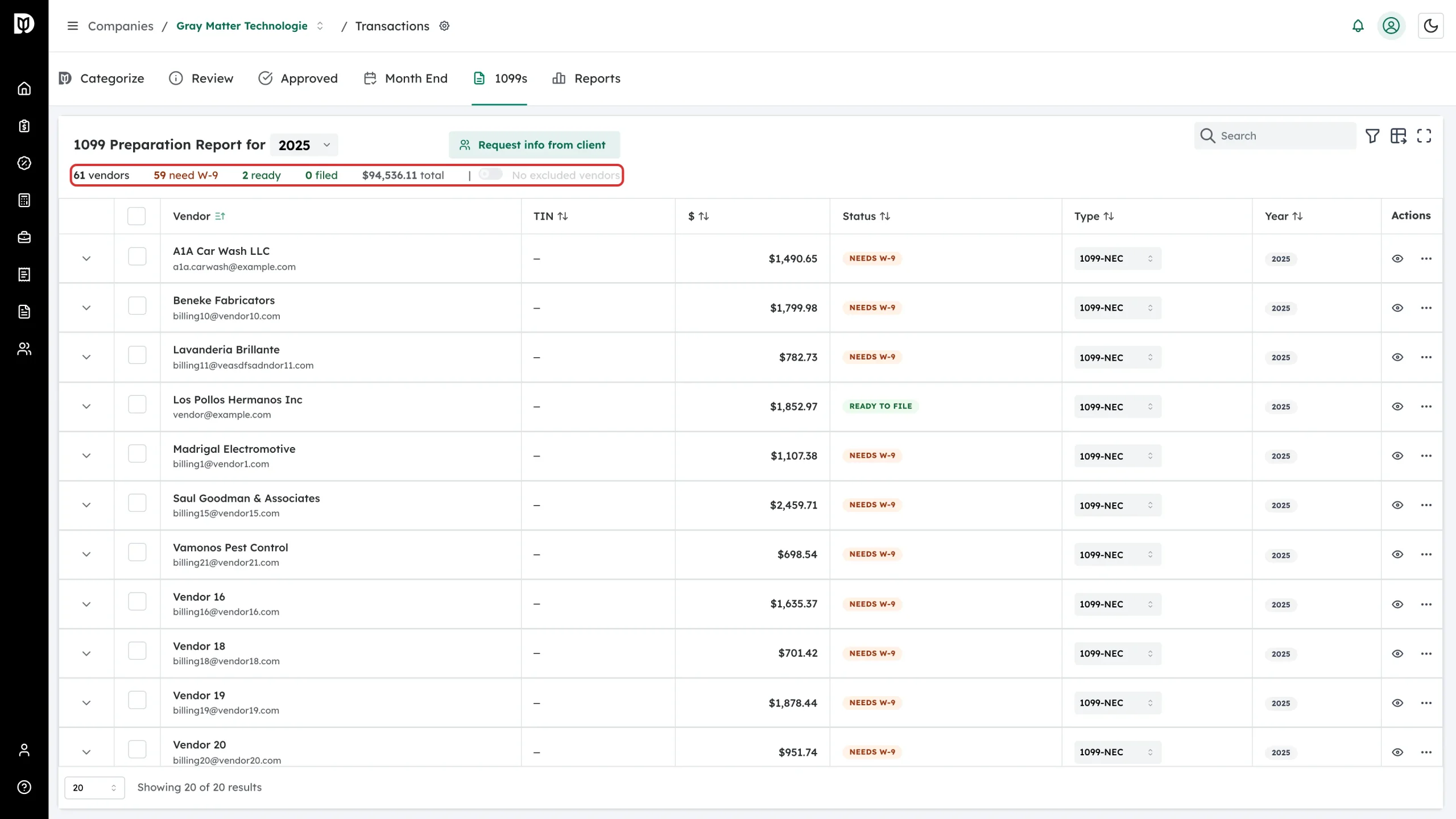
At the right of the same row, the Show N excluded toggle brings excluded and foreign vendors back into the list. They are hidden by default.
Choose the tax year
Use the year selector in the report title. It offers the current year and the four before it. A new report opens on the current year, except during January, when it opens on the year that just ended.
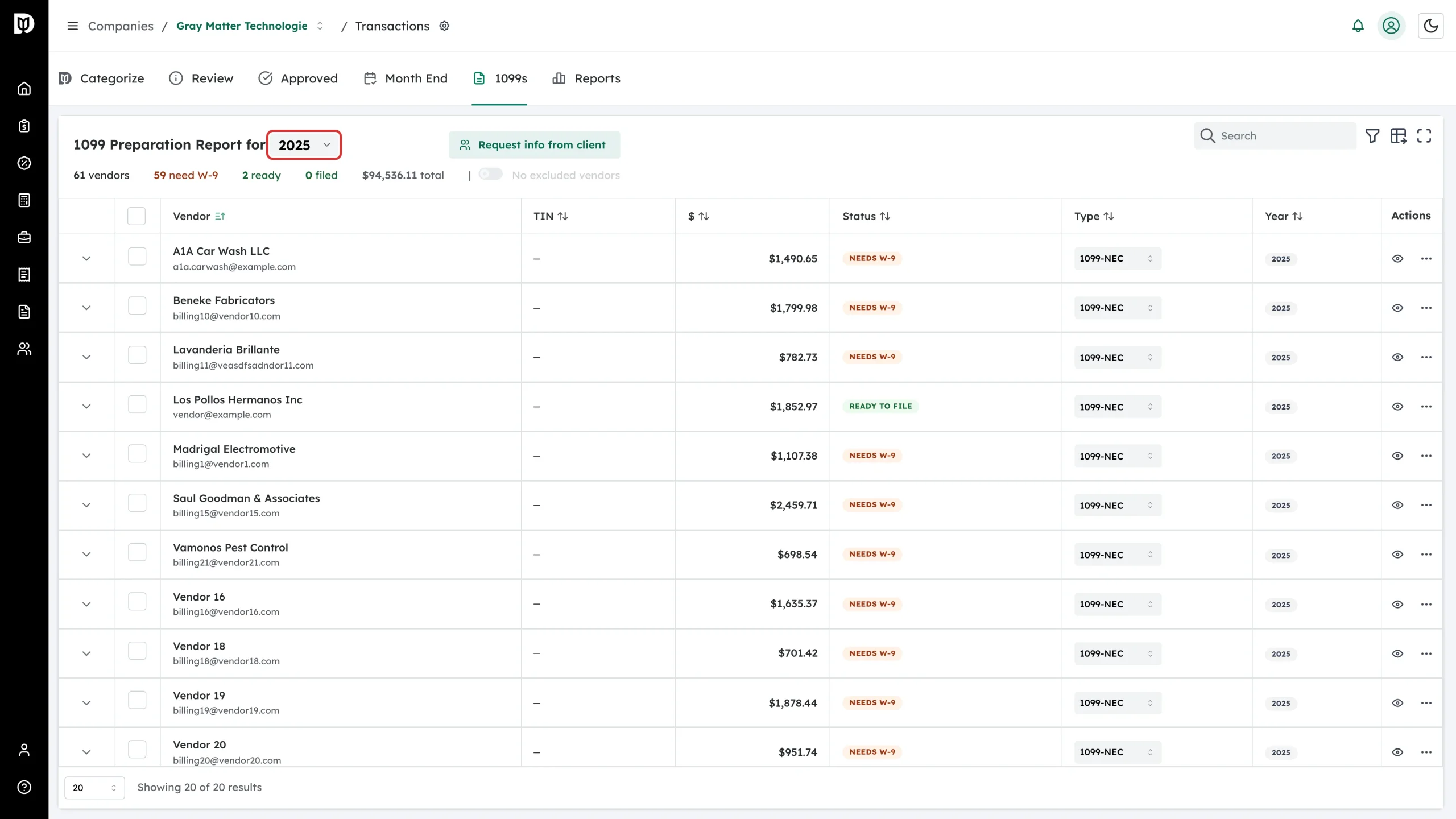
The year you pick also sets the reporting threshold. The $ column filter pre-fills with that threshold, so vendors paid less than it are out of view: $600 for tax year 2025 and earlier, and $2,000 for tax year 2026 and later. Clear the Min box if you want to see everyone.
Read a vendor row
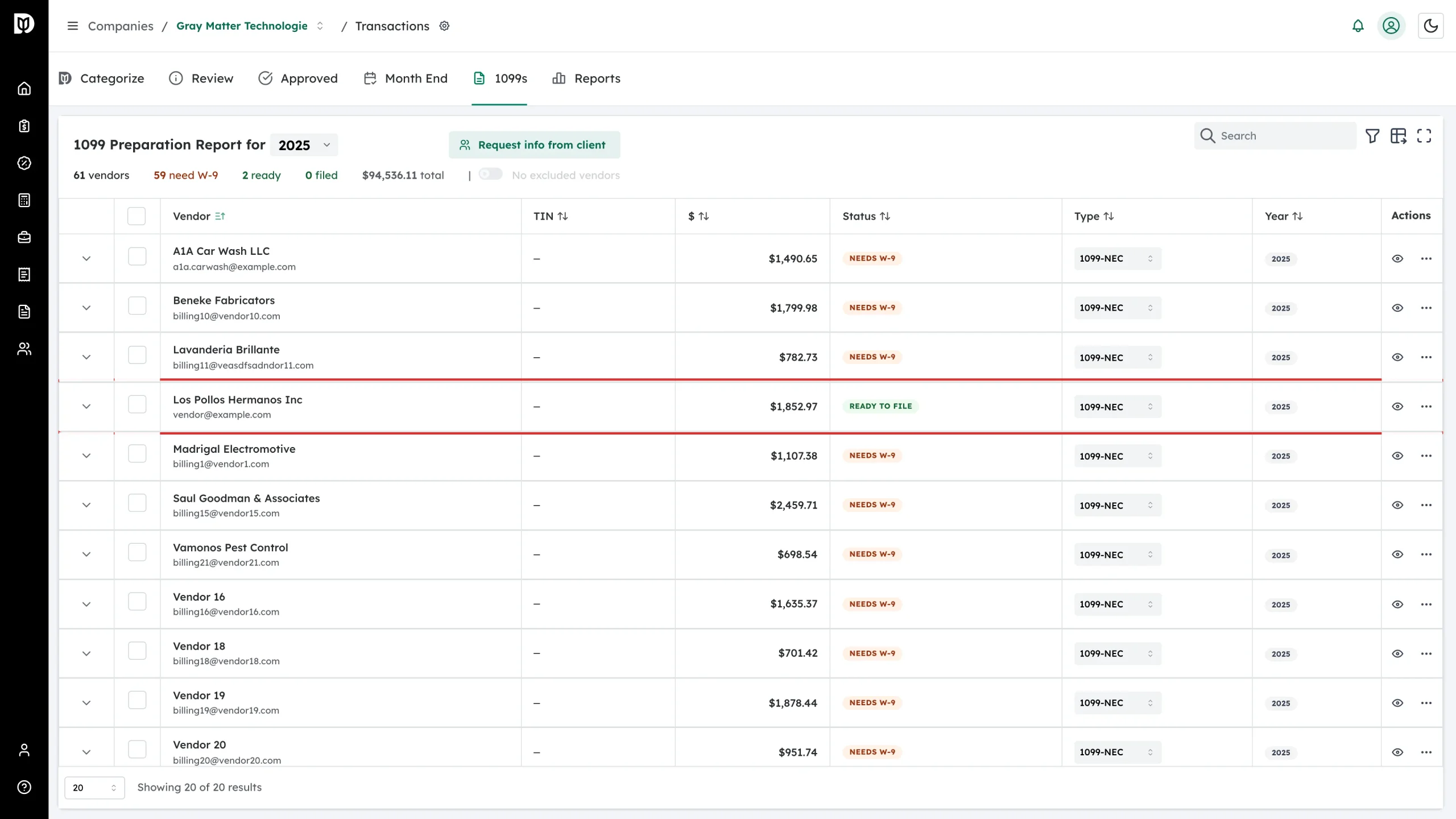
- Vendor — name and email address. Double-click the email to correct it without leaving the table.
- TIN — the last four digits of the taxpayer ID once you have it, or an em dash.
- $ — total paid for the year, with any excluded amount shown underneath.
- Status — where the vendor is in the process. Hover the badge to see what is missing.
- Type — the 1099 form this vendor will be filed on. Change it right in the row.
- Year and Actions — the tax year, plus view details and more actions.
Open a vendor’s details
-
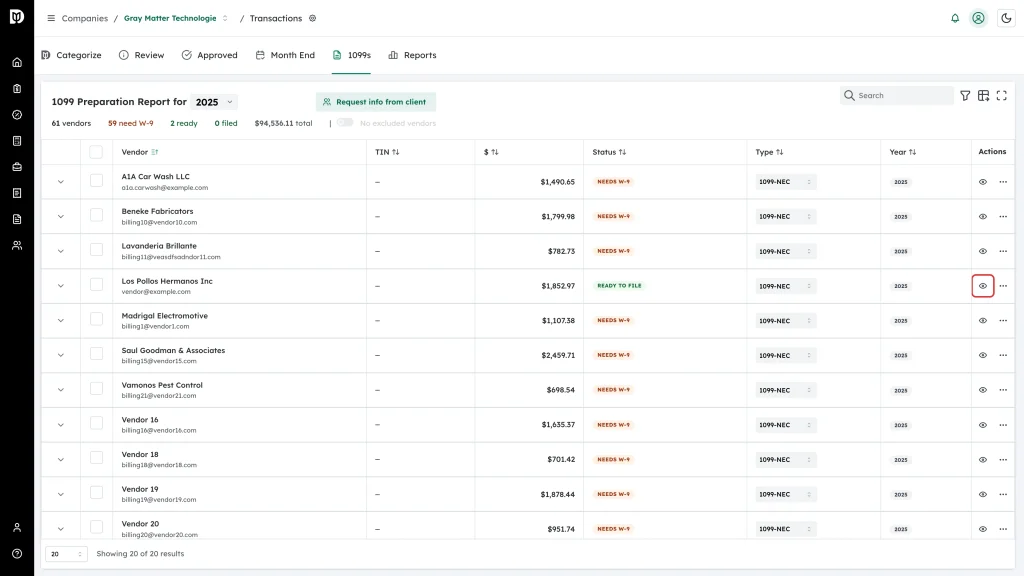
Click the eye icon in the Actions column.
-
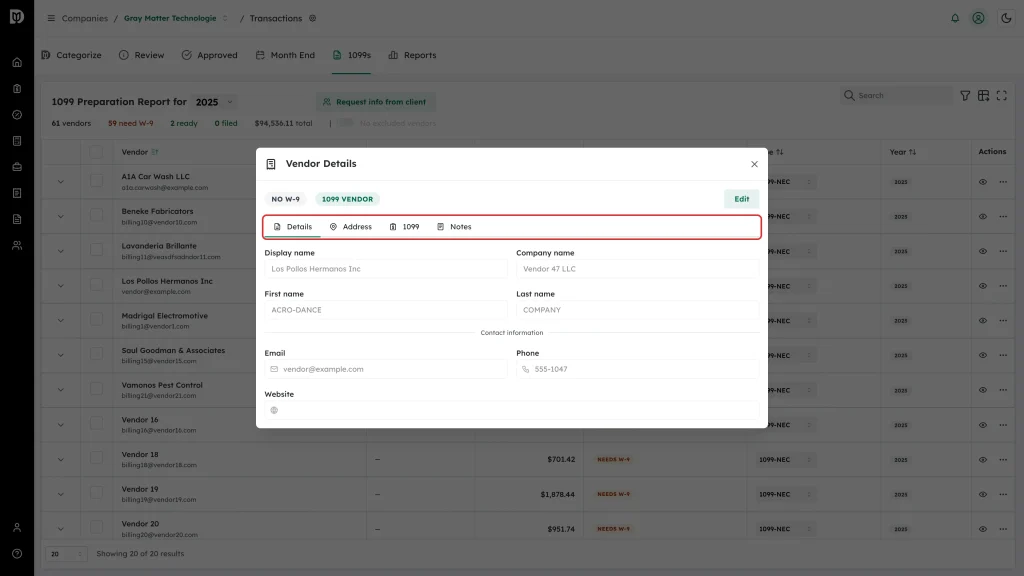
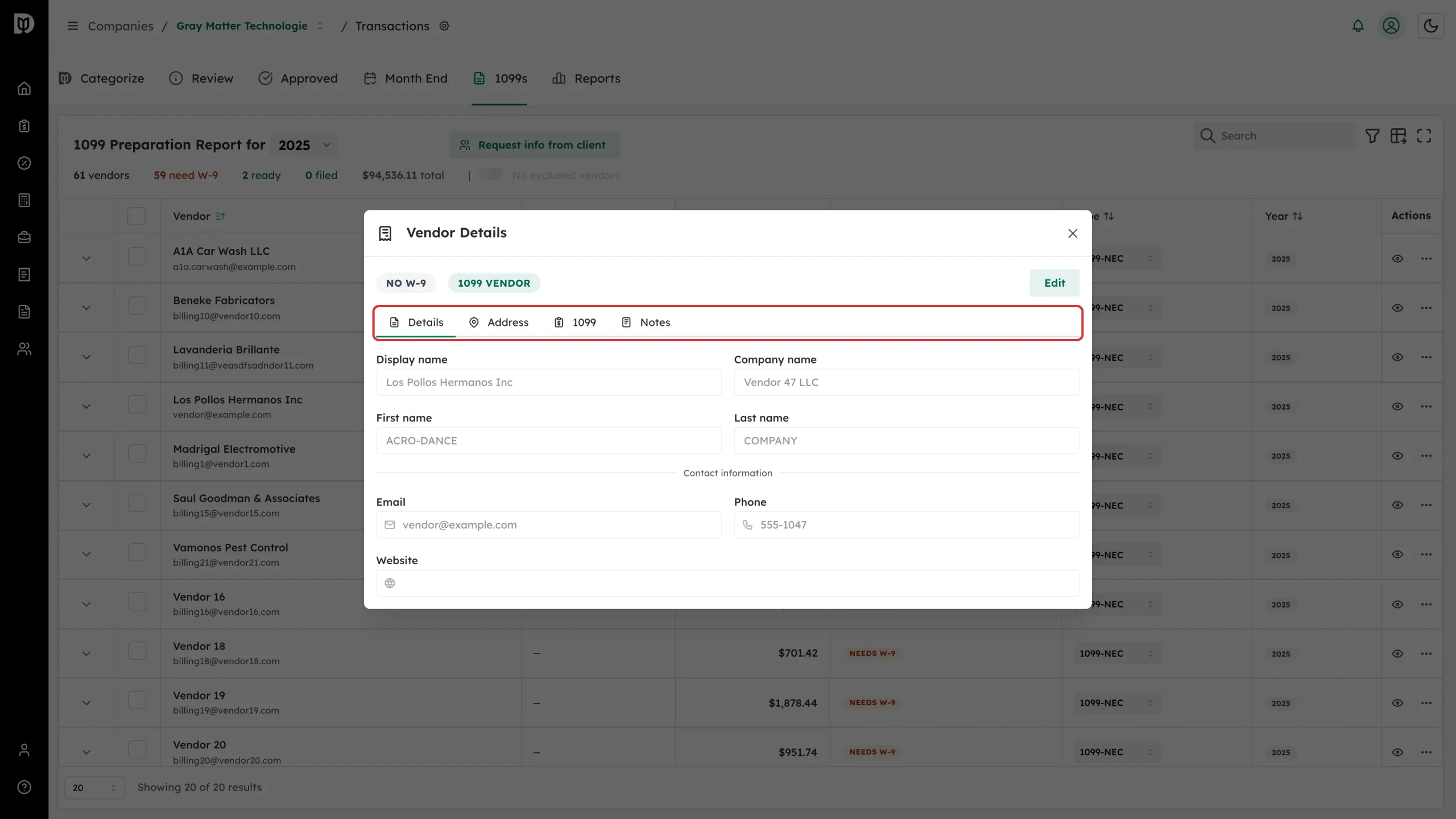
The Vendor Details window opens on four tabs — Details, Address, 1099 and Notes — with the vendor’s W-9 status shown as a badge at the top.
A filing season, in order
- Pick the tax year.
- Request W-9s from every vendor showing Needs W-9.
- Send reminders to vendors still showing W-9 Requested.
- Exclude vendors that do not need a 1099, and mark foreign vendors as foreign.
- Check the tax classification and form type on every vendor that is Ready to File.
- Export for Track1099, Tax1099 or as CSV, and file with that service.
- Come back and mark those vendors as Filed.