Not every vendor you paid needs a 1099. Excluding one takes it out of the filing list and out of every export, for the selected tax year only.
When to exclude a vendor
- Corporations — C-corps and S-corps are normally exempt. Attorneys and medical providers are the exceptions, and Debits has checkboxes for those on the 1099 tab.
- Paid under the threshold — $600 through tax year 2025, and $2,000 from tax year 2026. These vendors are already hidden by the $ column filter.
- Exempt payments — goods rather than services, rent paid to an agent, and similar.
- Reported somewhere else — the payee is on a W-2 or another form.
You do not need to exclude foreign vendors by hand. Marking a vendor foreign excludes it for you.
Exclude one vendor
-
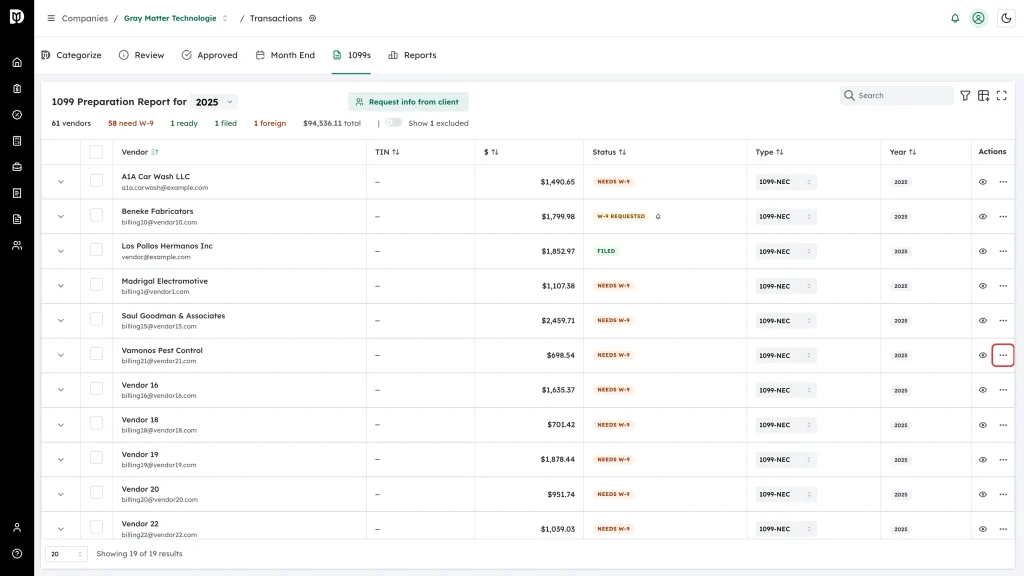
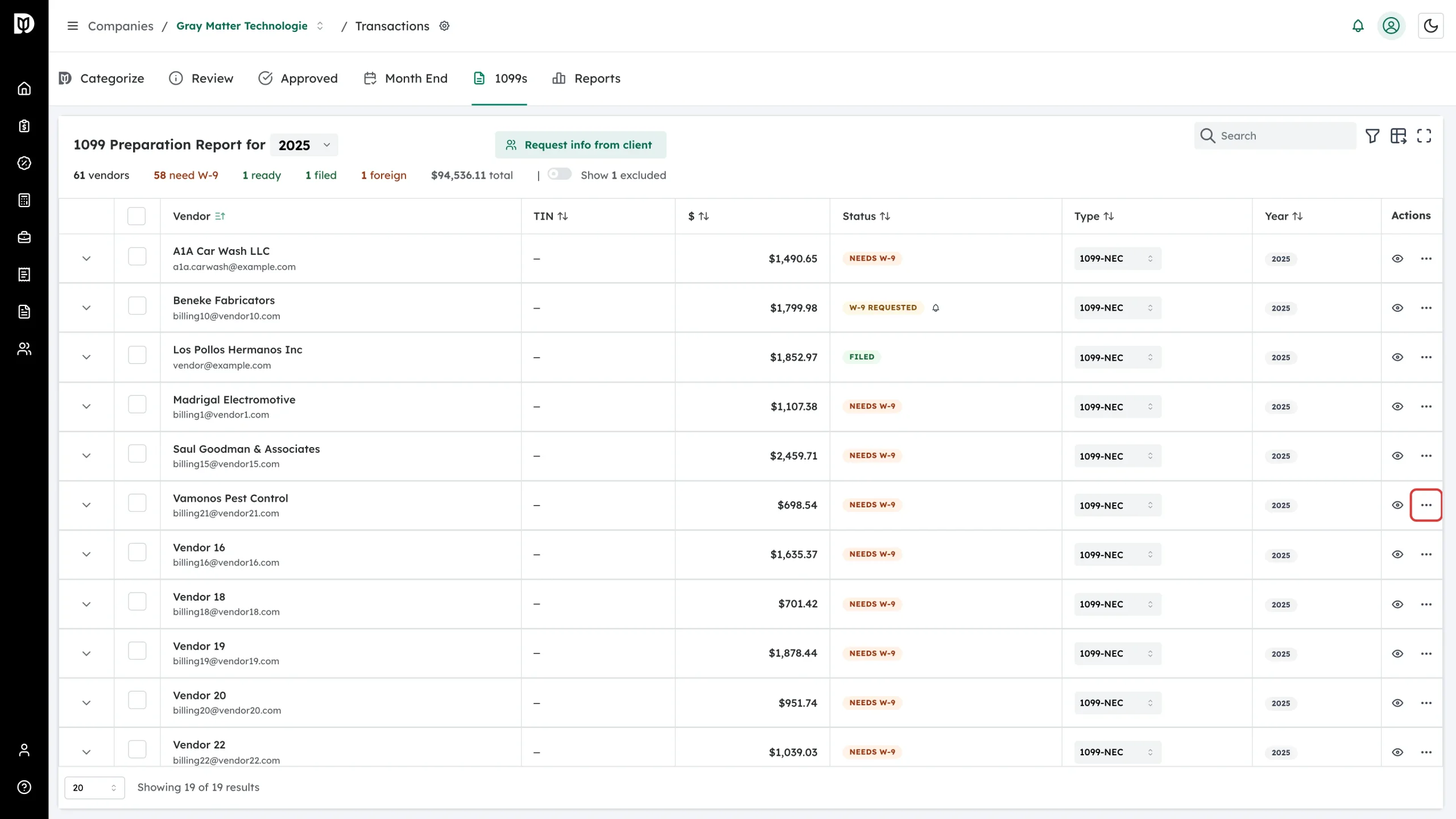
On the 1099s tab, open the More actions menu at the end of the vendor’s row.
-
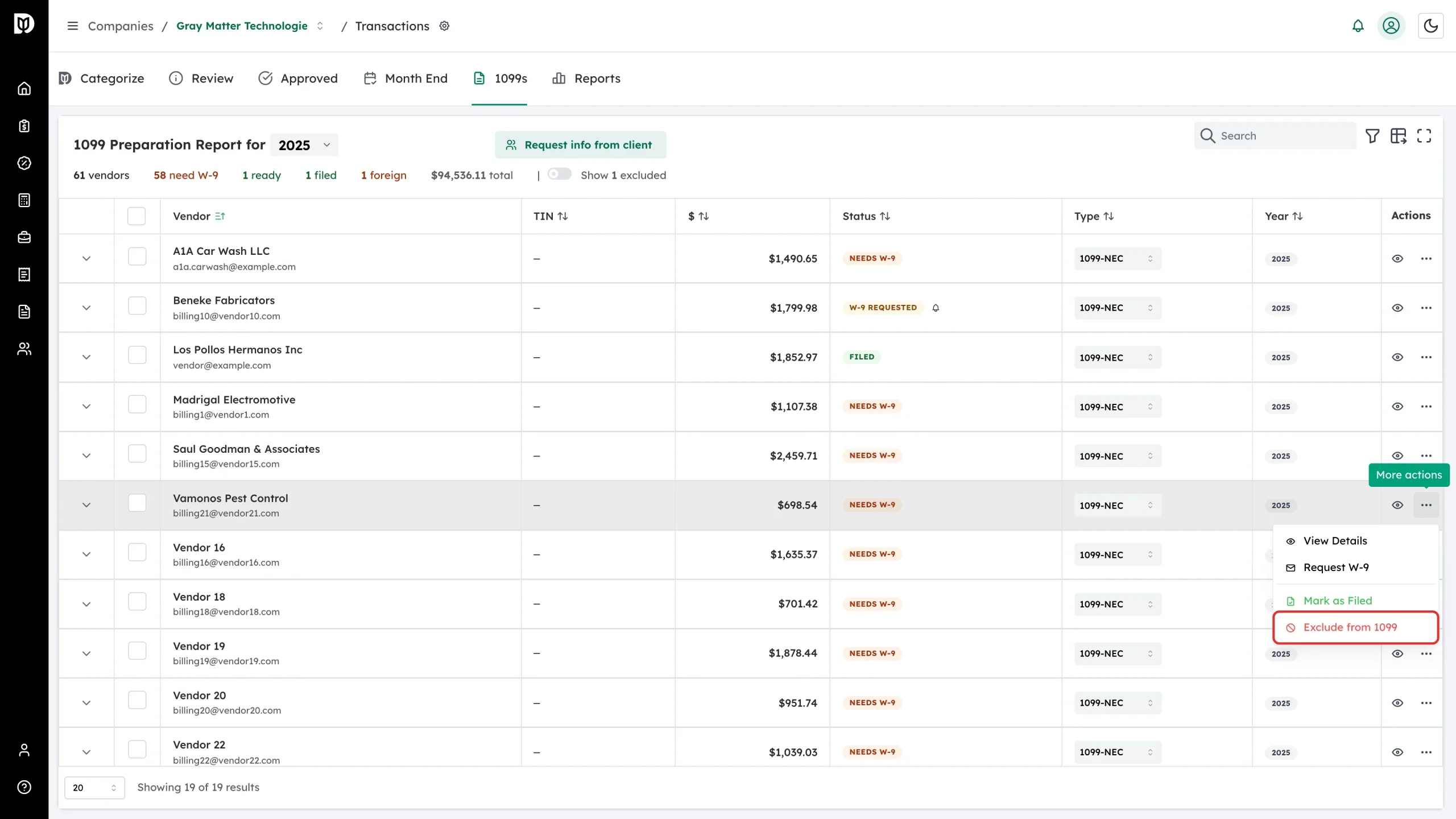
Choose Exclude from 1099.
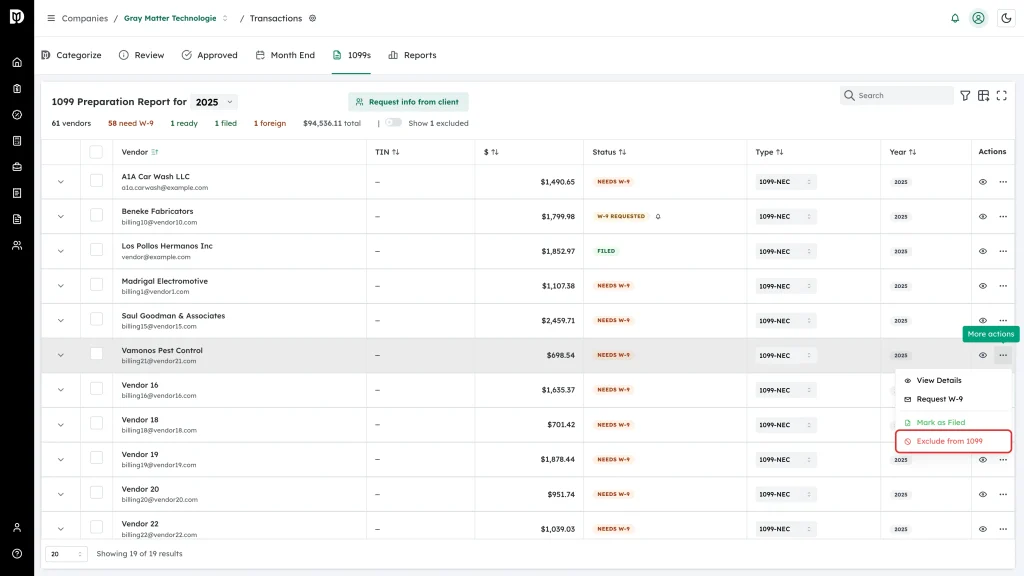
It applies straight away — there is no confirmation step — and Debits records the reason as “Manually excluded”.
Find your excluded vendors
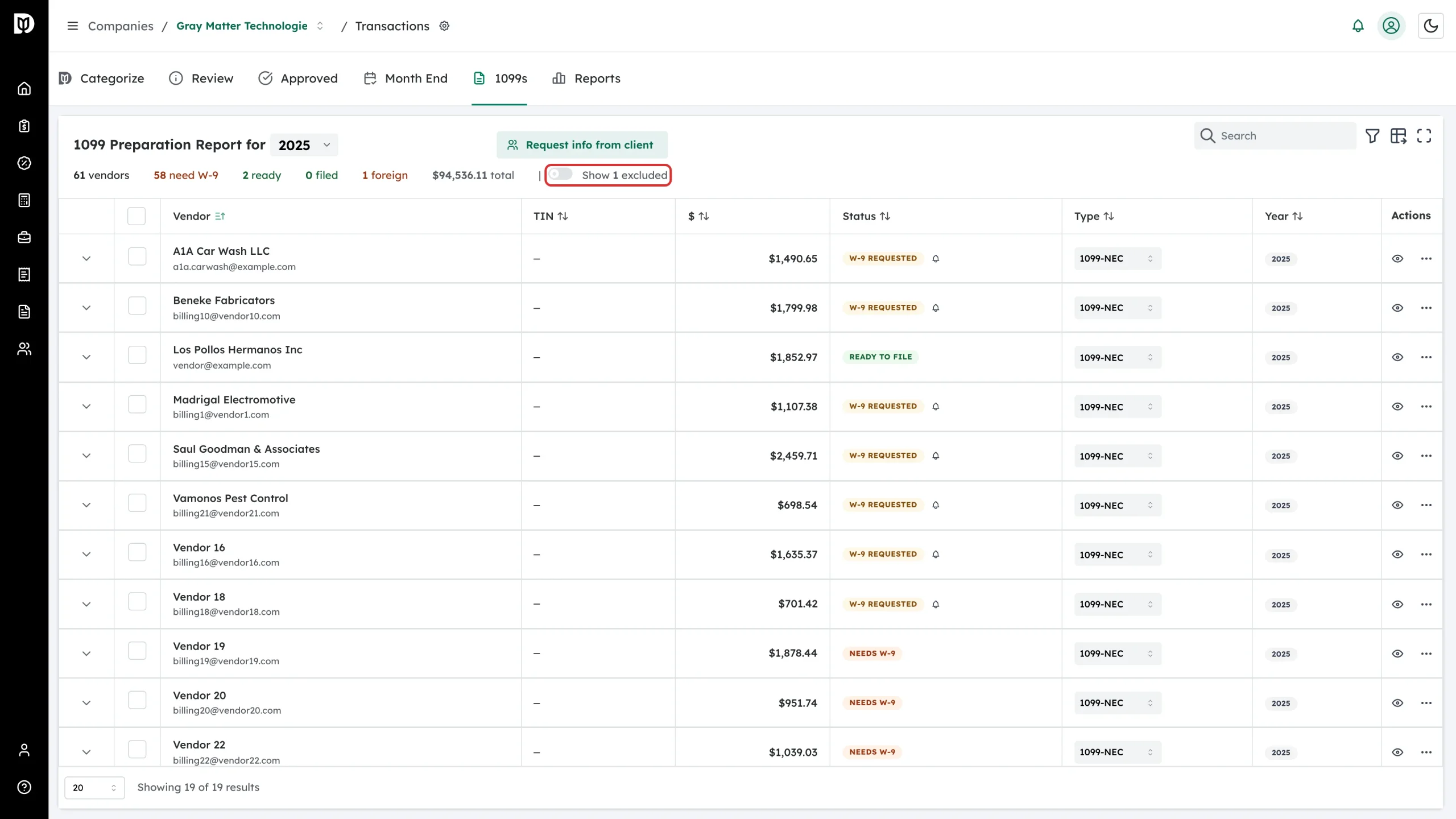
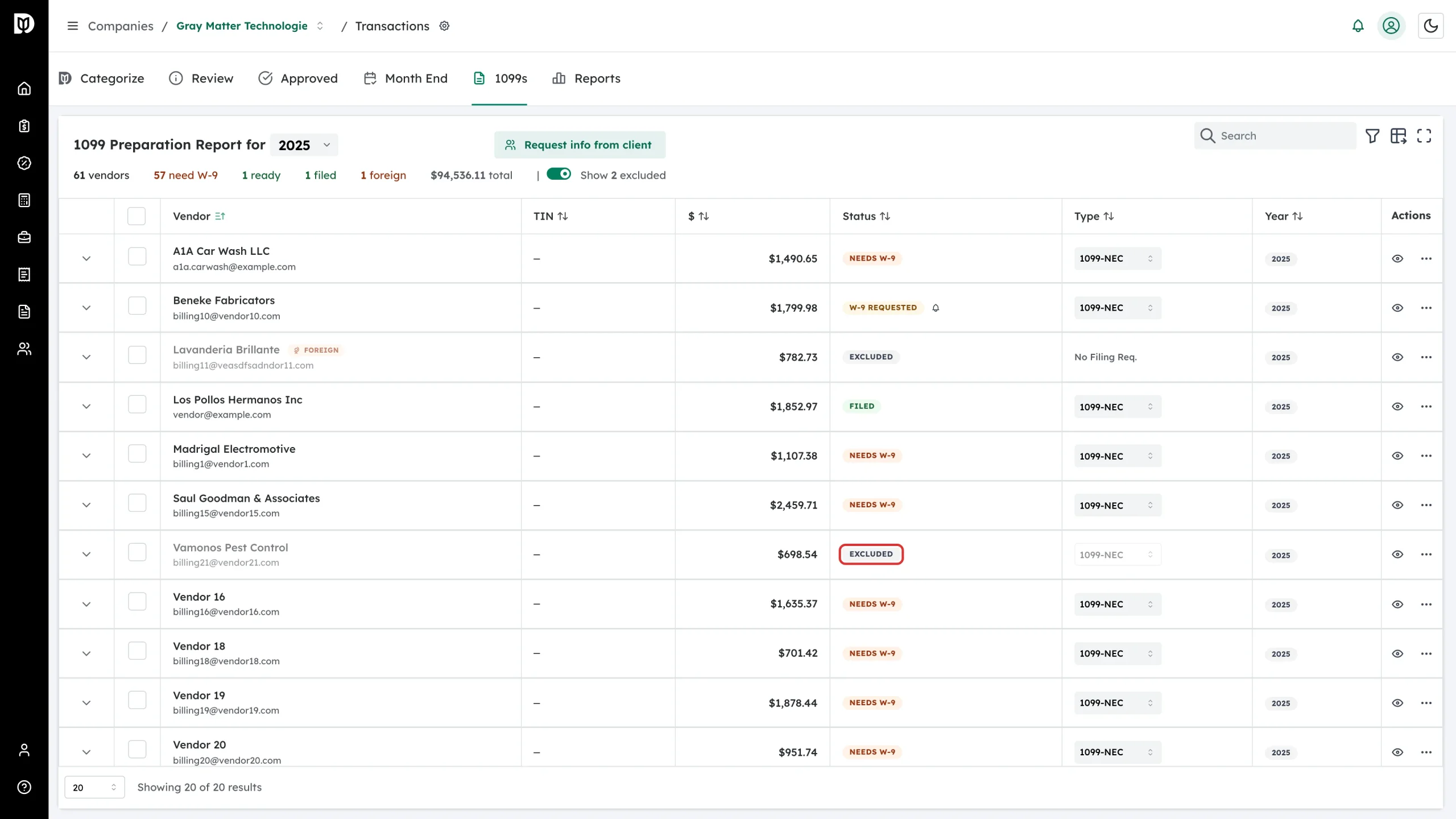
Excluded rows are hidden. Turn on Show N excluded in the summary row to bring them back.
They come back dimmed, with a gray Excluded badge, and their form type can no longer be changed.
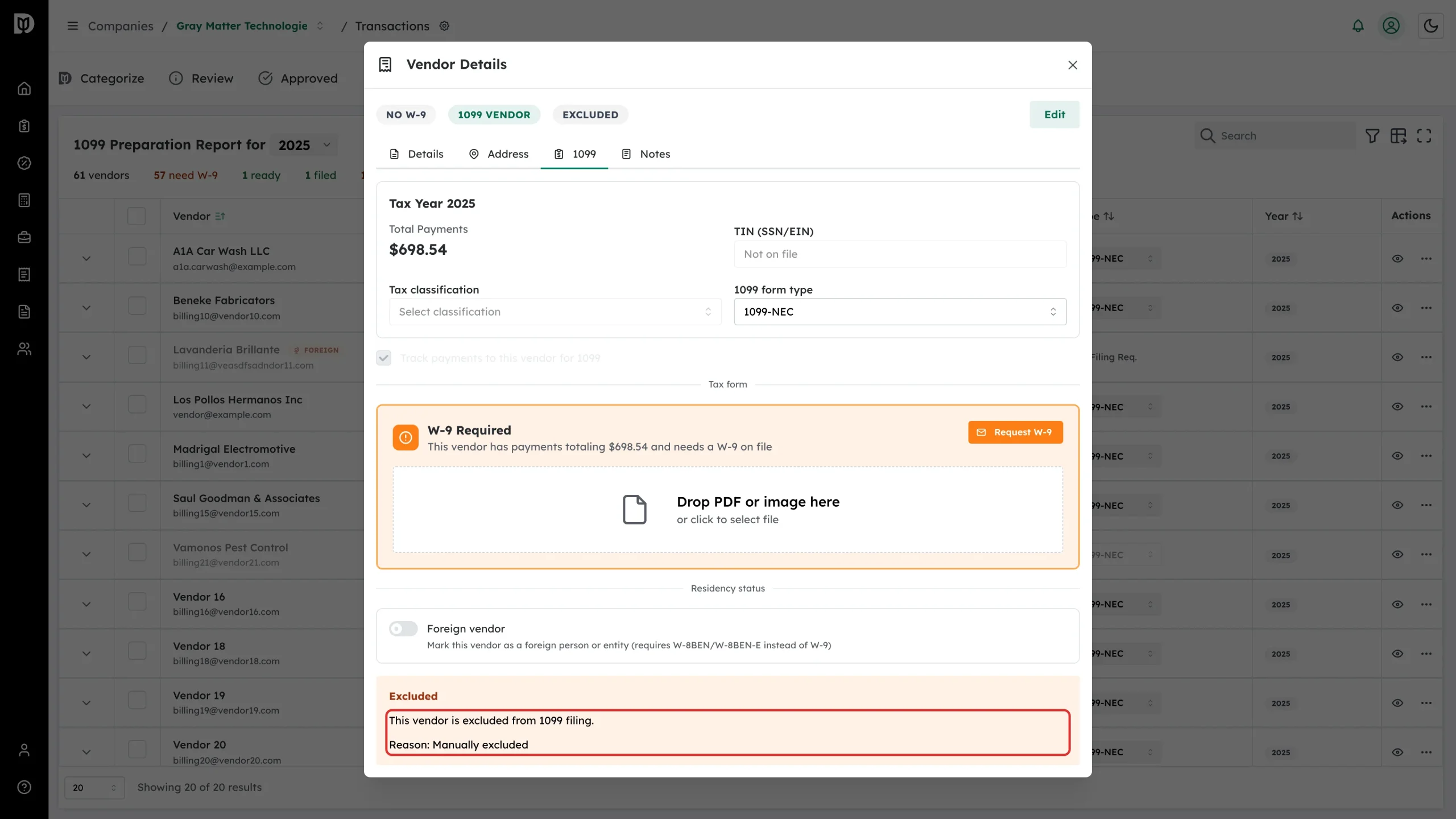
Opening the vendor and going to the 1099 tab shows the same thing as an alert, with the reason.
Exclude several at once
Tick the checkboxes on the rows you want, choose Exclude from 1099 in the action list above the table, and click Apply to N vendors. Debits reports how many succeeded.
Put a vendor back
Show the excluded rows, open More actions on the vendor, and choose Include in 1099.
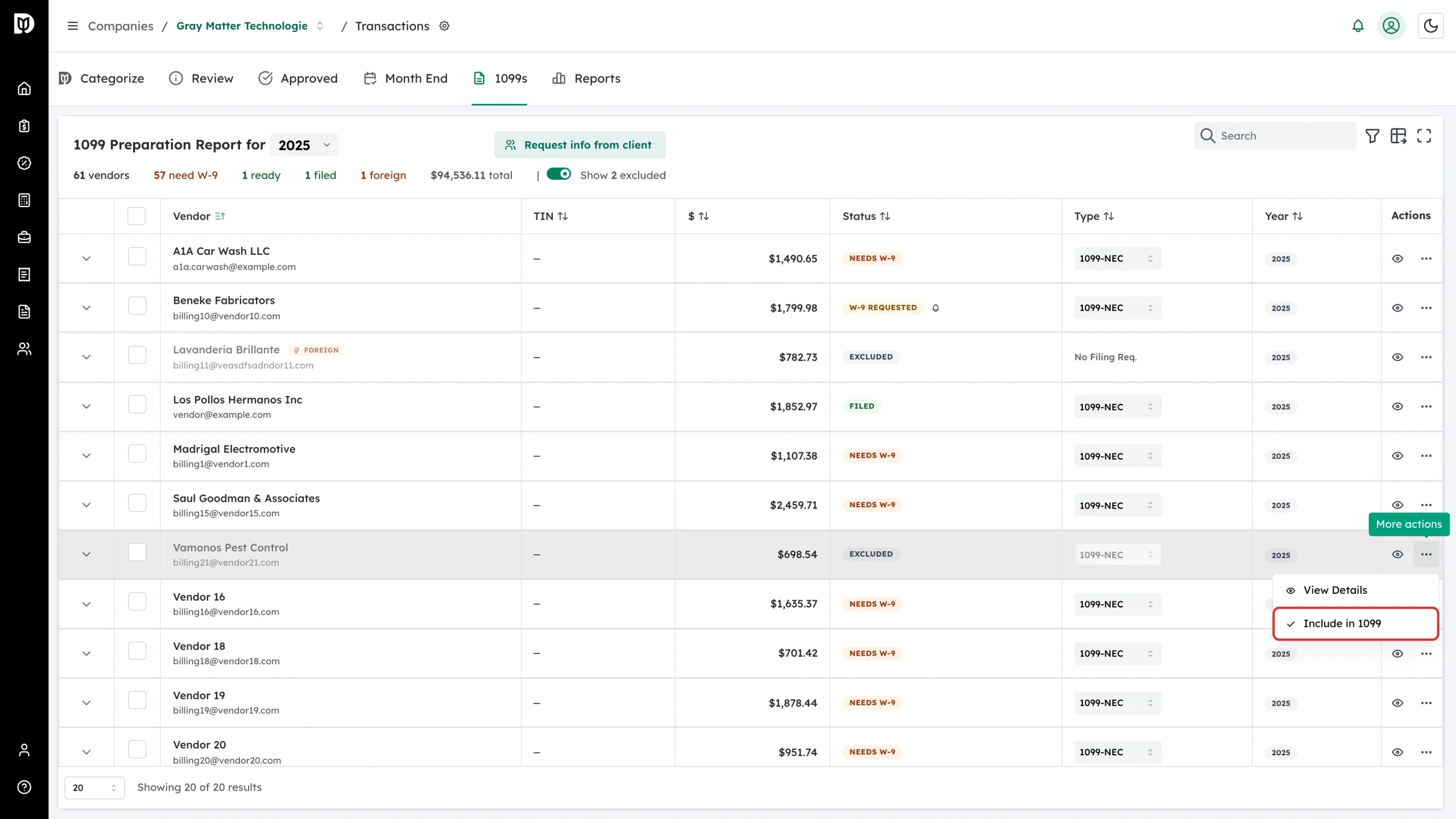
The vendor returns to Ready to File if its tax details are complete, or to Needs W-9 if they are not. For a vendor marked foreign, Debits first asks you to confirm with Mark as US-based & include.
Keep a record of why
Use the Notes tab in the vendor’s details to write down why a vendor was excluded. Vendors with notes show a note icon beside their name in the table.