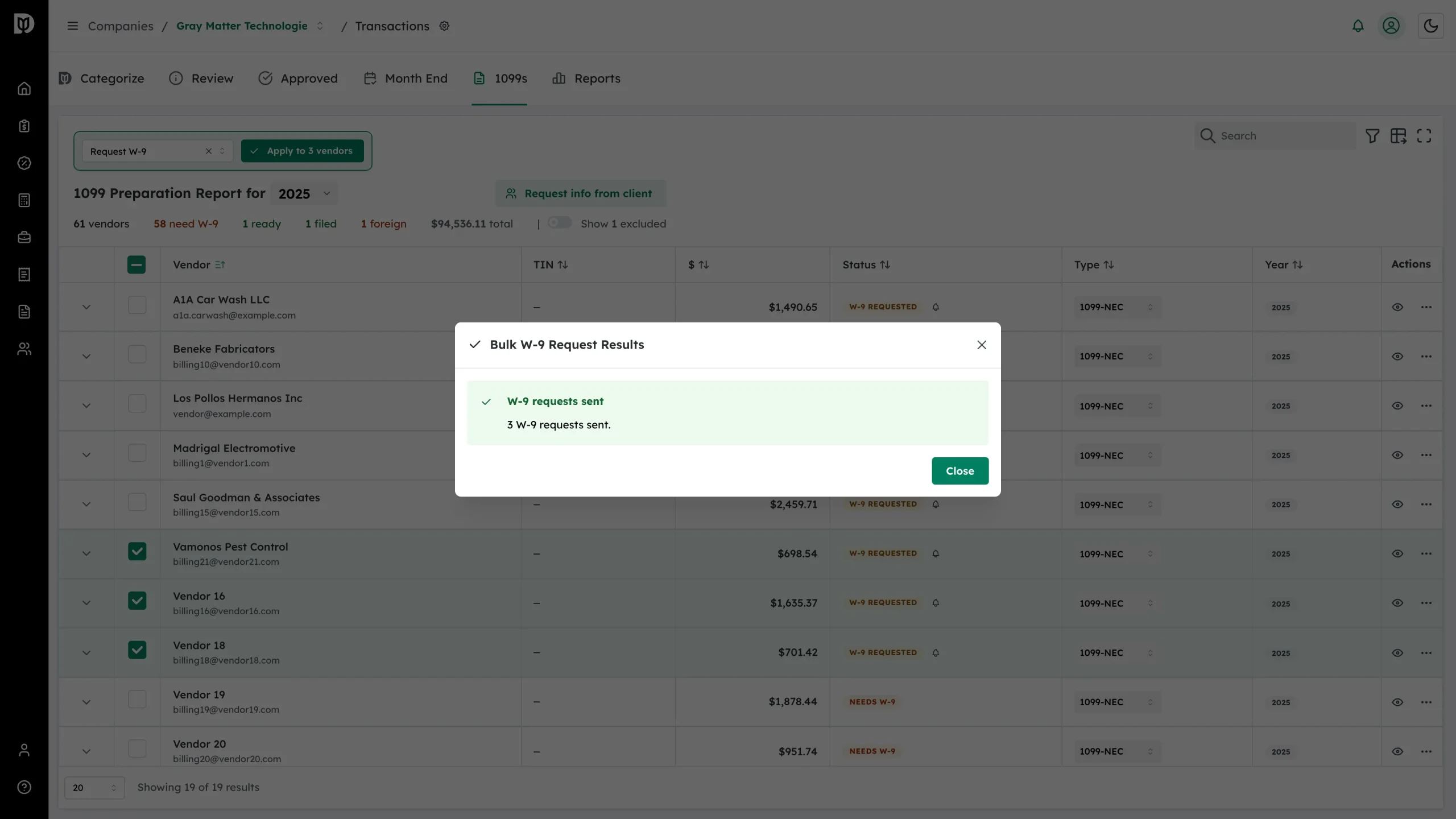
At the start of filing season most of your vendors need the same thing. Select them together and send every W-9 request in one pass.
Before you start
- Filter the table by Status → Needs W-9 first, so you are only selecting vendors who need asking.
- Vendors with no email address cannot be included. Add addresses in the vendor cell before you start.
- Selection checkboxes appear on desktop screens only.
Send the requests
-
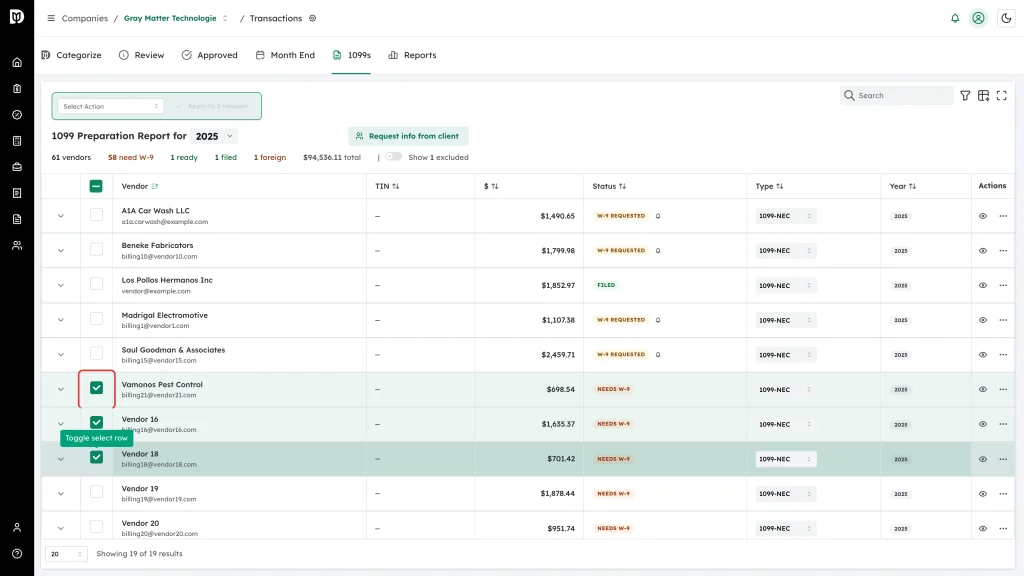
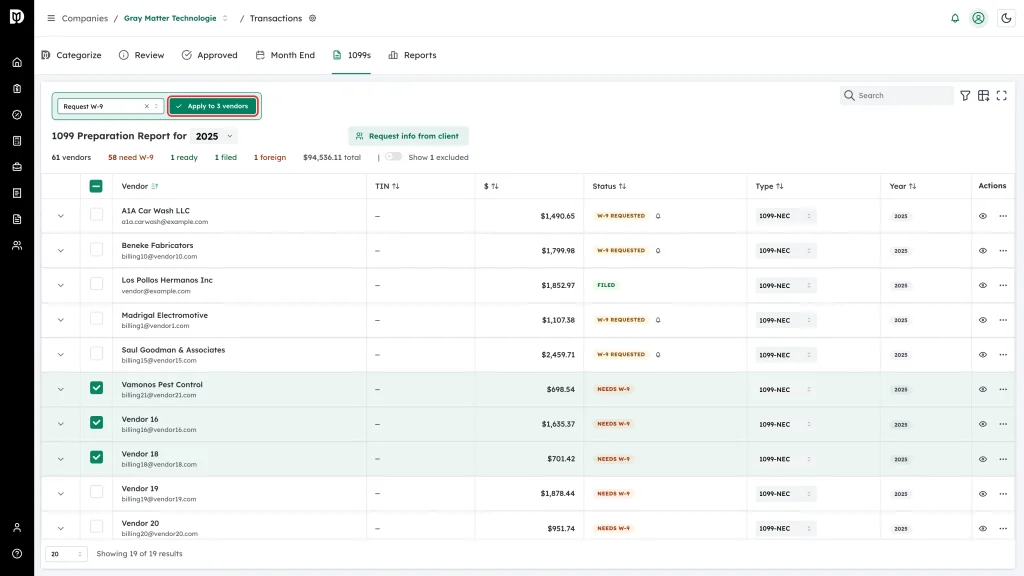
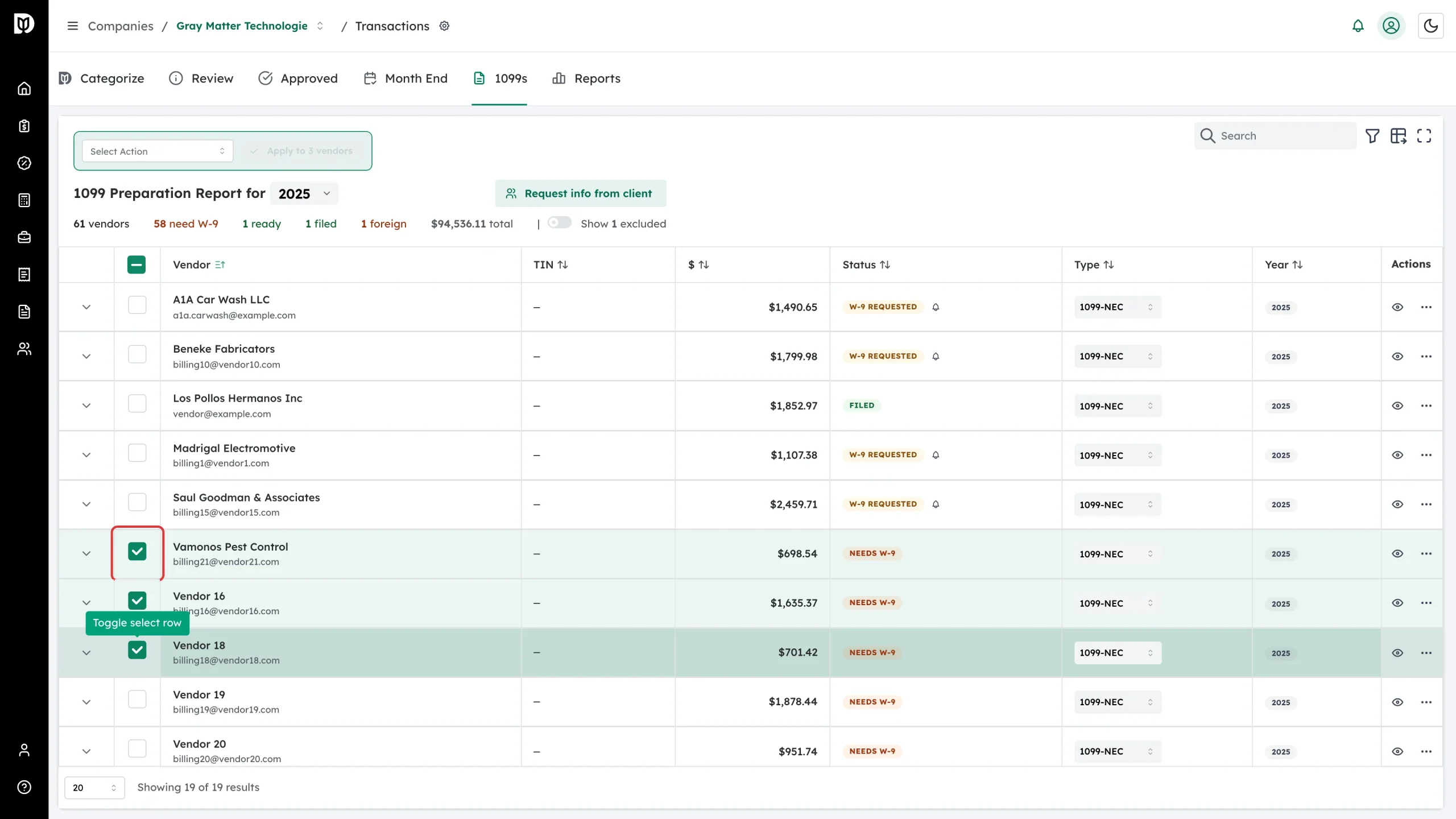
Tick the checkbox on each vendor you want. The checkbox in the header row selects everything currently loaded.
-
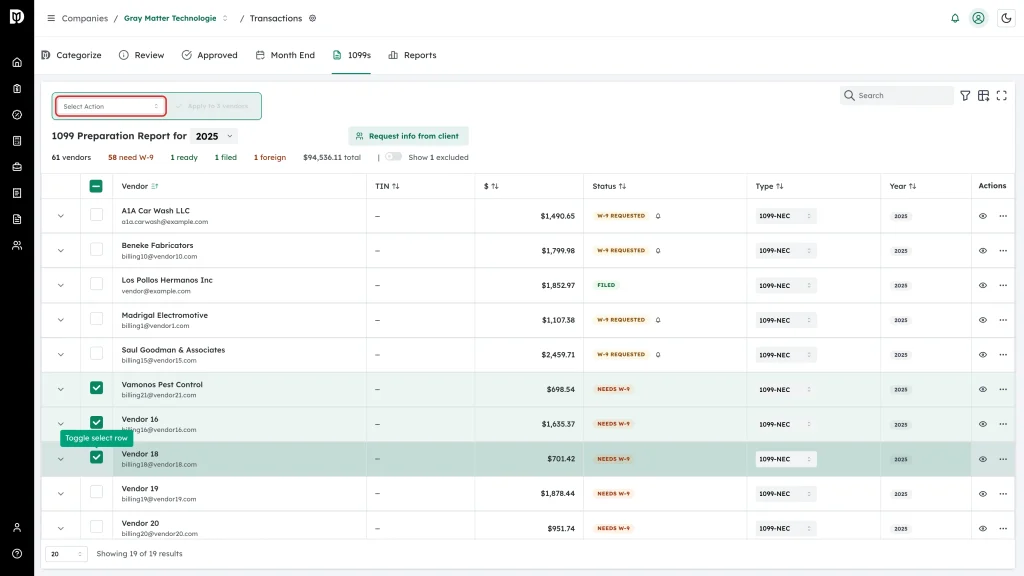
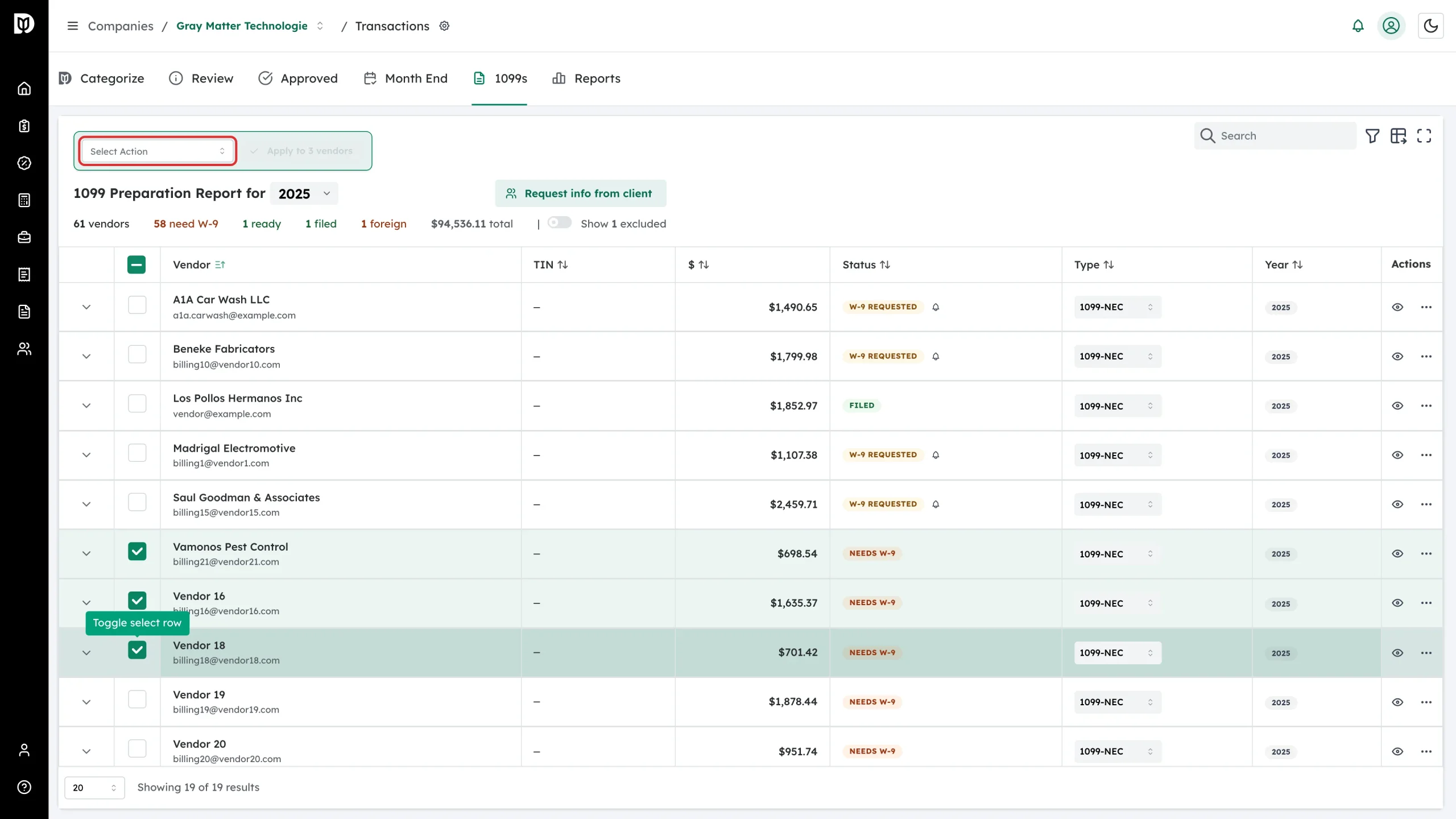
An action list appears above the table. Open Select Action.
-
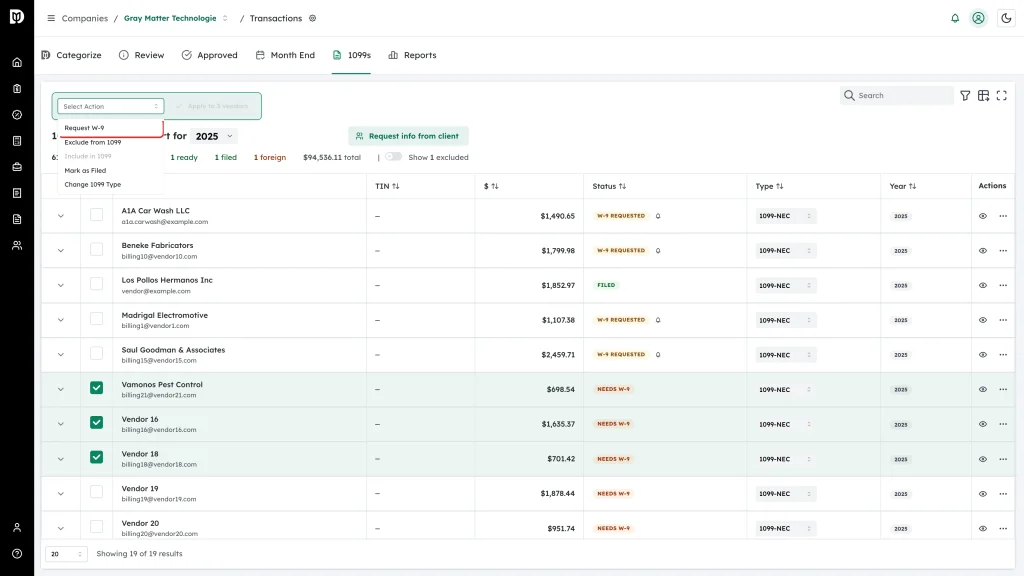
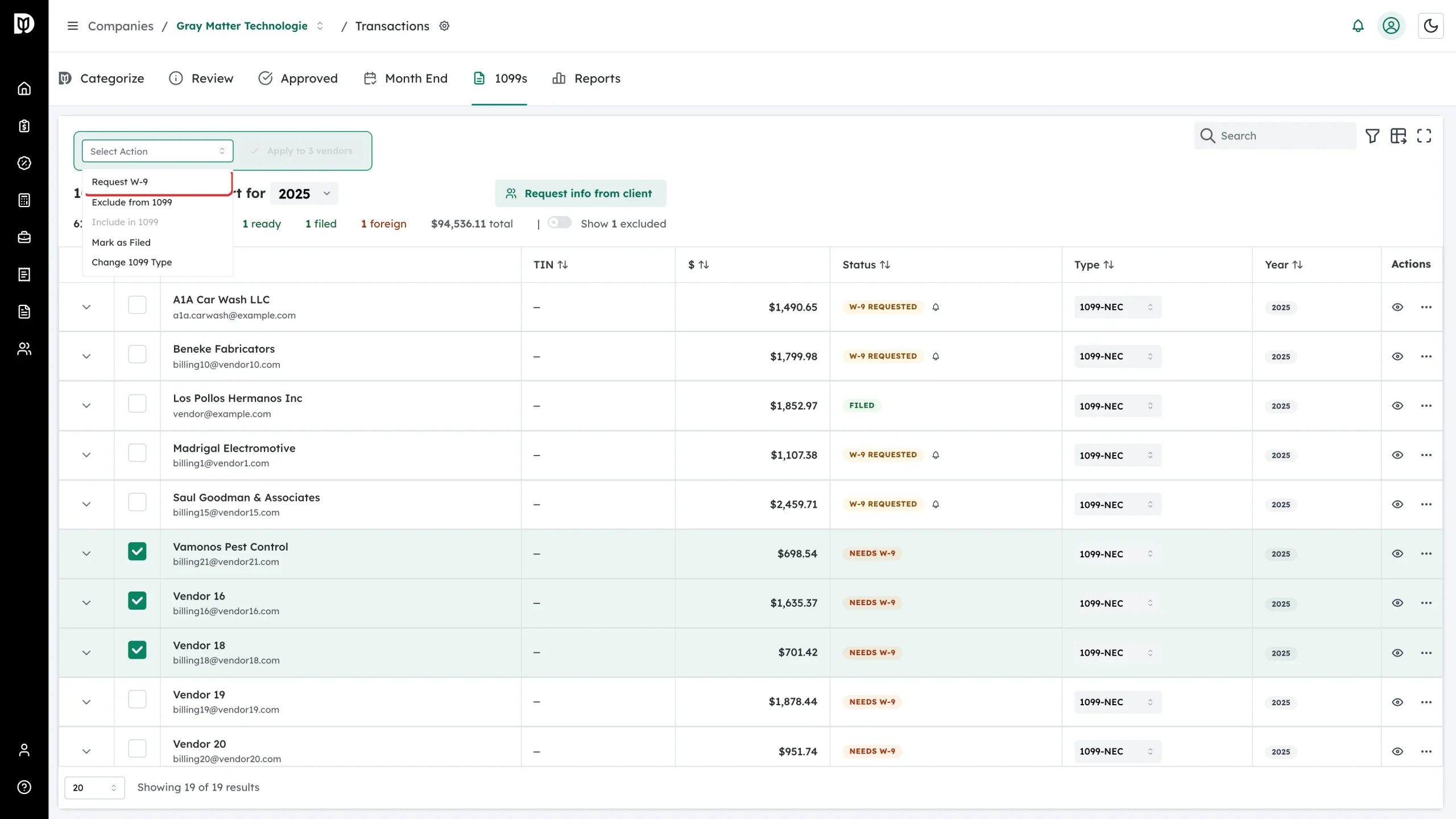
Choose Request W-9.
-
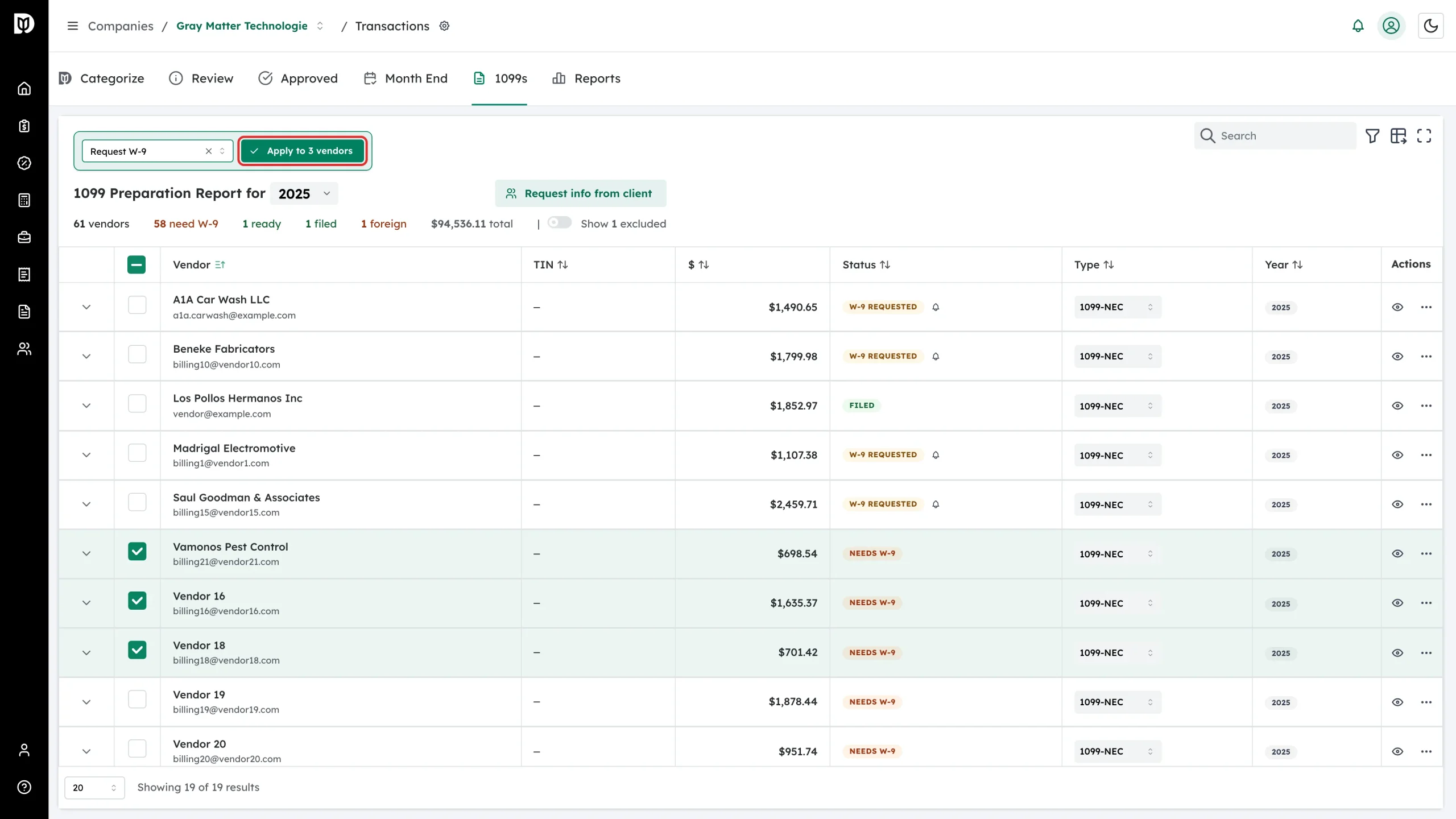
Click Apply to N vendors.
-
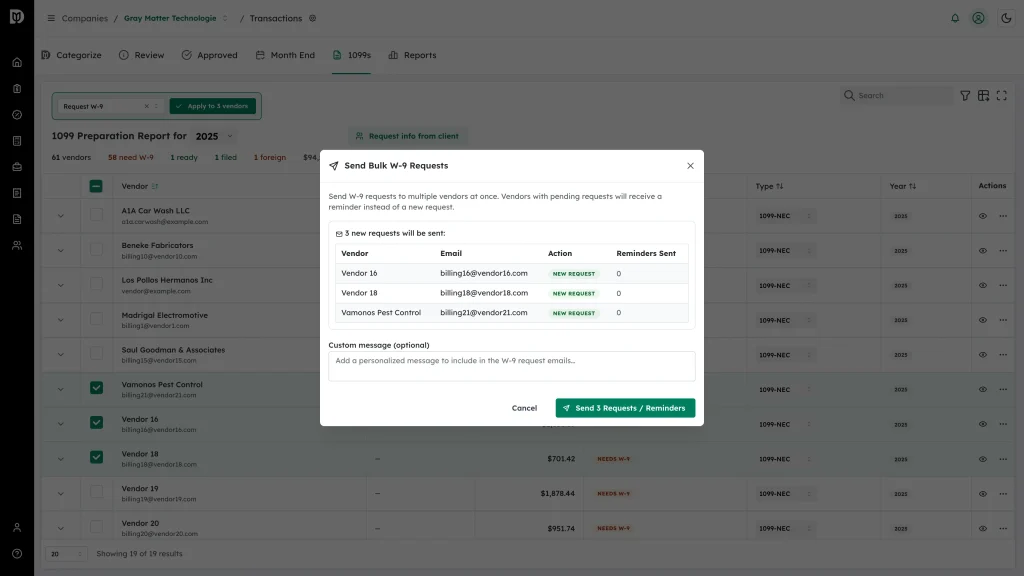
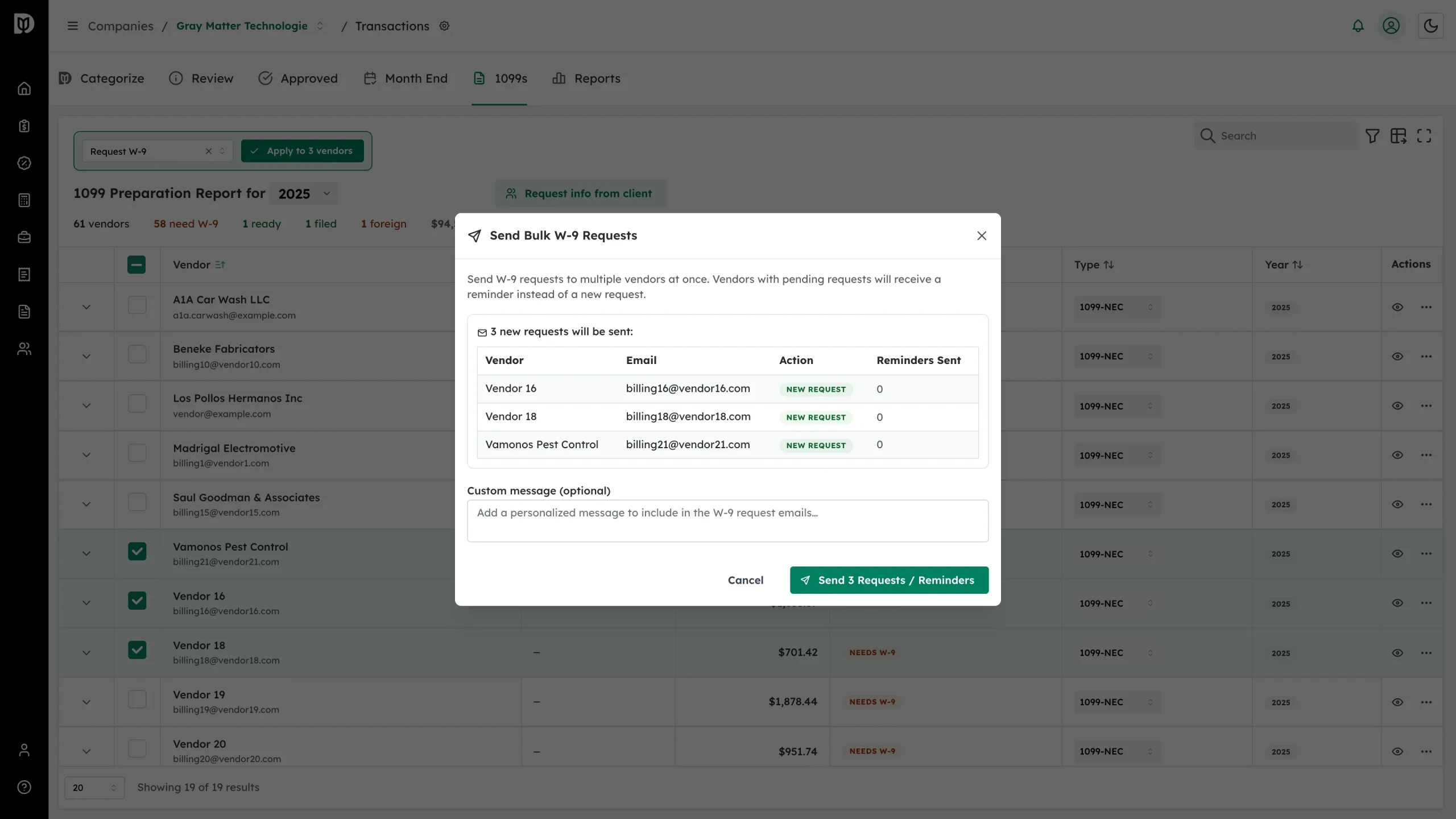
Check the list in the Send Bulk W-9 Requests window. Each vendor is marked New Request or Reminder — anyone with an unanswered request gets a reminder rather than a second request — along with how many reminders they have already had. Vendors that cannot be included are listed underneath.
-
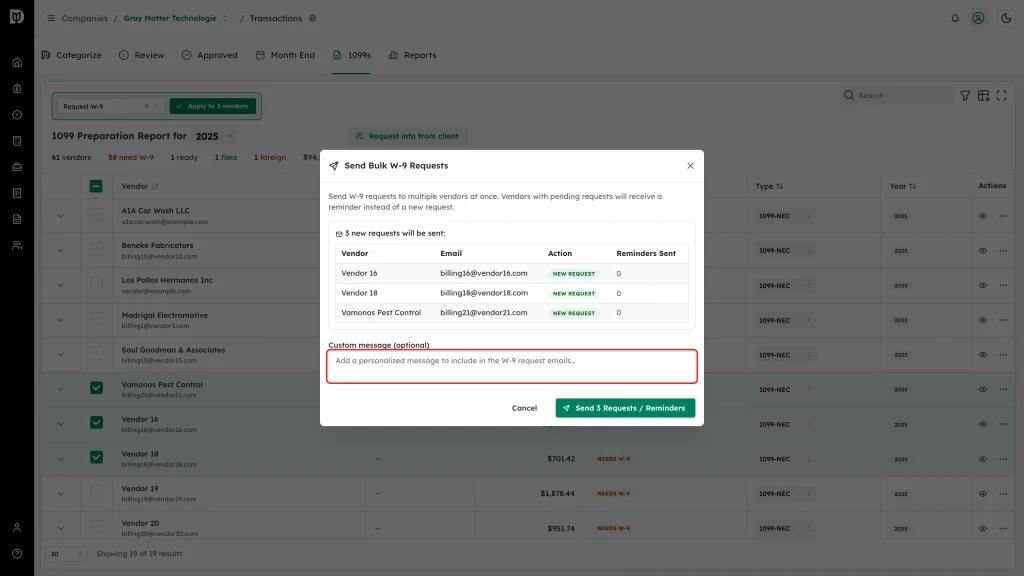
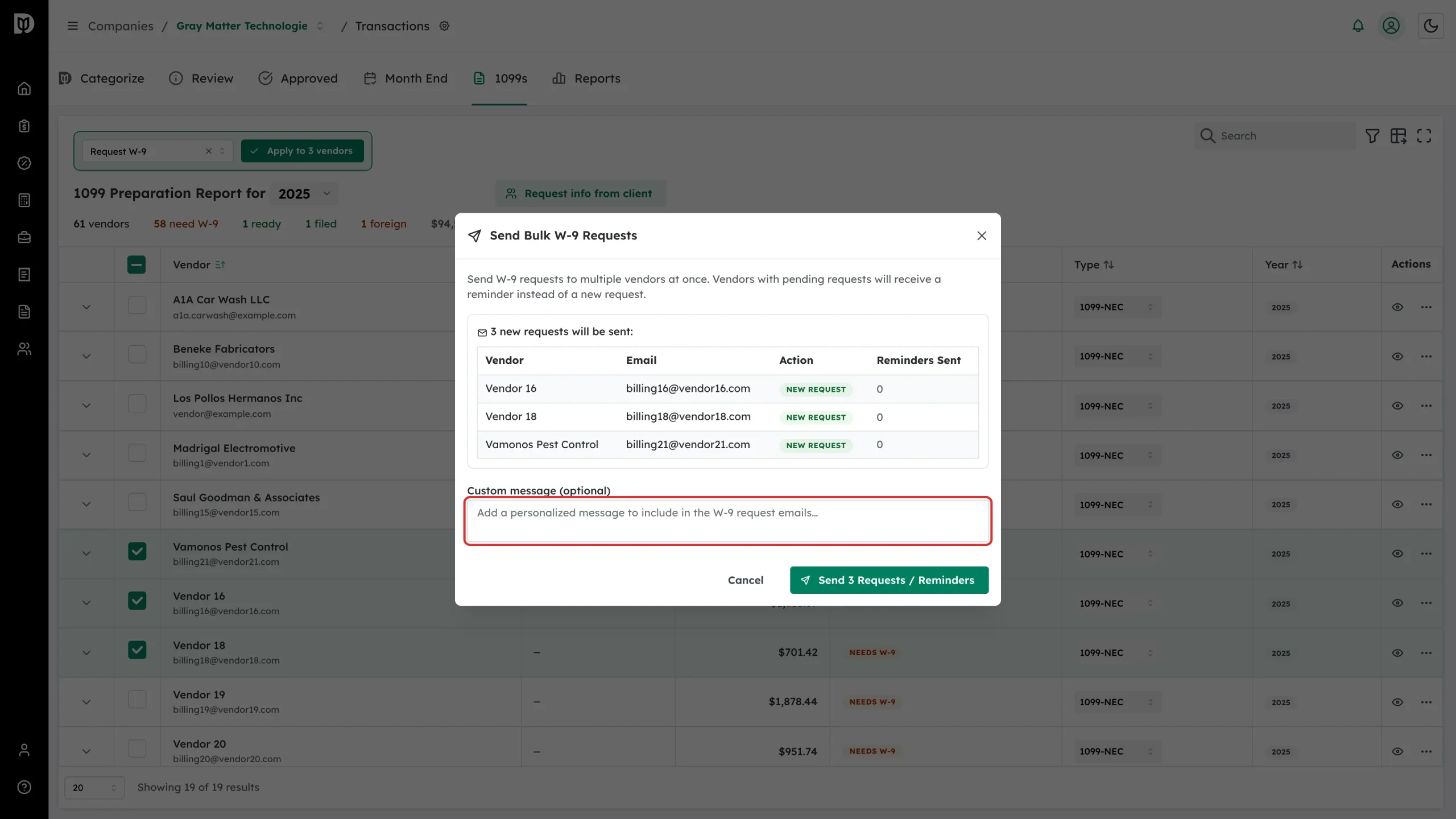
Add a Custom message if you want one. It goes into every email in this batch.
-
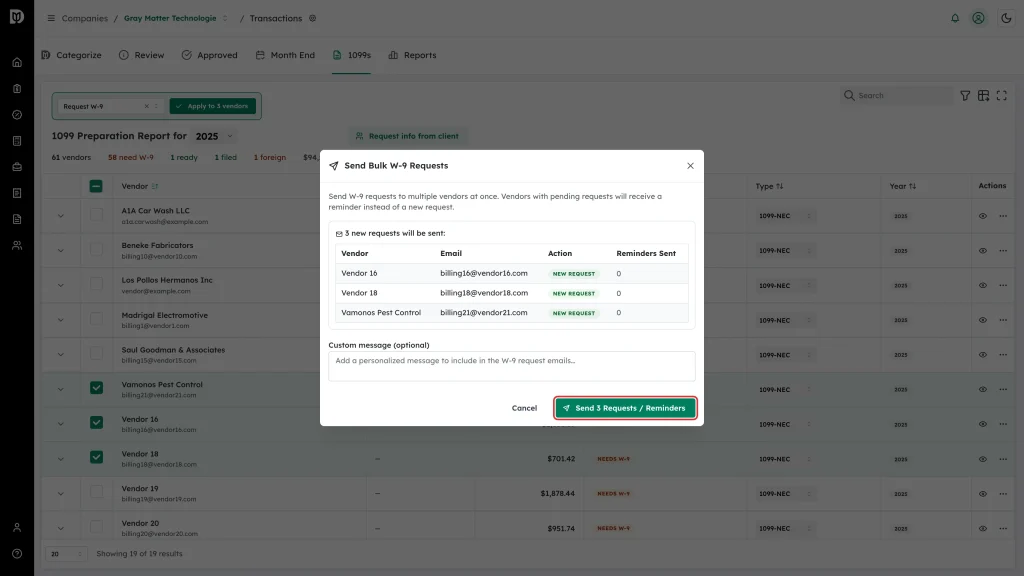
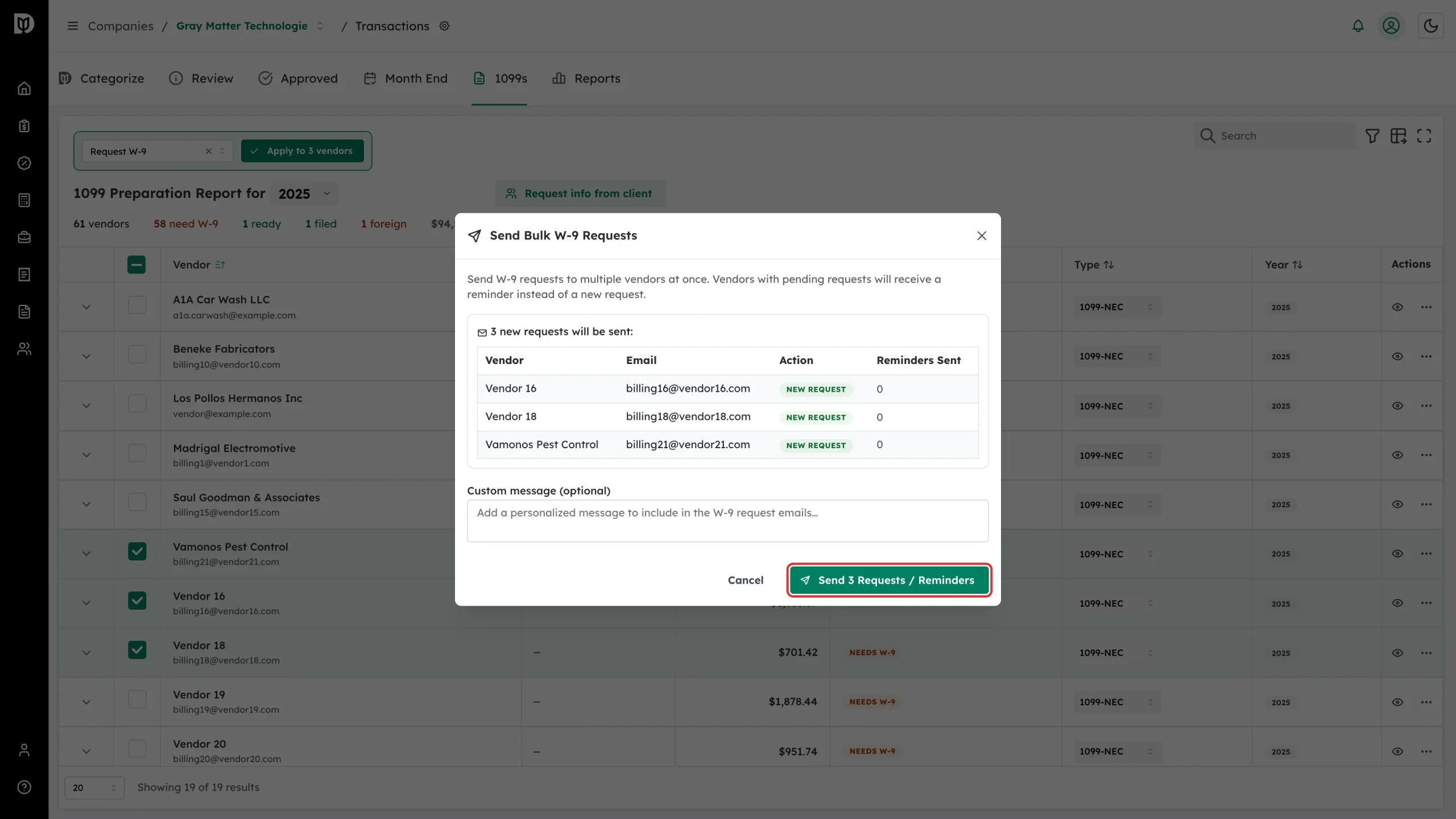
Click Send N Requests / Reminders.
Check the result
Debits reports back on the batch: how many requests were sent, how many reminders went out, and any that failed with the reason. Close the window and the rows show W-9 Requested.