The activity log is a record of what people have done in your Debits account: who signed in, who changed a permission, who created what. Use it to answer “who did this, and when?”.
Open the log
-
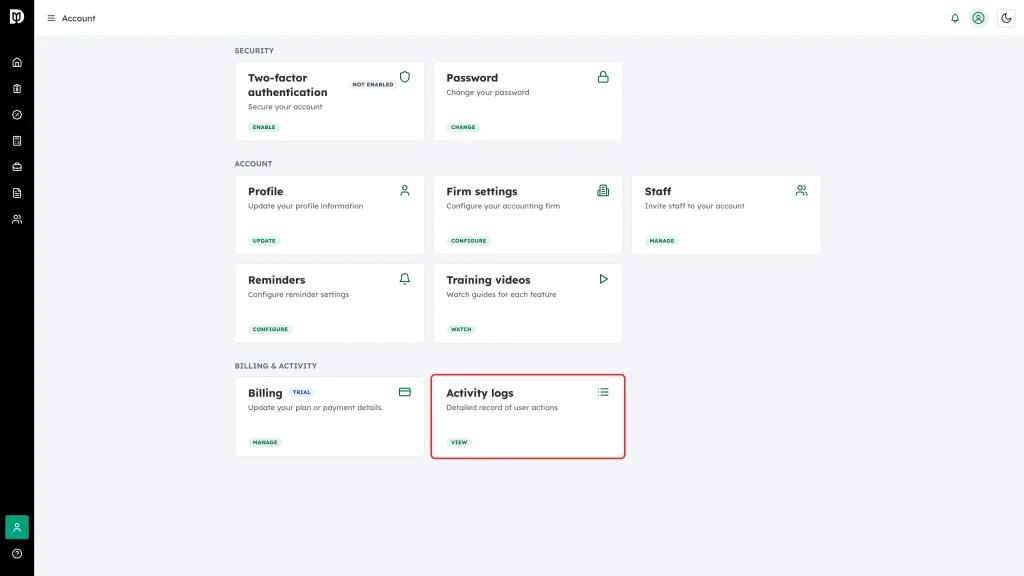
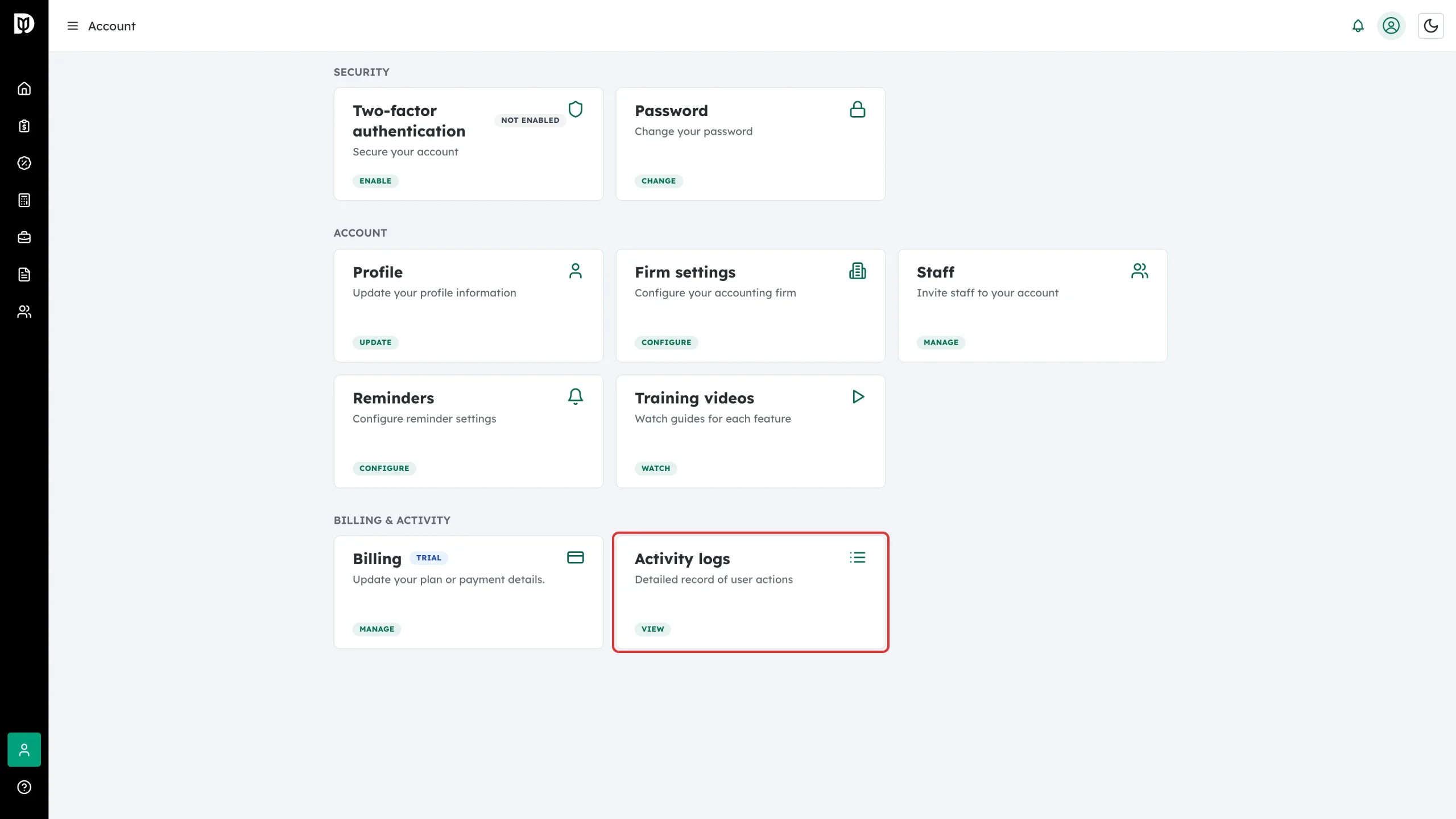
Open Account from the left sidebar and click View on the Activity logs card.
-
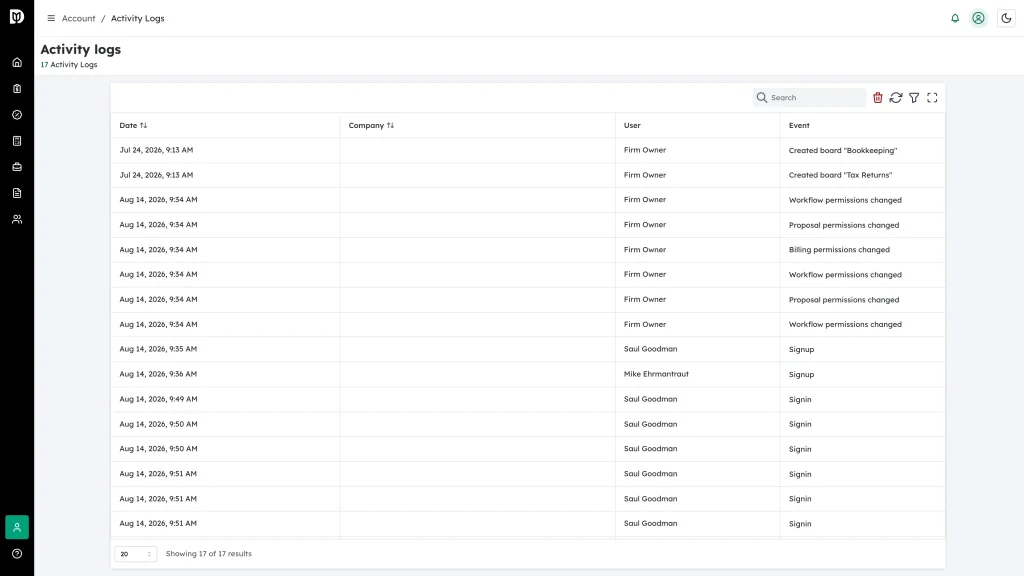
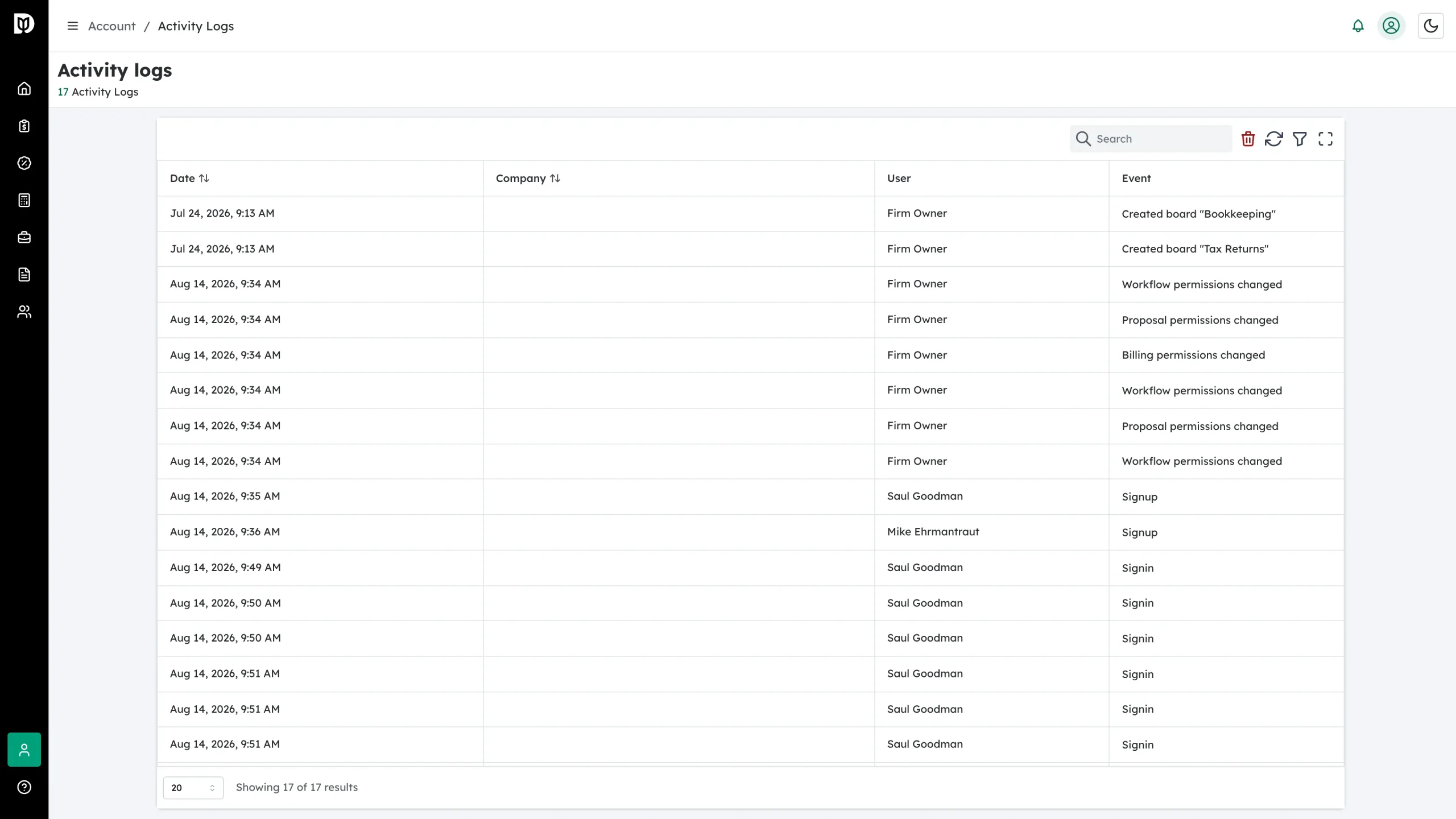
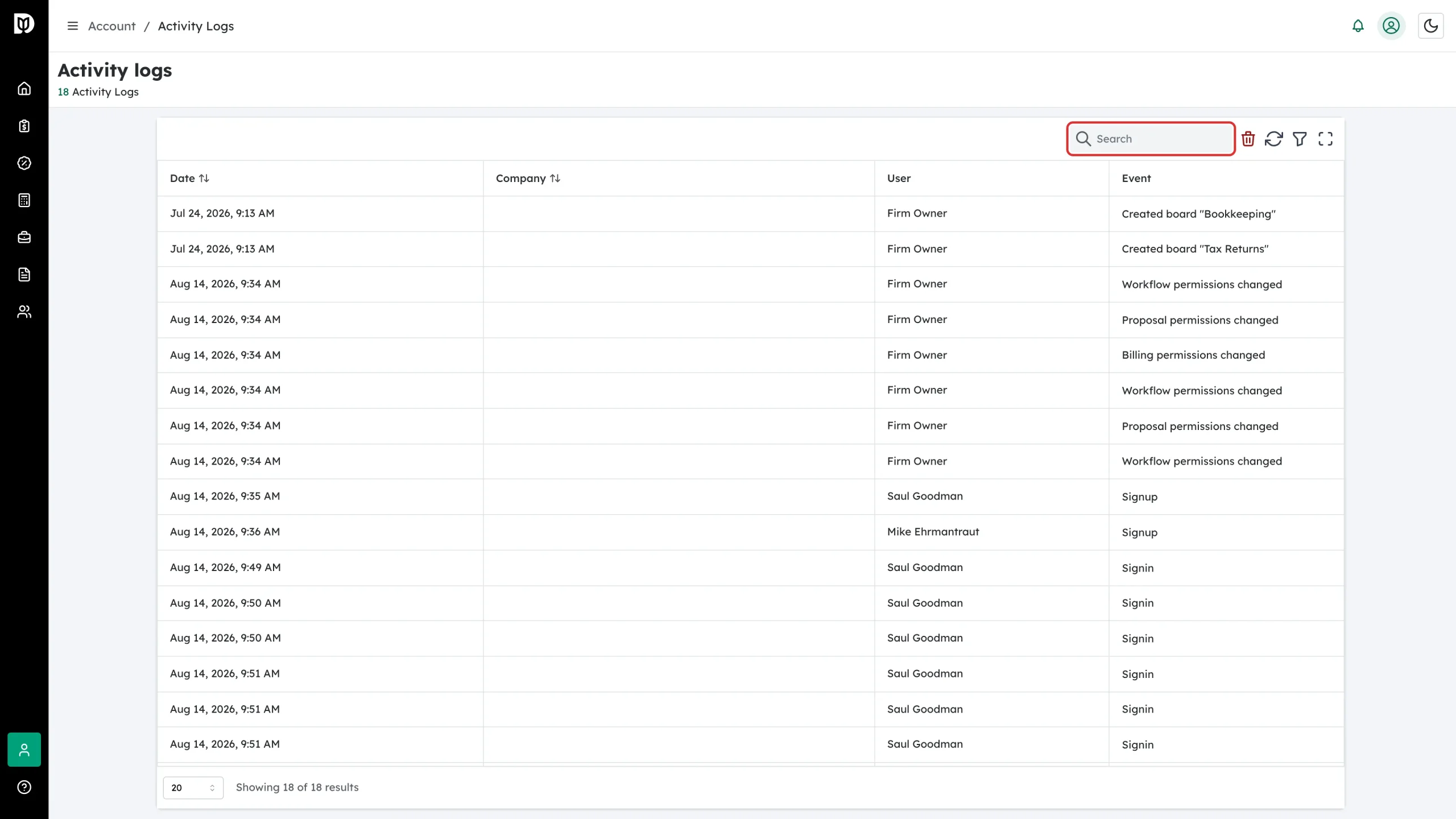
The Activity logs page opens with the total count under the title.
What each row tells you
- Date — the date and time of the action.
- Company — the client company it relates to, if any. Firm-level actions leave this blank.
- User — who did it.
- Event — what happened, for example Signin, Signup, Workflow permissions changed or Created board “Bookkeeping”.
Click any column heading to sort by it.
Find a specific entry
-
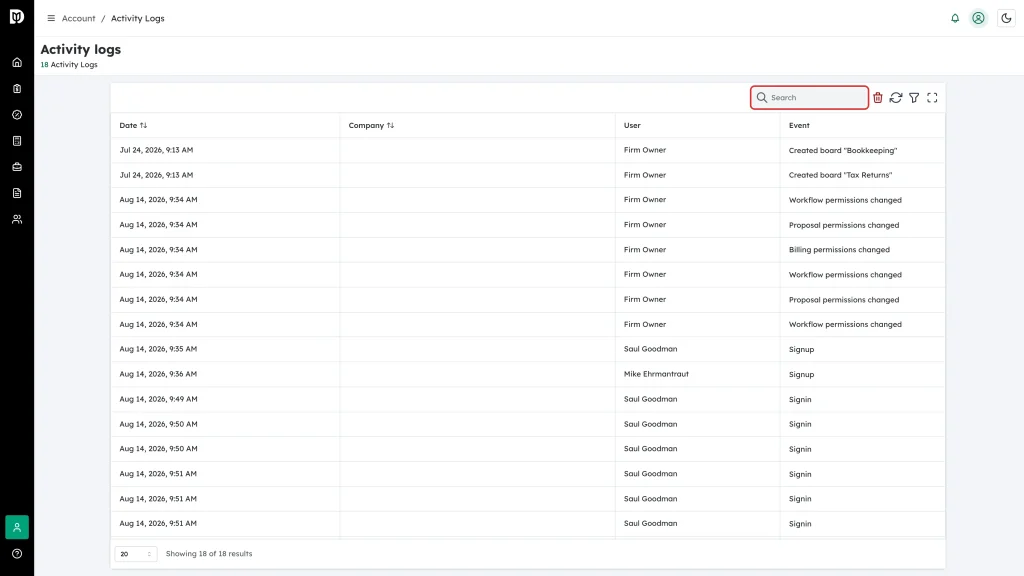
Type into Search at the top right to match on any part of a row.
-
Or click the funnel icon to filter by Date range, Company or User.
-
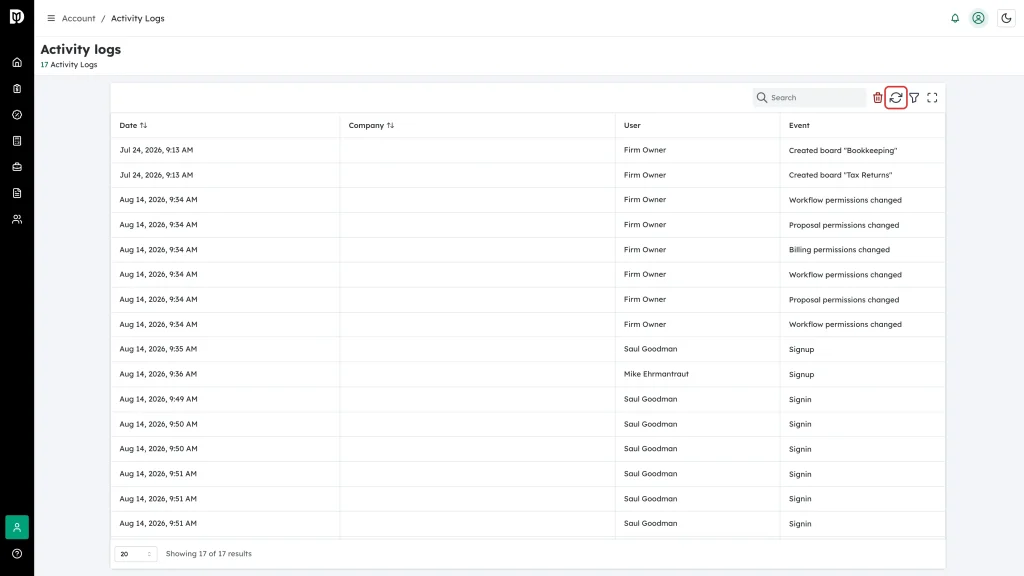
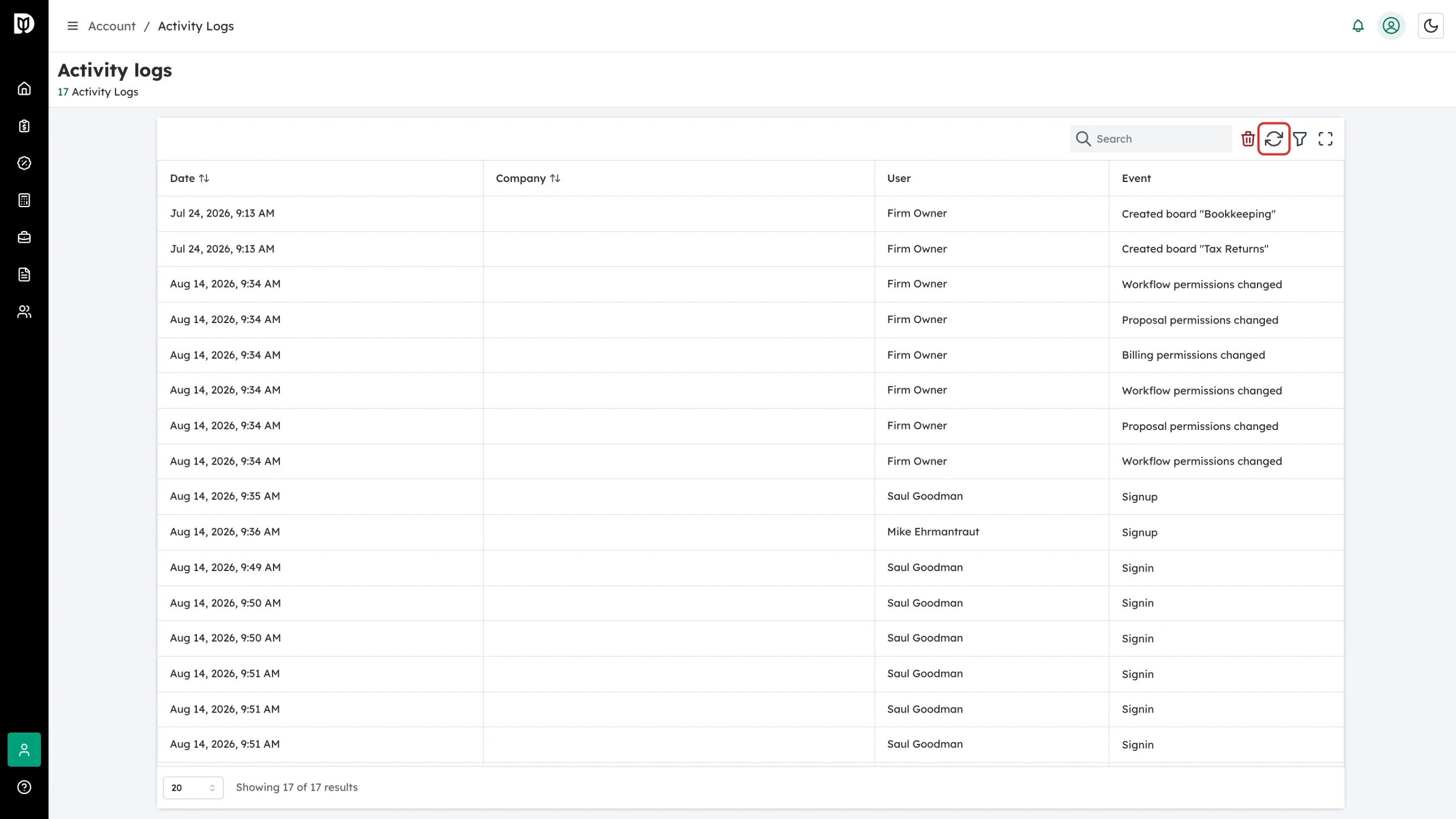
Click the refresh icon to pull in anything that happened since you opened the page.
The last icon in the toolbar opens the table full screen, which is useful when you are scanning a long list.
Clearing the log
The red bin icon is Clear all logs. It deletes every entry for your account and cannot be undone, so treat it as a last resort. Debits asks you to confirm first.