Debits ships a short video walkthrough for each major feature. They are the fastest way to get a new team member productive, and they live inside the app — you do not need a link from anyone.
From the dashboard
-
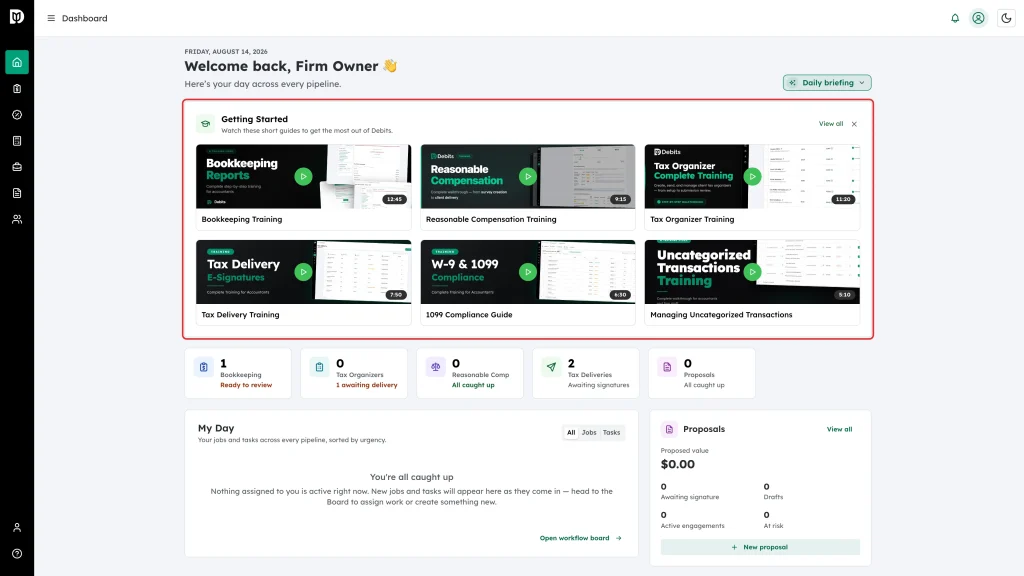
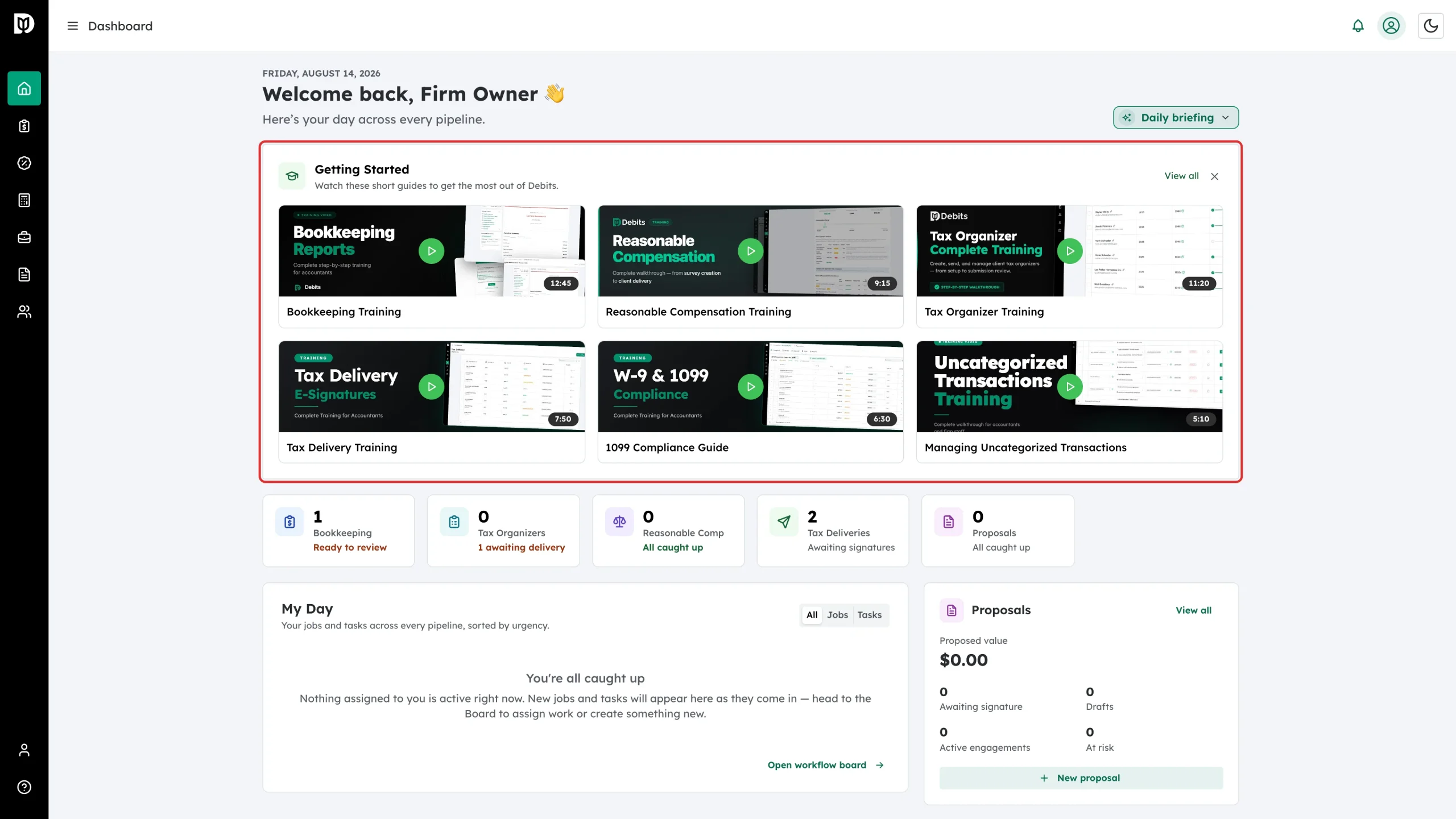
Open Dashboard. The Getting Started card sits at the top with the full set of guides.
-
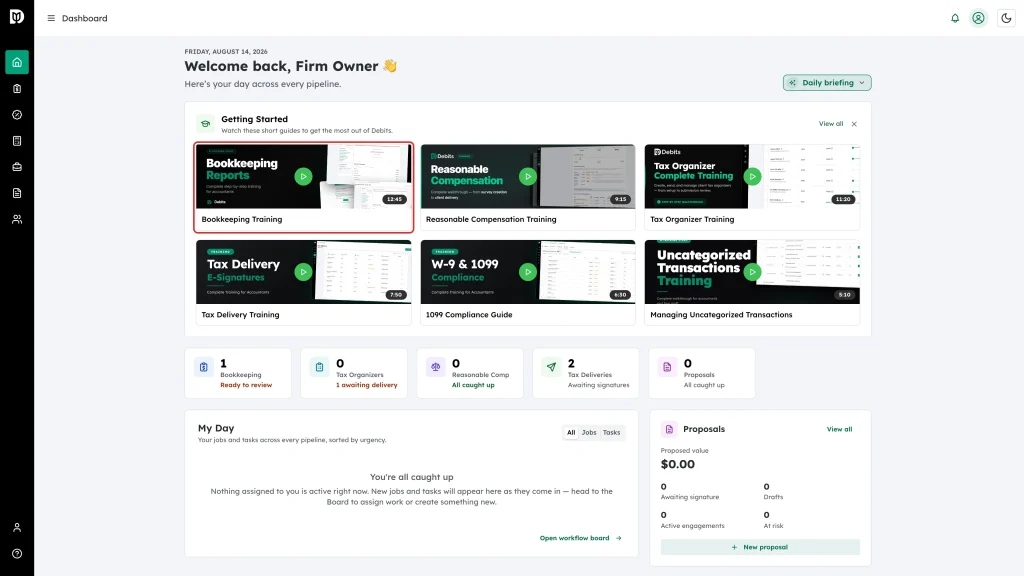
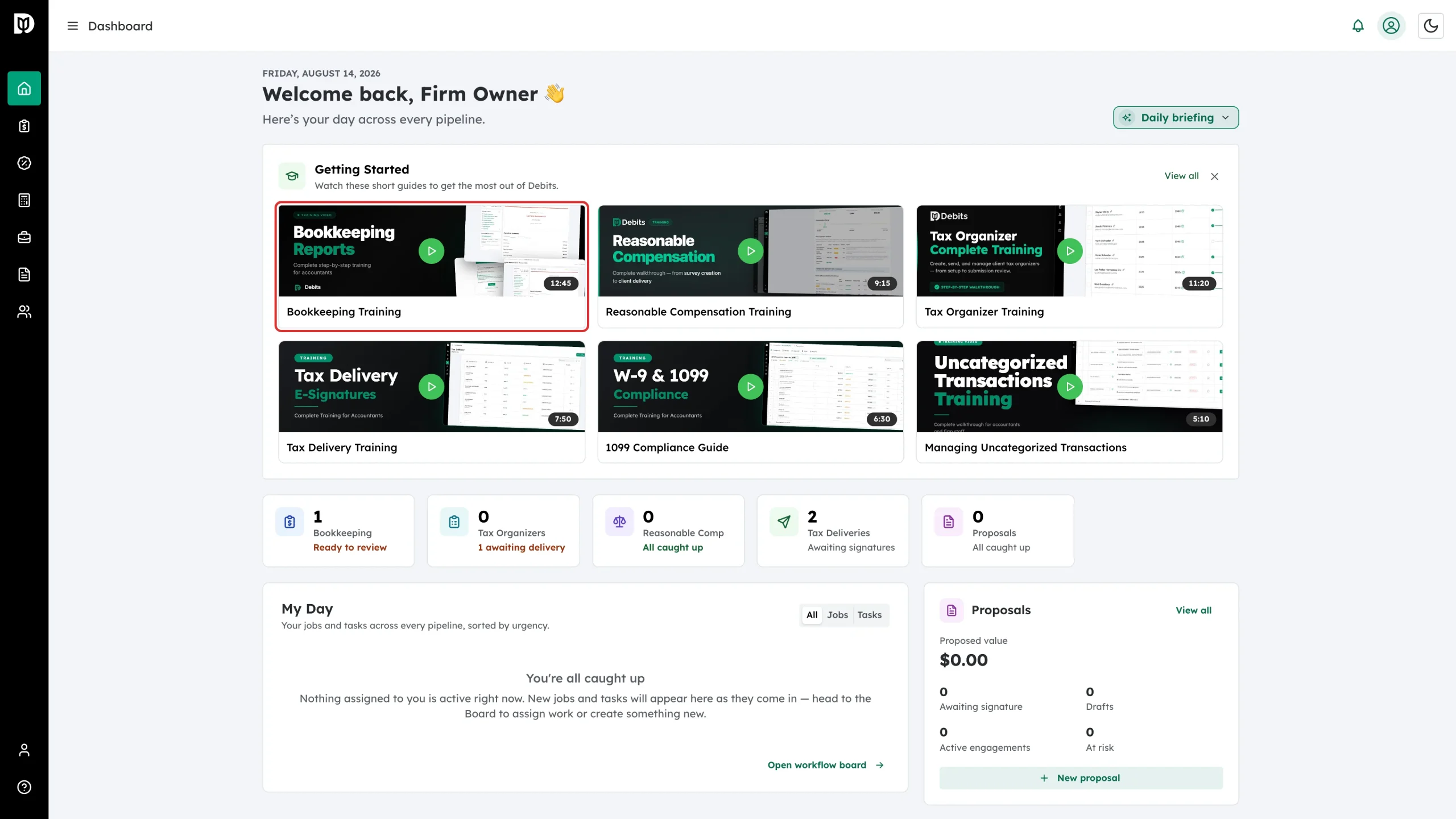
Click any thumbnail to play it. The run time is shown in the corner of each one.
Finished with the card? Click the × to hide it. View all takes you to the full library.
From the Account page
-
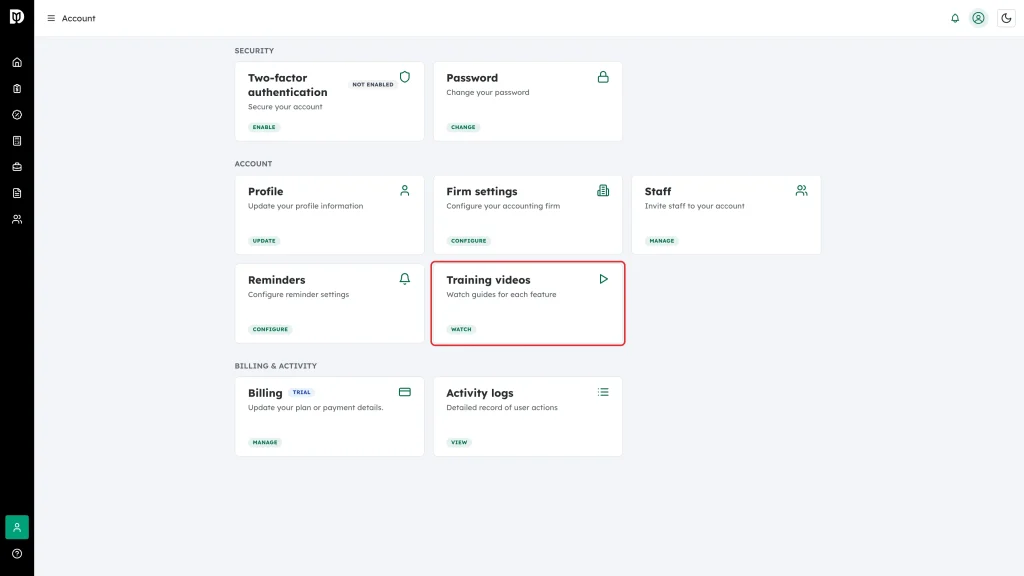
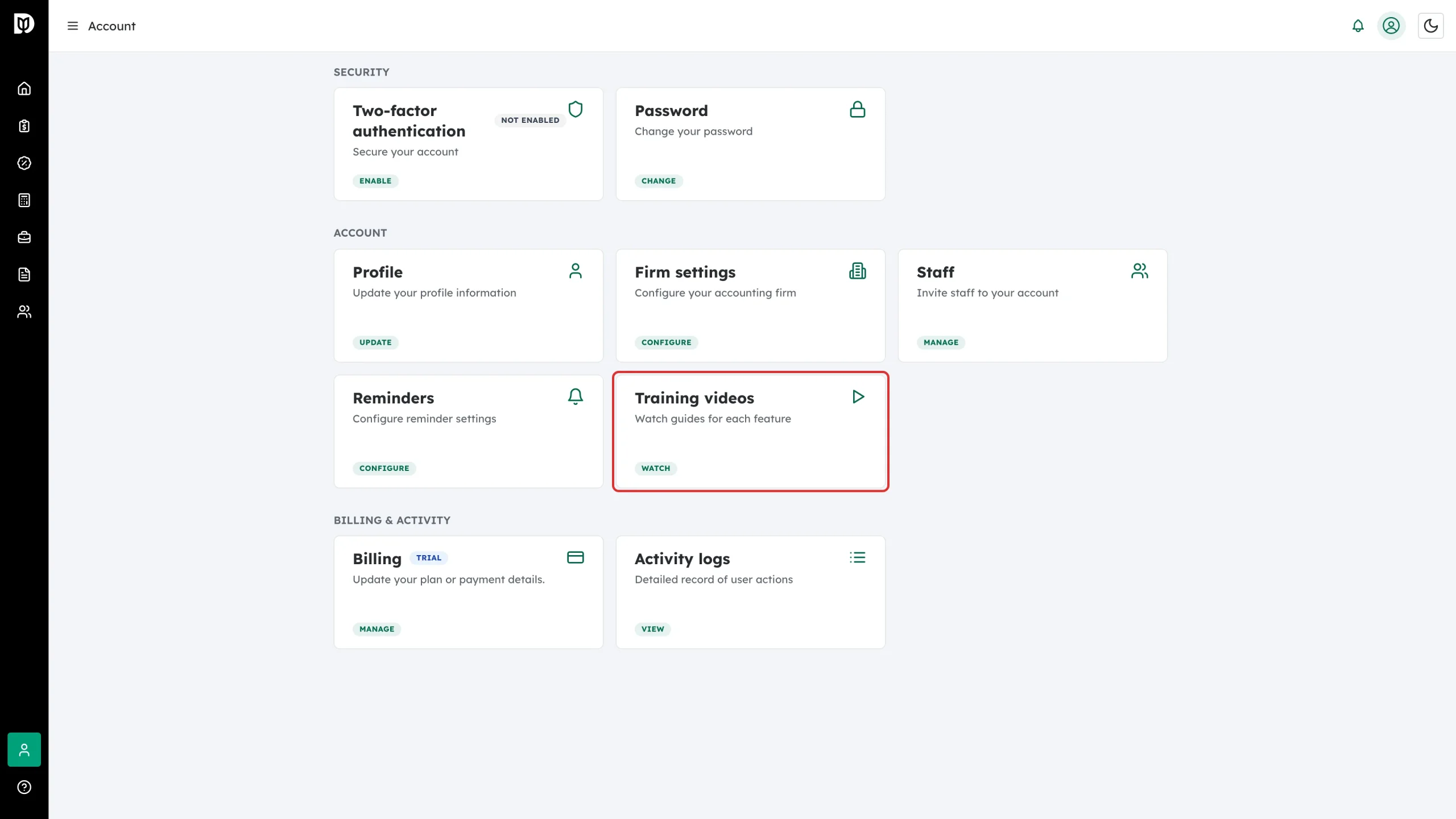
Open Account from the left sidebar and click Watch on the Training videos card.
-
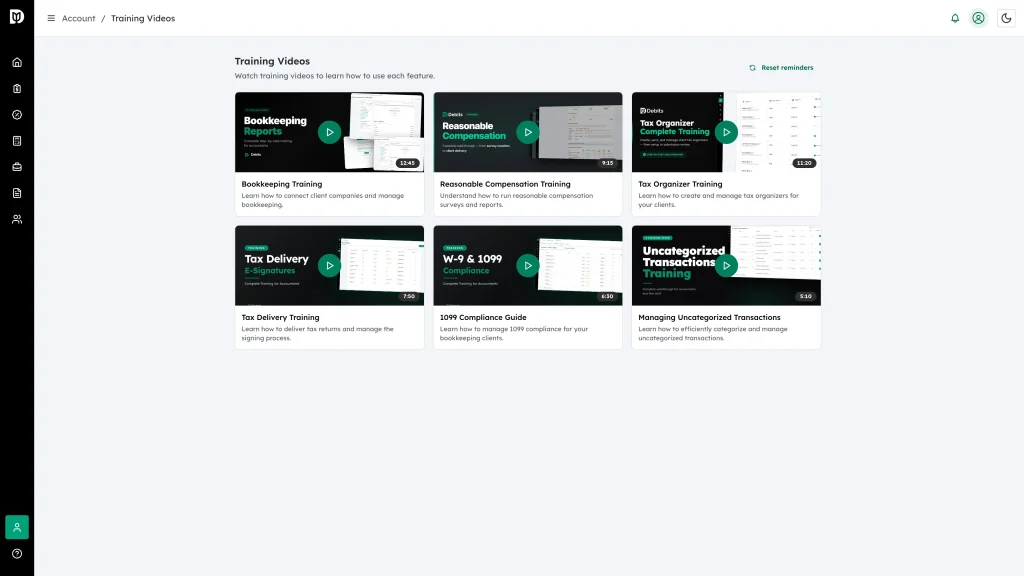
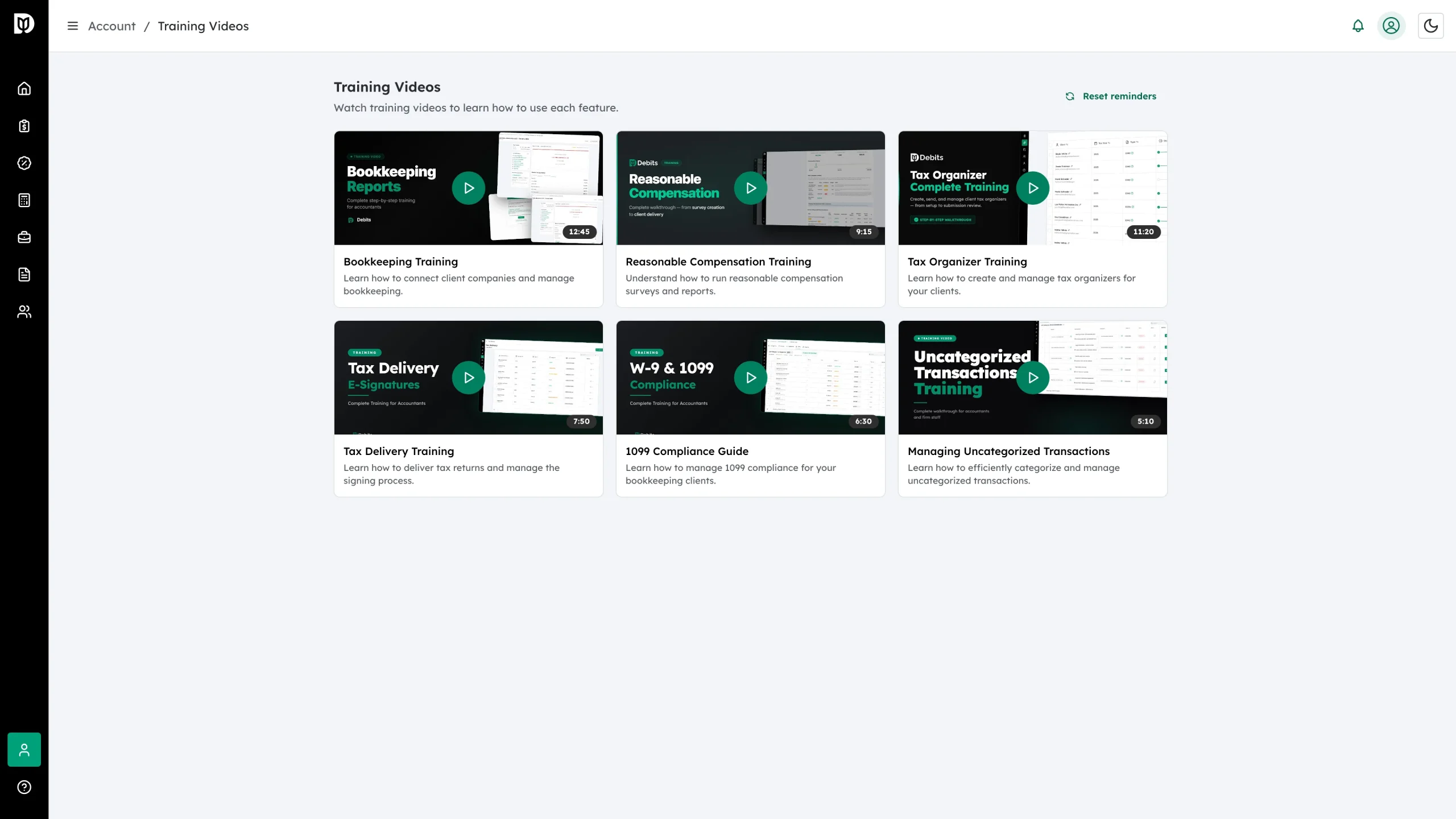
The Training Videos library opens. Each card shows the title, a one-line summary and the run time.
-
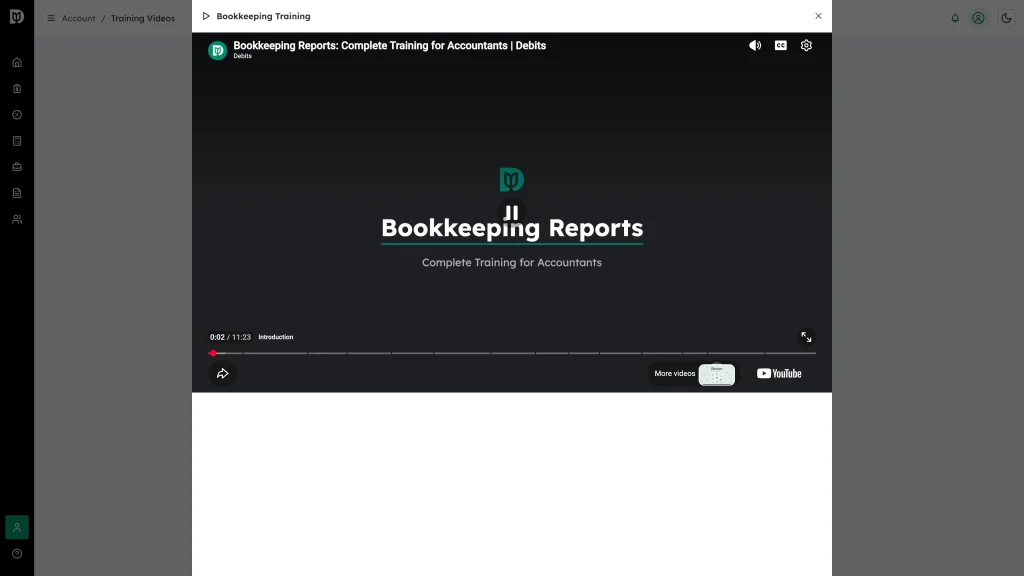
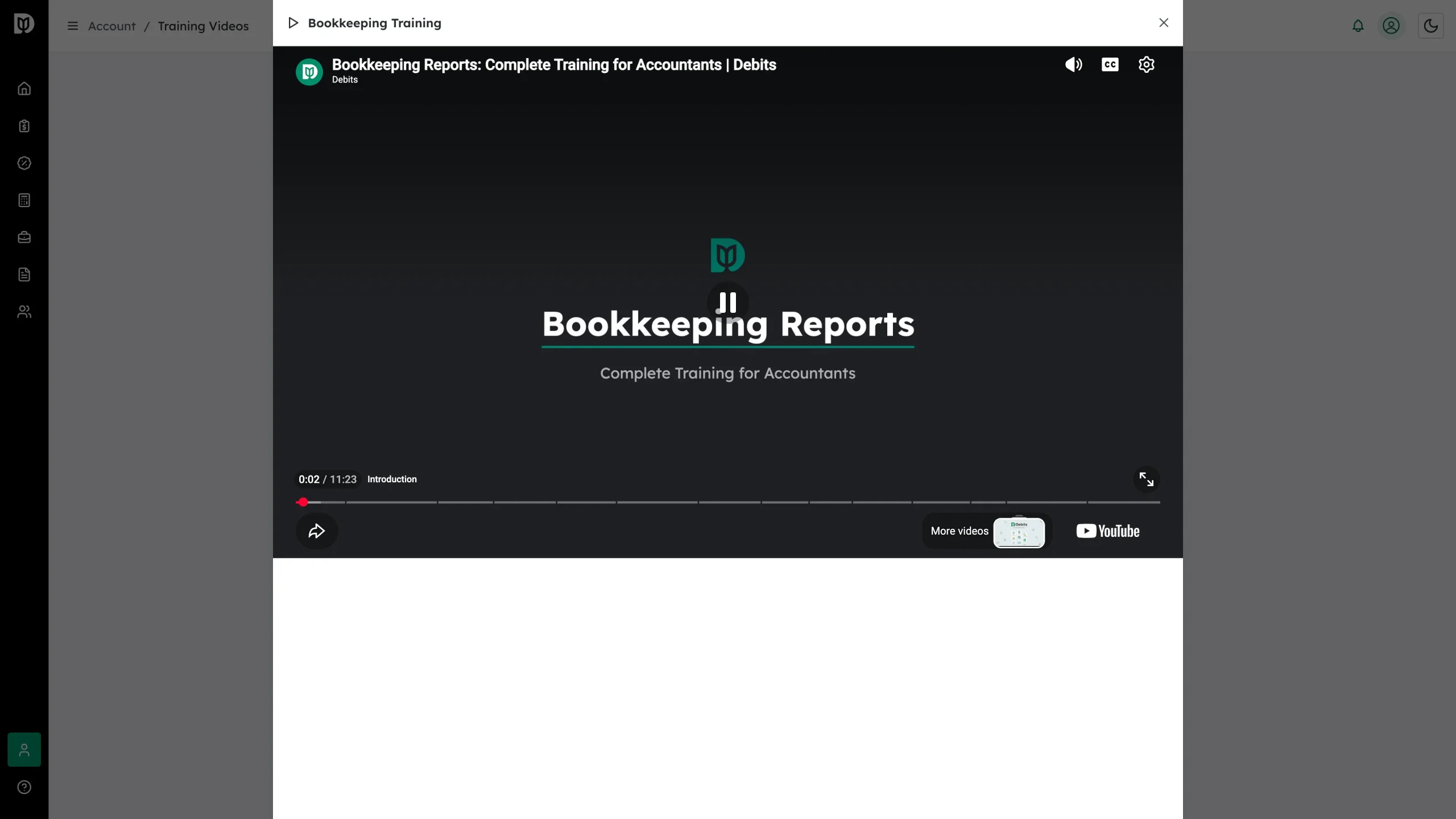
Click a card to play the video in a window over the page. Close it with the × when you are done.
What’s in the library
- Bookkeeping Training (12:45) — connect client companies and manage bookkeeping.
- Reasonable Compensation Training (9:15) — run reasonable compensation surveys and reports.
- Tax Organizer Training (11:20) — create and manage tax organizers for your clients.
- Tax Delivery Training (7:50) — deliver tax returns and manage the signing process.
- 1099 Compliance Guide (6:30) — manage 1099 compliance for your bookkeeping clients.
- Managing Uncategorized Transactions (5:10) — categorize and clear uncategorized transactions efficiently.
Good to know
- Training videos are for accountants and firm staff. Your clients never see them.
- Reset reminders at the top right of the library brings back the in-app prompts that point new users at a video.
- Every staff member you invite gets the same library on their own Account page.